.PSP 파일 확장자

PaintShop Pro Image

개발사 Corel
인기도
3.5  |  33 투표
 

PSP 파일이란 무엇인가요?

A PSP file is a bitmap image saved in the native Paint Shop Pro (PSP) format. It may include layers, guides, metadata, and other objects within the image. Corel replaced the PSP format with the .PSPIMAGE format when it released version 8 of Paint Shop Pro (now PaintShop Pro).

추가 정보

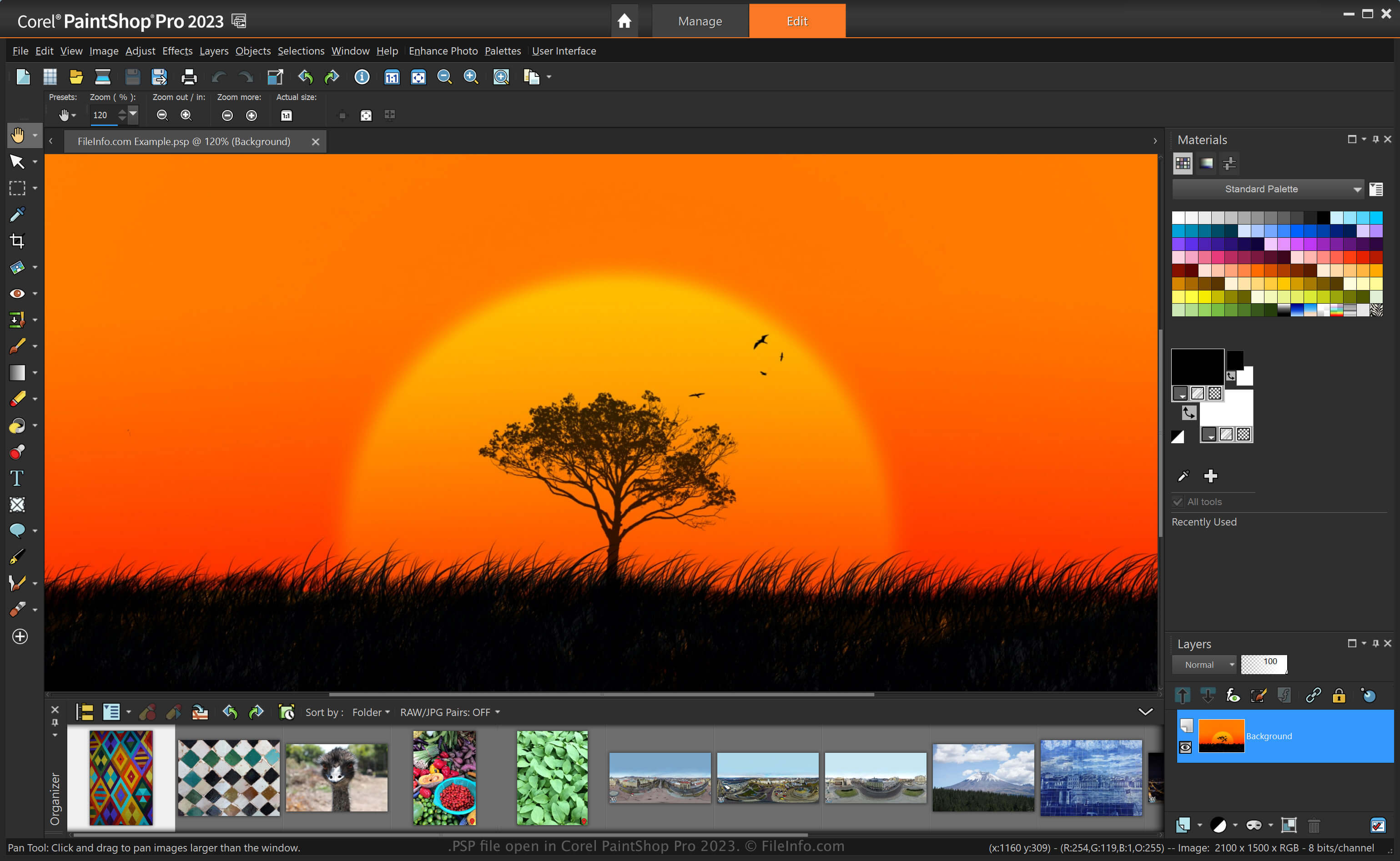
Corel PaintShop Pro 2023에서 열린 .psp 파일의 스크린샷
Corel PaintShop Pro 2023에서 열린 PSP 파일

PaintShop Pro, often called "PSP," is an image editor that provides similar capabilities to Adobe Photoshop. For example, it allows you to edit images and digital photos with various tools and includes beginner-friendly and advanced workspaces.

Before being replaced by the PSPIMAGE format when Corel released version 8 of Paint Shop Pro, the PSP format was the native format for saving images with the application. After saving an image as a PSP file, you can close it and re-open it to continue editing it.

How to create a PSP file with PaintShop Pro

While Corel replaced the PSP format with the PSPIMAGE format, PaintShop Pro can still save images as PSP files. To create a PSP file with PaintShop Pro:

  1. Select File → New.
  2. Edit the image.
  3. Select File → Save or Save As.

참고: Jasc Software developed PaintShop Pro before Corel acquired it in 2004.

PSP 파일을 여는 방법

You can open a PSP file with Corel PaintShop Pro (Windows) by selecting File → Open. You can also open PSP files with other image editors, such as the 32-bit version of CorelDRAW Graphics Suite (Windows and macOS) and ACD Systems Canvas (Windows).

PSP 파일을 변환하는 방법

Various applications, such as Corel PaintShop Pro and CorelDRAW Graphics Suite, can convert PSP files to other formats.

For example, PaintShop Pro can convert a PSP file to various image file types, including the following formats:

  • .PSPIMAGE - PaintShop Pro Image
  • .JPG - JPEG Image
  • .PNG - Portable Network Graphic
  • .BMP - Bitmap Image
  • .EMF - Enhanced Windows Metafile
  • .EPS - Encapsulated PostScript File
  • .TIF - Tagged Image File
  • .GIF - Graphical Interchange Format File
  • .TGA - Targa Graphic
  • .WMF - Windows Metafile
  • .PSD - Windows Metafile
File Viewer Plus(으)로 400개 이상의 파일 형식을 여세요.무료 다운로드

PSP 파일을 여는 프로그램

Windows
무료 체험판
무료 체험판
무료 체험판
Mac

PL/SQL Server Page

개발사 Oracle
인기도
3.5  |  16 투표
 

Web page that contains code written in the Procedural Language/Structured Query Language (PL/SQL); includes SQL database commands that use Oracle's proprietary PL/SQL syntax; used for dynamically accessing database information when generating Web page content.

추가 정보

PSP pages can be viewed in a Web browser. However the user will only see the content generated by the server, not the actual PL/SQL code.

PSP 파일을 여는 프로그램

Windows
Create with Oracle Database software
View in a Web browser
Edit with a text editor
Mac
View in a Web browser
Edit with a text editor
카테고리:
업데이트: 2008-04-29

Pixel Studio Project

개발사 Hippo Games
인기도
4.0  |  2 투표
 

A PSP file is a project file created by Hippo Games Pixel Studio, a multiplatform pixel art editor. It contains a layer-based pixel art image. Pixel Studio allows users to save PSP files locally, to cloud storage, or to the Hippo Games Pixel Network.

추가 정보

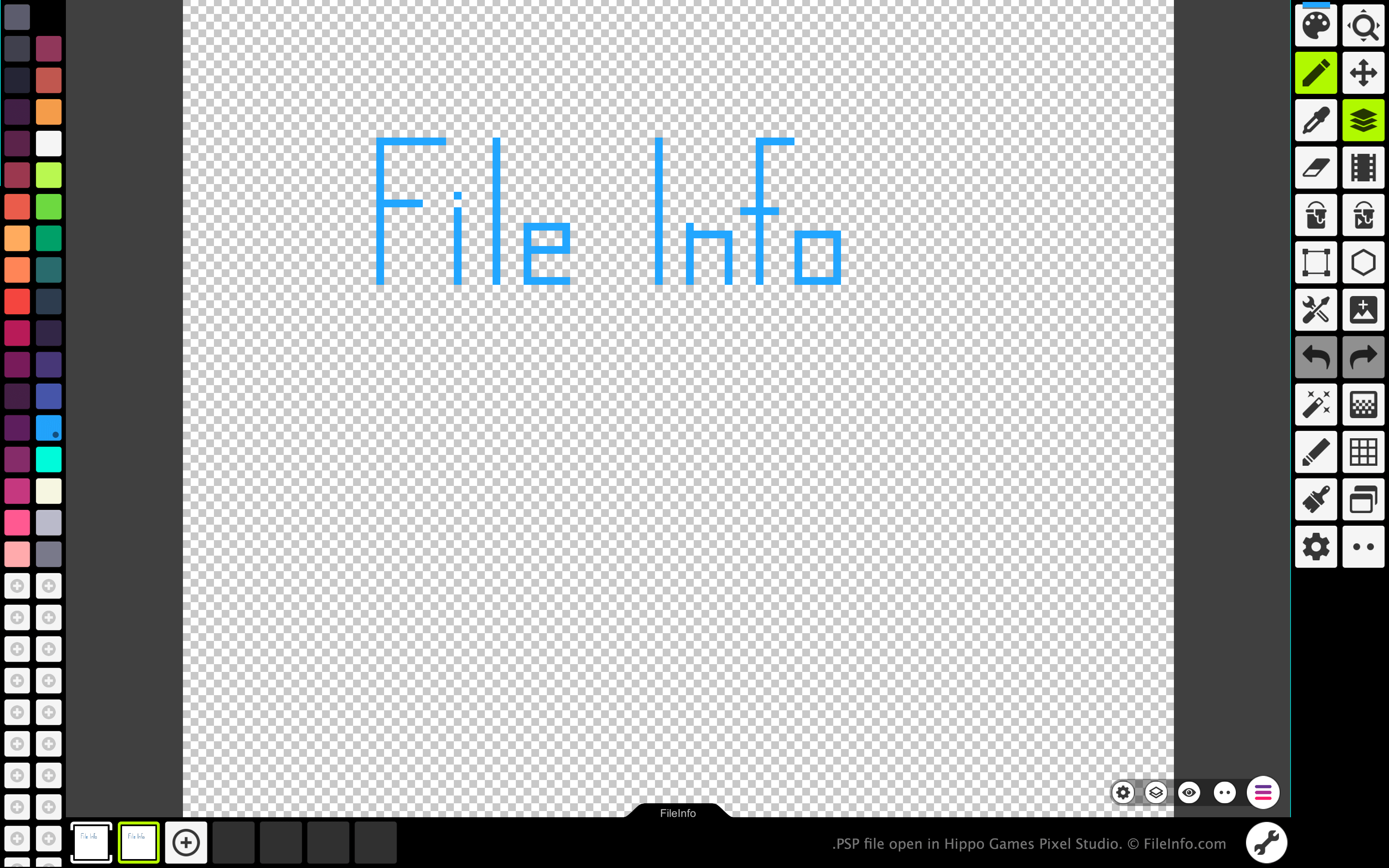
Hippo Games Pixel Studio에서 열린 .psp 파일의 스크린샷
Hippo Games Pixel Studio에서 열린 PSP 파일

Pixel Studio allows pixel artists and video game developers to create pixel-based sprites and animations. The program is available for Windows, macOS, Android, and iOS, in both free and paid versions.

In all versions of Pixel Studio, artists can save the images and animations they've created as PSP files. The PSP format retains all of an image's layers, frames, and edit history. This allows Pixel Studio users to continue editing each of their image or animation's layers and frames, even after exiting Pixel Studio.

PSP 파일을 여는 방법

You can open a PSP file with Hippo Games Pixel Studio (multiplatform). To do so:

  1. Select the three lines menu button that appears in the app's bottom-right corner.
  2. Select Open.
  3. Navigate to and open your PSP file.

PSP 파일을 변환하는 방법

You can use the paid version of Pixel Studio to convert the image or animation a PSP file contains to the following formats:

  • .AI - Adobe Illustrator Artwork
  • .EPS - Encapsulated PostScript
  • .EXR - OpenEXR Image
  • .HEIC - High Efficiency Image
  • .PDF - Portable Document Format
  • .SVG - Scalable Vector Graphic
  • .WEBP - WebP Image
  • .PSD - Photoshop Document

PSP 파일을 여는 프로그램

Photoshop Preferences File

개발사 Adobe Systems
인기도
2.2  |  5 투표
 

Application preferences file created by Adobe Photoshop, a professional graphics editing application; saves settings for the actions panel, editing and painting tools, and othr general settings; used for saving user preferences.

추가 정보

For Mac OS X, Photoshop settings are stored here:

[user]/​Library/​Preferences/​Adobe Photoshop CS6 Settings/​

In Windows, Photoshop settings are stored here:

[user]\​AppData\​Roaming\​Adobe\​Adobe Photoshop CS6\​Adobe Photoshop CS6 Settings\​

PSP 파일을 여는 프로그램

Windows
무료 체험판
무료 체험판
Mac
무료 체험판
무료 체험판
카테고리: 설정
업데이트: 2018-12-04

검증자 FileInfo.com

FileInfo.com 팀 이 페이지에 나열된 모든 파일 형식과 소프트웨어 프로그램을 독자적으로 조사했습니다. 저희의 목표는 100% 정확성이며, 검증한 파일 유형에 대한 정보만 게시합니다.

이 페이지에 추가하거나 업데이트할 내용을 제안하고 싶으시면 알려 주세요.