

.PSP Extension de fichier
Image PaintShop Pro
| Développeur | Corel |
| Popularité |
3,5 | 33 Votes |
Qu'est-ce qu'un fichier PSP ?
Un fichier PSP est une image bitmap enregistrée au format natif Paint Shop Pro (PSP). Il peut inclure des calques, des repères, des métadonnées et d'autres objets dans l'image. Corel a remplacé le format PSP par le format .PSPIMAGE lors de la sortie de la version 8 de Paint Shop Pro (désormais PaintShop Pro).
Plus d'informations
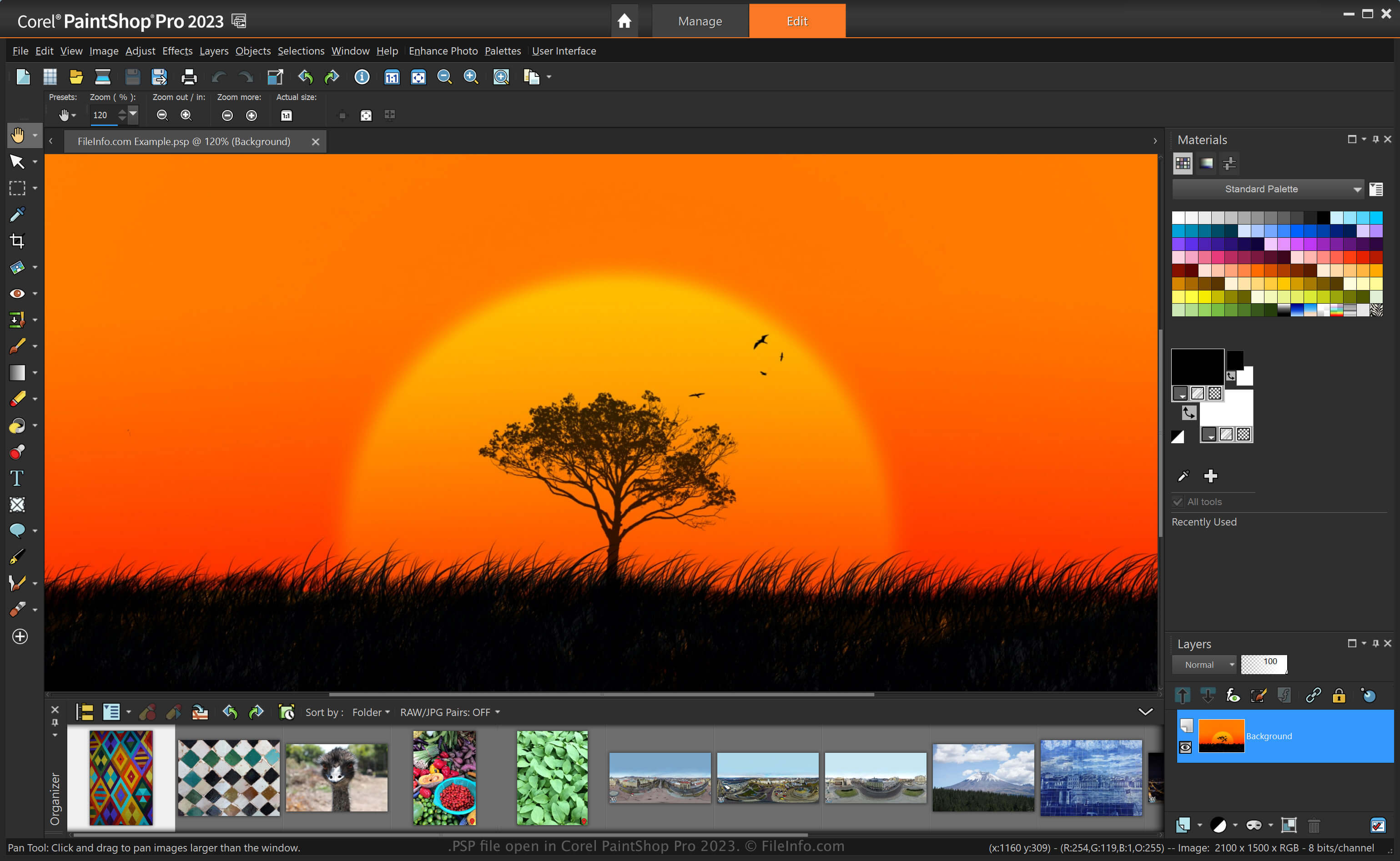
PaintShop Pro, souvent appelé « PSP », est un éditeur d'images qui offre des fonctionnalités similaires à celles d'Adobe Photoshop. Par exemple, il vous permet de modifier des images et des photos numériques avec divers outils, et inclut des espaces de travail adaptés aux débutants ainsi que des espaces de travail avancés.
Avant d'être remplacé par le format PSPIMAGE lors de la sortie de la version 8 de Paint Shop Pro par Corel, le format PSP était le format natif utilisé par l'application pour enregistrer les images. Après avoir enregistré une image au format PSP, vous pouvez la fermer, puis la rouvrir pour continuer à la modifier.
Comment créer un fichier PSP avec PaintShop Pro
Bien que Corel ait remplacé le format PSP par le format PSPIMAGE, PaintShop Pro peut toujours enregistrer les images au format PSP. Pour créer un fichier PSP avec PaintShop Pro :
- Sélectionnez .
- Modifiez l'image.
- Sélectionnez ou .
REMARQUE : Jasc Software a développé PaintShop Pro avant que Corel ne l'acquière en 2004.
Comment ouvrir un fichier PSP
Vous pouvez ouvrir un fichier PSP avec Corel PaintShop Pro (Windows) en sélectionnant . Vous pouvez également ouvrir des fichiers PSP avec d'autres éditeurs d'images, comme la version 32 bits de CorelDRAW Graphics Suite (Windows et macOS) et ACD Systems Canvas (Windows).
Comment convertir un fichier PSP
Diverses applications, telles que Corel PaintShop Pro et CorelDRAW Graphics Suite, peuvent convertir les fichiers PSP dans d'autres formats.
Par exemple, PaintShop Pro peut convertir un fichier PSP en différents types de fichiers image, notamment dans les formats suivants :
- .PSPIMAGE - Image PaintShop Pro
- .JPG - Image JPEG
- .PNG - Graphique réseau portable
- .BMP - Image bitmap
- .EMF - Métafichier Windows amélioré
- .EPS - Fichier PostScript encapsulé
- .TIF - Fichier image balisé
- .GIF - Fichier au format d'échange graphique
- .TGA - Image Targa
- .WMF - Métafichier Windows
- .PSD - Métafichier Windows
Programmes qui ouvrent les fichiers PSP
Projet Pixel Studio
| Développeur | Hippo Games |
| Popularité |
4,0 | 2 Votes |
Un fichier PSP est un fichier de projet créé par Hippo Games Pixel Studio, un éditeur de pixel art multiplateforme. Il contient une image en pixel art basée sur des calques. Pixel Studio permet aux utilisateurs d'enregistrer les fichiers PSP localement, dans un stockage cloud ou sur le Hippo Games Pixel Network.
Plus d'informations
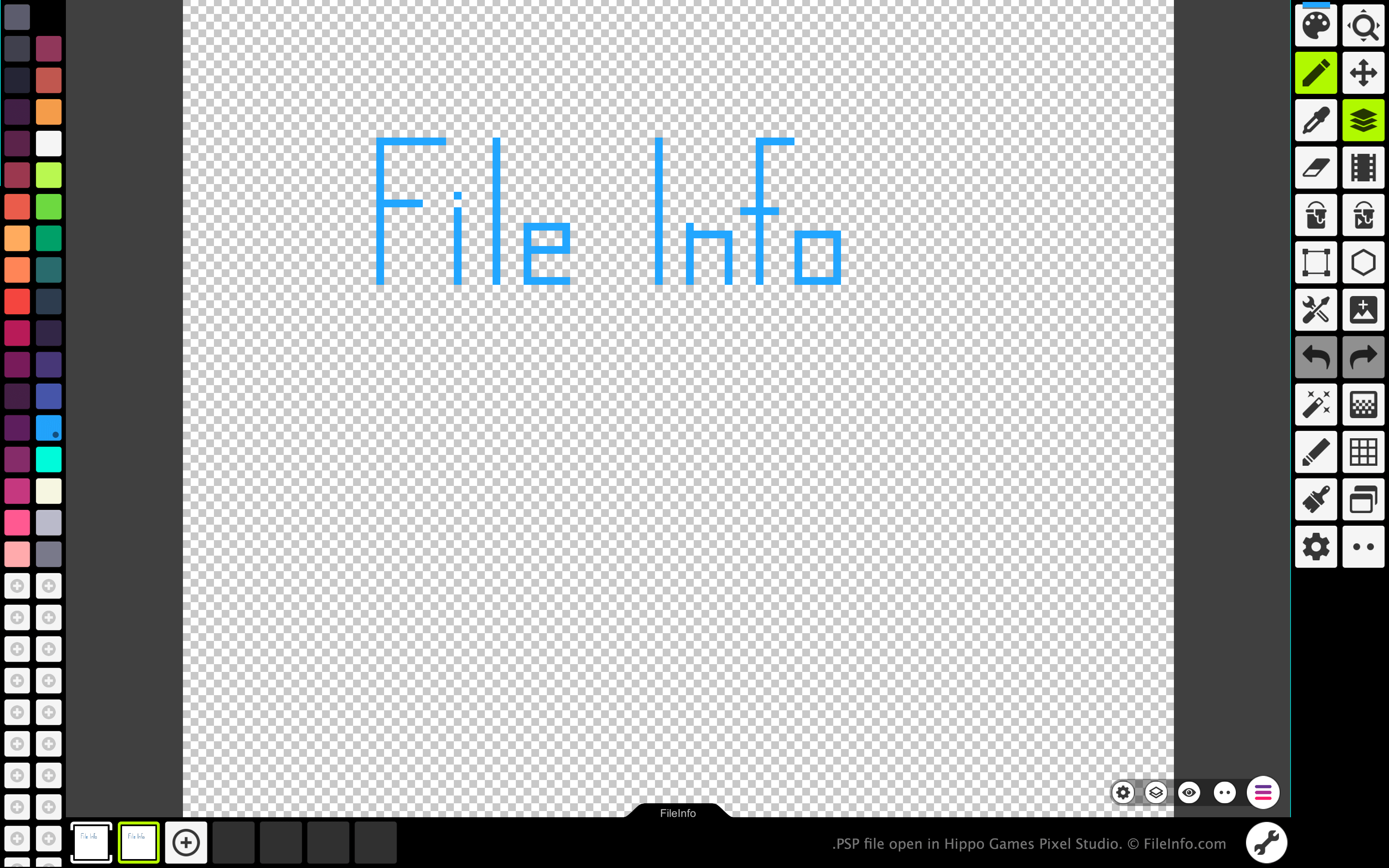
Pixel Studio permet aux artistes spécialisés dans le pixel art et aux développeurs de jeux vidéo de créer des sprites et des animations basés sur des pixels. Le programme est disponible pour Windows, macOS, Android et iOS, en versions gratuite et payante.
Dans toutes les versions de Pixel Studio, les artistes peuvent enregistrer les images et les animations qu'ils ont créées sous forme de fichiers PSP. Le format PSP conserve tous les calques, toutes les images et tout l'historique des modifications d'une image. Cela permet aux utilisateurs de Pixel Studio de continuer à modifier chacun des calques et chacune des images de leurs images ou animations, même après avoir quitté Pixel Studio.
Comment ouvrir un fichier PSP
Vous pouvez ouvrir un fichier PSP avec Hippo Games Pixel Studio (multiplateforme). Pour ce faire :
- Sélectionnez le bouton du menu à trois lignes qui apparaît dans le coin inférieur droit de l'application.
- Sélectionnez .
- Accédez à votre fichier PSP et ouvrez-le.
Comment convertir un fichier PSP
Vous pouvez utiliser la version payante de Pixel Studio pour convertir l'image ou l'animation contenue dans un fichier PSP aux formats suivants :