

.PSP Estensione file
Immagine PaintShop Pro
| Sviluppatore | Corel |
| Popolarità |
3,5 | 33 Voti |
Che cos'è un file PSP?
Un file PSP è un'immagine bitmap salvata nel formato nativo Paint Shop Pro (PSP). Può includere livelli, guide, metadati e altri oggetti all'interno dell'immagine. Corel ha sostituito il formato PSP con il formato .PSPIMAGE quando ha rilasciato la versione 8 di Paint Shop Pro (ora PaintShop Pro).
Maggiori informazioni
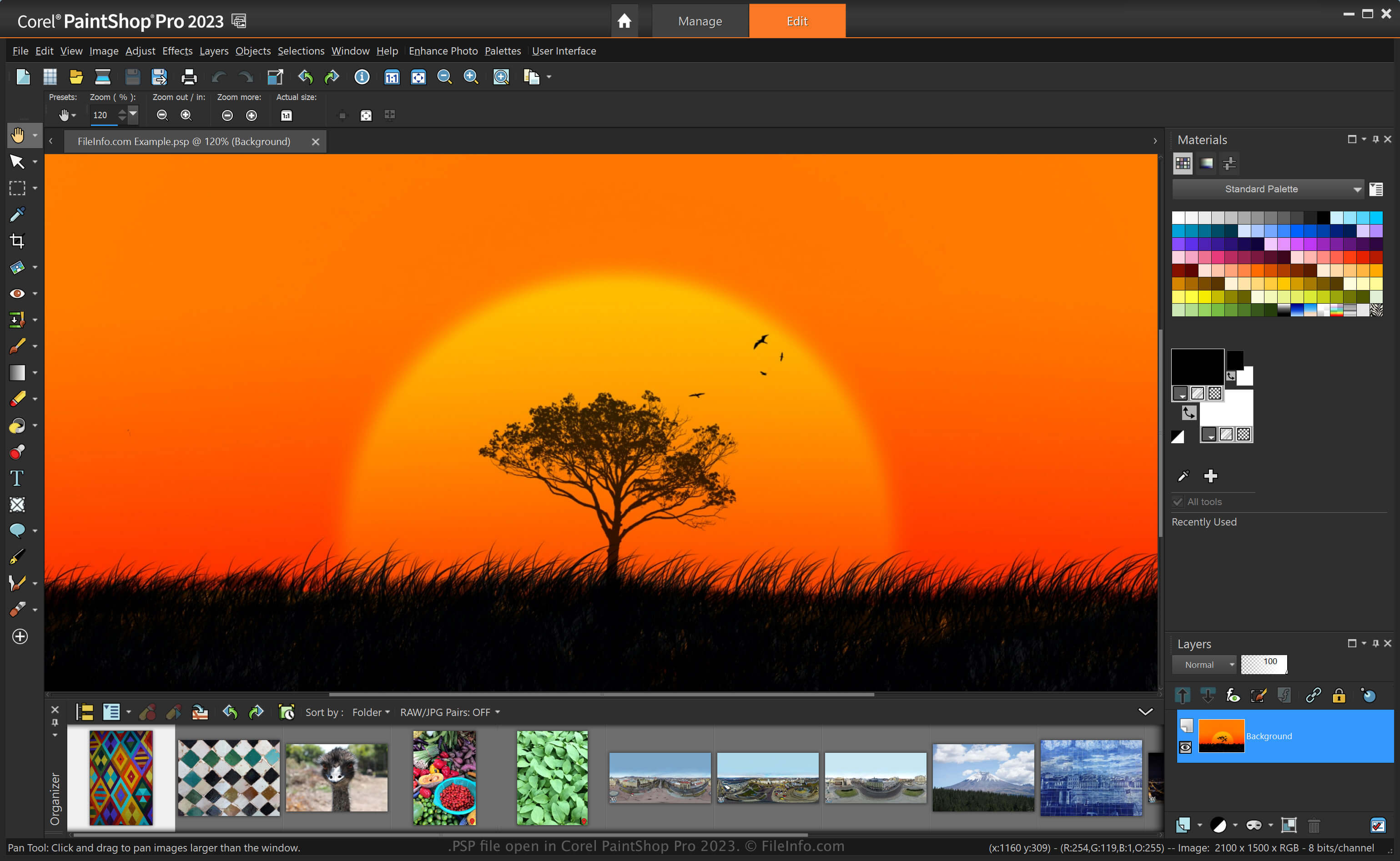
PaintShop Pro, spesso chiamato "PSP", è un editor di immagini che offre funzionalità simili a Adobe Photoshop. Ad esempio, consente di modificare immagini e foto digitali con vari strumenti e include aree di lavoro per principianti e utenti avanzati.
Prima di essere sostituito dal formato PSPIMAGE quando Corel ha rilasciato la versione 8 di Paint Shop Pro, il formato PSP era il formato nativo per salvare le immagini con l'applicazione. Dopo aver salvato un'immagine come file PSP, puoi chiuderla e riaprirla per continuare a modificarla.
Come creare un file PSP con PaintShop Pro
Sebbene Corel abbia sostituito il formato PSP con il formato PSPIMAGE, PaintShop Pro può ancora salvare le immagini come file PSP. Per creare un file PSP con PaintShop Pro:
- Seleziona .
- Modifica l'immagine.
- Seleziona o .
NOTA: Jasc Software ha sviluppato PaintShop Pro prima che Corel lo acquisisse nel 2004.
Come aprire un file PSP
Puoi aprire un file PSP con Corel PaintShop Pro (Windows) selezionando . Puoi anche aprire i file PSP con altri editor di immagini, come la versione a 32 bit di CorelDRAW Graphics Suite (Windows e macOS) e ACD Systems Canvas (Windows).
Come convertire un file PSP
Diverse applicazioni, come Corel PaintShop Pro e CorelDRAW Graphics Suite, possono convertire i file PSP in altri formati.
Ad esempio, PaintShop Pro può convertire un file PSP in vari tipi di file immagine, inclusi i seguenti formati:
- .PSPIMAGE - Immagine PaintShop Pro
- .JPG - Immagine JPEG
- .PNG - Grafica di rete portatile
- .BMP - Immagine bitmap
- .EMF - Metafile avanzato di Windows
- .EPS - File PostScript incapsulato
- .TIF - File immagine con tag
- .GIF - File Graphical Interchange Format
- .TGA - Grafica Targa
- .WMF - Metafile di Windows
- .PSD - Metafile di Windows
Programmi che aprono i file PSP
Progetto Pixel Studio
| Sviluppatore | Hippo Games |
| Popolarità |
4,0 | 2 Voti |
Un file PSP è un file di progetto creato da Hippo Games Pixel Studio, un editor di pixel art multipiattaforma. Contiene un'immagine di pixel art basata su livelli. Pixel Studio permette agli utenti di salvare i file PSP localmente, nell'archiviazione cloud o in Hippo Games Pixel Network.
Maggiori informazioni
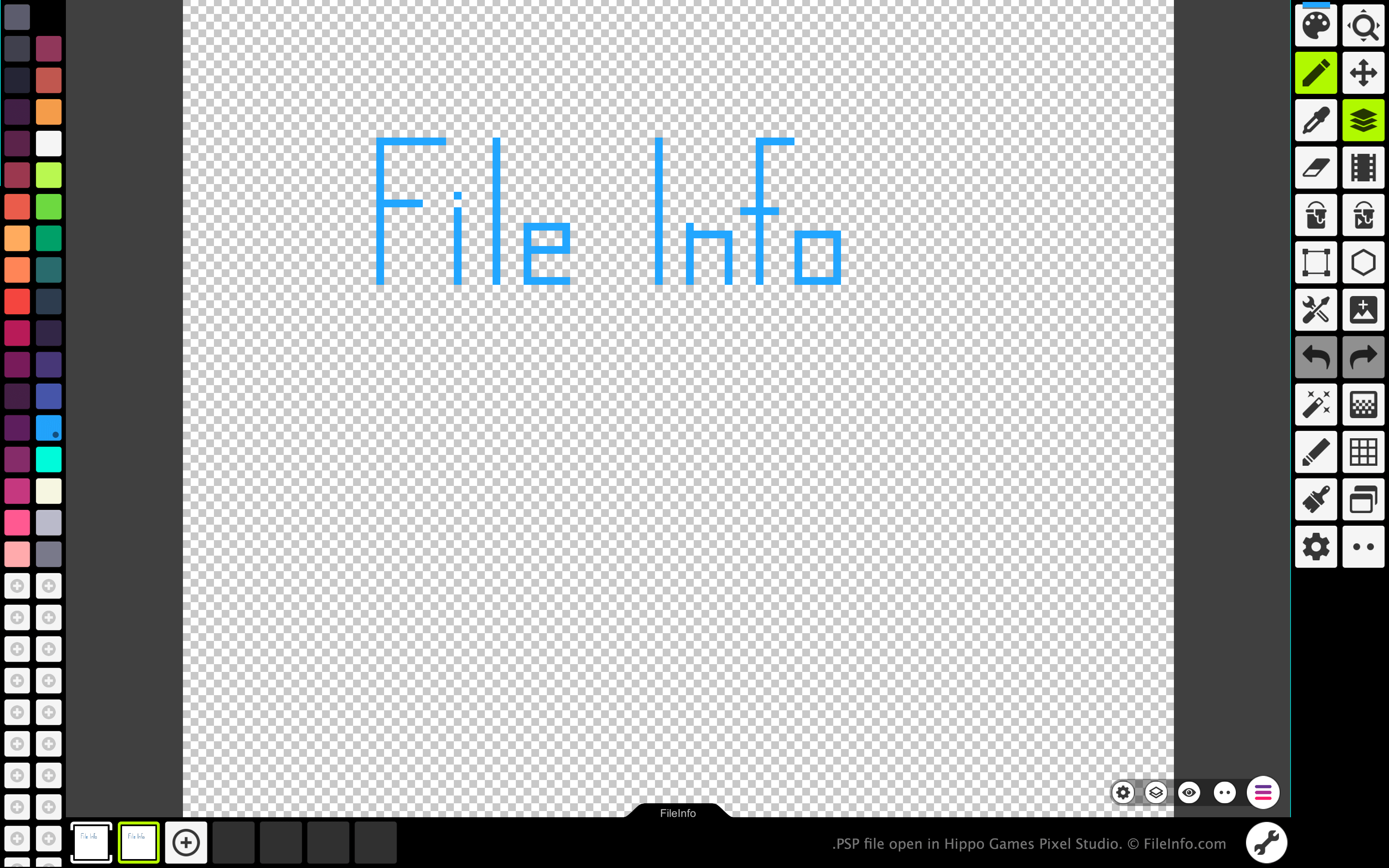
Pixel Studio permette agli artisti e agli sviluppatori di videogiochi di creare sprite e animazioni basati sui pixel. Il programma è disponibile per Windows, macOS, Android e iOS, sia in una versione gratuita sia in una versione a pagamento.
In tutte le versioni di Pixel Studio, gli artisti possono salvare le immagini e le animazioni che hanno creato come file PSP. Il formato PSP conserva tutti i livelli, i fotogrammi e la cronologia delle modifiche di un'immagine. In questo modo, gli utenti di Pixel Studio possono continuare a modificare i livelli e i fotogrammi di ciascuna immagine o animazione, anche dopo essere usciti da Pixel Studio.
Come aprire un file PSP
Puoi aprire un file PSP con Hippo Games Pixel Studio (multipiattaforma). Per farlo:
- Seleziona il pulsante del menu con tre linee che appare nell'angolo in basso a destra dell'app.
- Seleziona .
- Vai al tuo file PSP e aprilo.
Come convertire un file PSP
Puoi usare la versione a pagamento di Pixel Studio per convertire l'immagine o l'animazione contenuta in un file PSP nei seguenti formati: