

.PSP Rozszerzenie pliku
Obraz PaintShop Pro
| Deweloper | Corel |
| Popularność |
3,5 | 33 Głosy |
Czym jest plik PSP?
Plik PSP to obraz rastrowy zapisany w natywnym formacie Paint Shop Pro (PSP). Może zawierać warstwy, prowadnice, metadane i inne obiekty znajdujące się w obrazie. Firma Corel zastąpiła format PSP formatem .PSPIMAGE wraz z wydaniem 8. wersji programu Paint Shop Pro (obecnie PaintShop Pro).
Więcej informacji
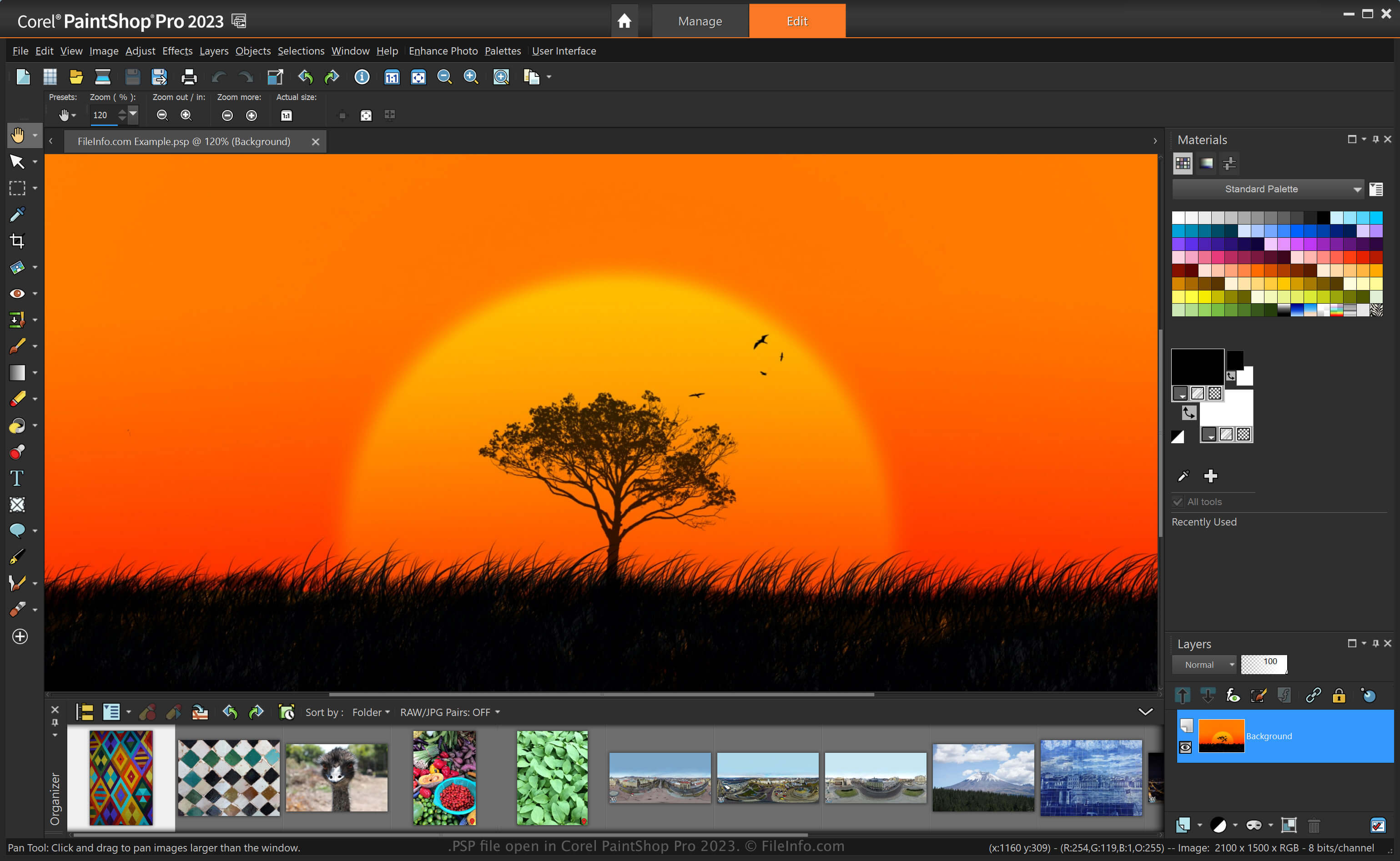
PaintShop Pro, często nazywany „PSP”, to edytor obrazów oferujący podobne możliwości jak program Adobe Photoshop. Umożliwia na przykład edytowanie obrazów i zdjęć cyfrowych za pomocą różnych narzędzi oraz zawiera obszary robocze dla początkujących i zaawansowanych użytkowników.
Zanim firma Corel zastąpiła format PSP formatem PSPIMAGE wraz z wydaniem 8. wersji programu Paint Shop Pro, format PSP był natywnym formatem zapisywania obrazów w tej aplikacji. Po zapisaniu obrazu jako pliku PSP można go zamknąć i ponownie otworzyć, aby kontynuować edycję.
Jak utworzyć plik PSP w programie PaintShop Pro
Chociaż firma Corel zastąpiła format PSP formatem PSPIMAGE, PaintShop Pro nadal może zapisywać obrazy jako pliki PSP. Aby utworzyć plik PSP w programie PaintShop Pro:
- Wybierz .
- Edytuj obraz.
- Wybierz lub .
UWAGA: Firma Jasc Software opracowała program PaintShop Pro, zanim firma Corel przejęła go w 2004 roku.
Jak otworzyć plik PSP
Plik PSP można otworzyć w programie Corel PaintShop Pro (Windows), wybierając . Pliki PSP można również otwierać w innych edytorach obrazów, takich jak 32-bitowa wersja programu CorelDRAW Graphics Suite (Windows i macOS) oraz ACD Systems Canvas (Windows).
Jak przekonwertować plik PSP
Różne aplikacje, takie jak Corel PaintShop Pro i CorelDRAW Graphics Suite, mogą konwertować pliki PSP na inne formaty.
Na przykład PaintShop Pro może konwertować plik PSP na różne typy plików graficznych, w tym następujące formaty:
- .PSPIMAGE - obraz PaintShop Pro
- .JPG - obraz JPEG
- .PNG - Portable Network Graphic
- .BMP - obraz bitmapowy
- .EMF - rozszerzony metaplik systemu Windows
- .EPS - enkapsulowany plik PostScript
- .TIF - plik Tagged Image
- .GIF - plik formatu Graphical Interchange Format
- .TGA - grafika Targa
- .WMF - metaplik systemu Windows
- .PSD - metaplik systemu Windows
Programy otwierające pliki PSP
Projekt Pixel Studio
| Deweloper | Hippo Games |
| Popularność |
4,0 | 2 Głosy |
Plik PSP to plik projektu utworzony w programie Hippo Games Pixel Studio, wieloplatformowym edytorze pixel artu. Zawiera obraz pixel artu oparty na warstwach. Pixel Studio pozwala użytkownikom zapisywać pliki PSP lokalnie, w chmurze lub w sieci Hippo Games Pixel Network.
Więcej informacji
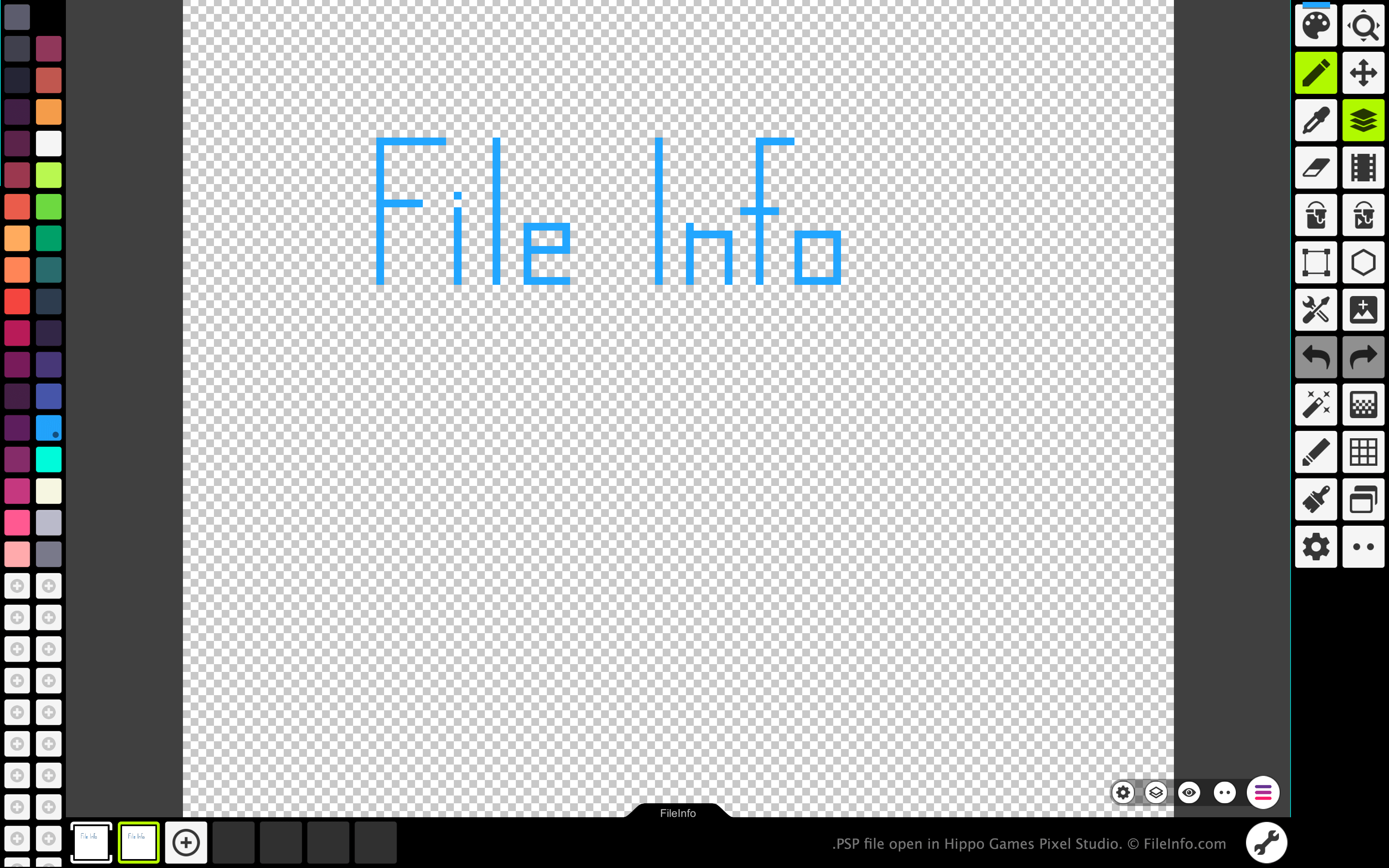
Pixel Studio pozwala artystom tworzącym pixel art oraz twórcom gier wideo tworzyć oparte na pikselach sprite'y i animacje. Program jest dostępny na systemy Windows, macOS, Android i iOS, zarówno w wersji bezpłatnej, jak i płatnej.
We wszystkich wersjach Pixel Studio artyści mogą zapisywać utworzone obrazy i animacje jako pliki PSP. Format PSP zachowuje wszystkie warstwy, klatki i historię edycji obrazu. Dzięki temu użytkownicy Pixel Studio mogą kontynuować edycję poszczególnych warstw i klatek swoich obrazów lub animacji, nawet po zamknięciu Pixel Studio.
Jak otworzyć plik PSP
Plik PSP można otworzyć w programie Hippo Games Pixel Studio (wieloplatformowym). Aby to zrobić:
- Wybierz przycisk menu z trzema liniami, który znajduje się w prawym dolnym rogu aplikacji.
- Wybierz .
- Przejdź do pliku PSP i otwórz go.
Jak przekonwertować plik PSP
Płatnej wersji Pixel Studio można użyć do przekonwertowania obrazu lub animacji zawartych w pliku PSP do następujących formatów: