

.PSP Přípona souboru
Obrázek PaintShop Pro
| Vývojář | Corel |
| Popularita |
3,5 | 33 hlasů |
Co je soubor PSP?
Soubor PSP je bitmapový obrázek uložený v nativním formátu Paint Shop Pro (PSP). Může obsahovat vrstvy, vodítka, metadata a další objekty v obrázku. Společnost Corel nahradila formát PSP formátem .PSPIMAGE při vydání verze 8 aplikace Paint Shop Pro (nyní PaintShop Pro).
Další informace
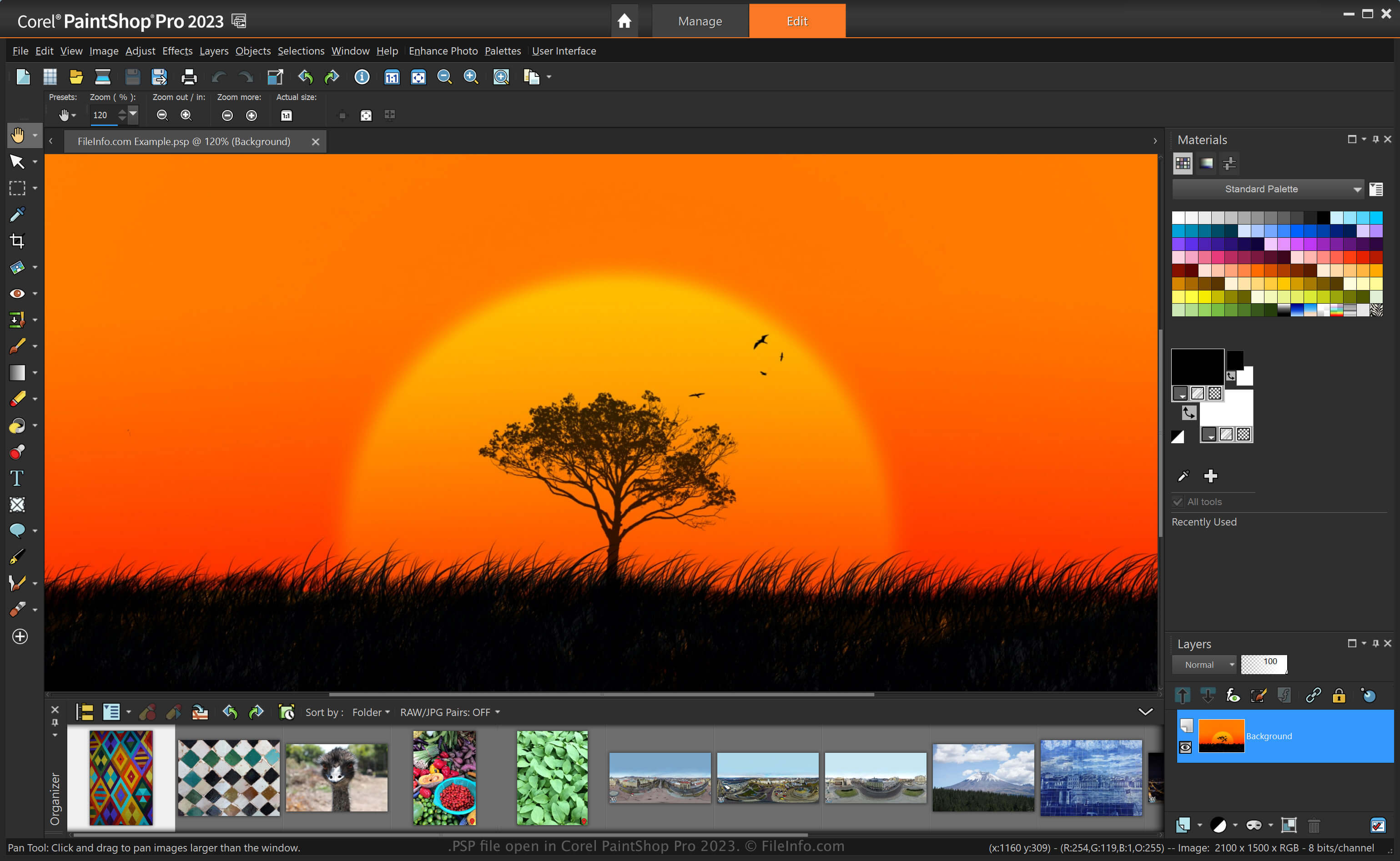
PaintShop Pro, často označovaný jako „PSP“, je editor obrázků s podobnými funkcemi jako Adobe Photoshop. Umožňuje například upravovat obrázky a digitální fotografie pomocí různých nástrojů a nabízí pracovní prostory pro začátečníky i pokročilé uživatele.
Předtím, než společnost Corel při vydání verze 8 aplikace Paint Shop Pro nahradila formát PSP formátem PSPIMAGE, byl formát PSP nativním formátem pro ukládání obrázků v této aplikaci. Po uložení obrázku jako souboru PSP můžete aplikaci zavřít a soubor znovu otevřít a pokračovat v úpravách.
Jak vytvořit soubor PSP v aplikaci PaintShop Pro
Přestože společnost Corel nahradila formát PSP formátem PSPIMAGE, PaintShop Pro stále umožňuje ukládat obrázky jako soubory PSP. Chcete-li v aplikaci PaintShop Pro vytvořit soubor PSP:
- Vyberte .
- Upravte obrázek.
- Vyberte nebo .
POZNÁMKA: Aplikaci PaintShop Pro vyvinula společnost Jasc Software, než ji v roce 2004 získala společnost Corel.
Jak otevřít soubor PSP
Soubor PSP můžete otevřít v aplikaci Corel PaintShop Pro (Windows) výběrem možnosti . Soubory PSP můžete otevřít také v dalších editorech obrázků, například v 32bitové verzi aplikace CorelDRAW Graphics Suite (Windows a macOS) a v aplikaci ACD Systems Canvas (Windows).
Jak převést soubor PSP
Různé aplikace, například Corel PaintShop Pro a CorelDRAW Graphics Suite, mohou převádět soubory PSP do jiných formátů.
PaintShop Pro může například převést soubor PSP do různých typů obrazových souborů včetně následujících formátů:
- .PSPIMAGE – Obrázek PaintShop Pro
- .JPG – Obrázek JPEG
- .PNG – Grafika Portable Network
- .BMP – Bitmapový obrázek
- .EMF – Rozšířený metasoubor Windows
- .EPS – Zapouzdřený soubor PostScript
- .TIF – Označený obrazový soubor
- .GIF – Soubor formátu Graphical Interchange
- .TGA – Grafika Targa
- .WMF – Metasoubor Windows
- .PSD – Metasoubor Windows
Programy, které otevírají soubory PSP
Projekt Pixel Studio
| Vývojář | Hippo Games |
| Popularita |
4,0 | 2 hlasy |
Soubor PSP je projektový soubor vytvořený v programu Hippo Games Pixel Studio, multiplatformním editoru pixelového umění. Obsahuje obrázek pixelového umění založený na vrstvách. Pixel Studio umožňuje uživatelům ukládat soubory PSP lokálně, do cloudu nebo do sítě Hippo Games Pixel Network.
Další informace
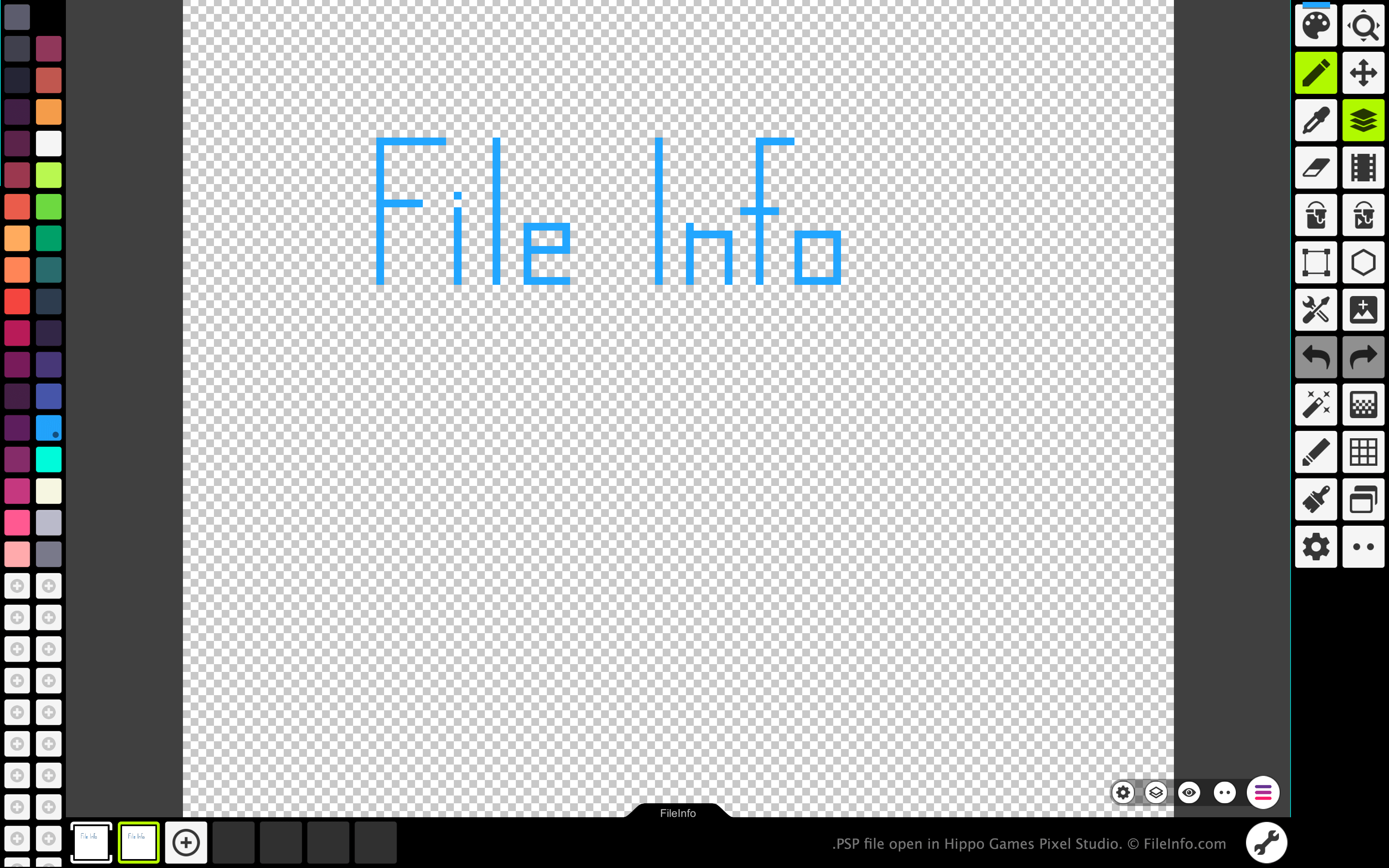
Pixel Studio umožňuje umělcům tvořícím pixelové umění a vývojářům videoher vytvářet sprity a animace založené na pixelech. Program je dostupný pro Windows, macOS, Android a iOS, a to v bezplatné i placené verzi.
Ve všech verzích Pixel Studio mohou umělci ukládat obrázky a animace, které vytvořili, jako soubory PSP. Formát PSP zachovává všechny vrstvy, snímky a historii úprav obrázku. Uživatelé Pixel Studio tak mohou pokračovat v úpravách jednotlivých vrstev a snímků svých obrázků nebo animací i po ukončení programu Pixel Studio.
Jak otevřít soubor PSP
Soubor PSP můžete otevřít v programu Hippo Games Pixel Studio (multiplatformní). Postupujte takto:
- Vyberte tlačítko nabídky se třemi čárami, které se zobrazuje v pravém dolním rohu aplikace.
- Vyberte .
- Vyhledejte a otevřete svůj soubor PSP.
Jak převést soubor PSP
Placenou verzi Pixel Studio můžete použít k převodu obrázku nebo animace obsažené v souboru PSP do následujících formátů: