.PSP ファイル拡張子

PaintShop Pro Image

開発元 Corel
人気度
3.5  |  33 
 

PSPファイルとは?

A PSP file is a bitmap image saved in the native Paint Shop Pro (PSP) format. It may include layers, guides, metadata, and other objects within the image. Corel replaced the PSP format with the .PSPIMAGE format when it released version 8 of Paint Shop Pro (now PaintShop Pro).

詳細情報

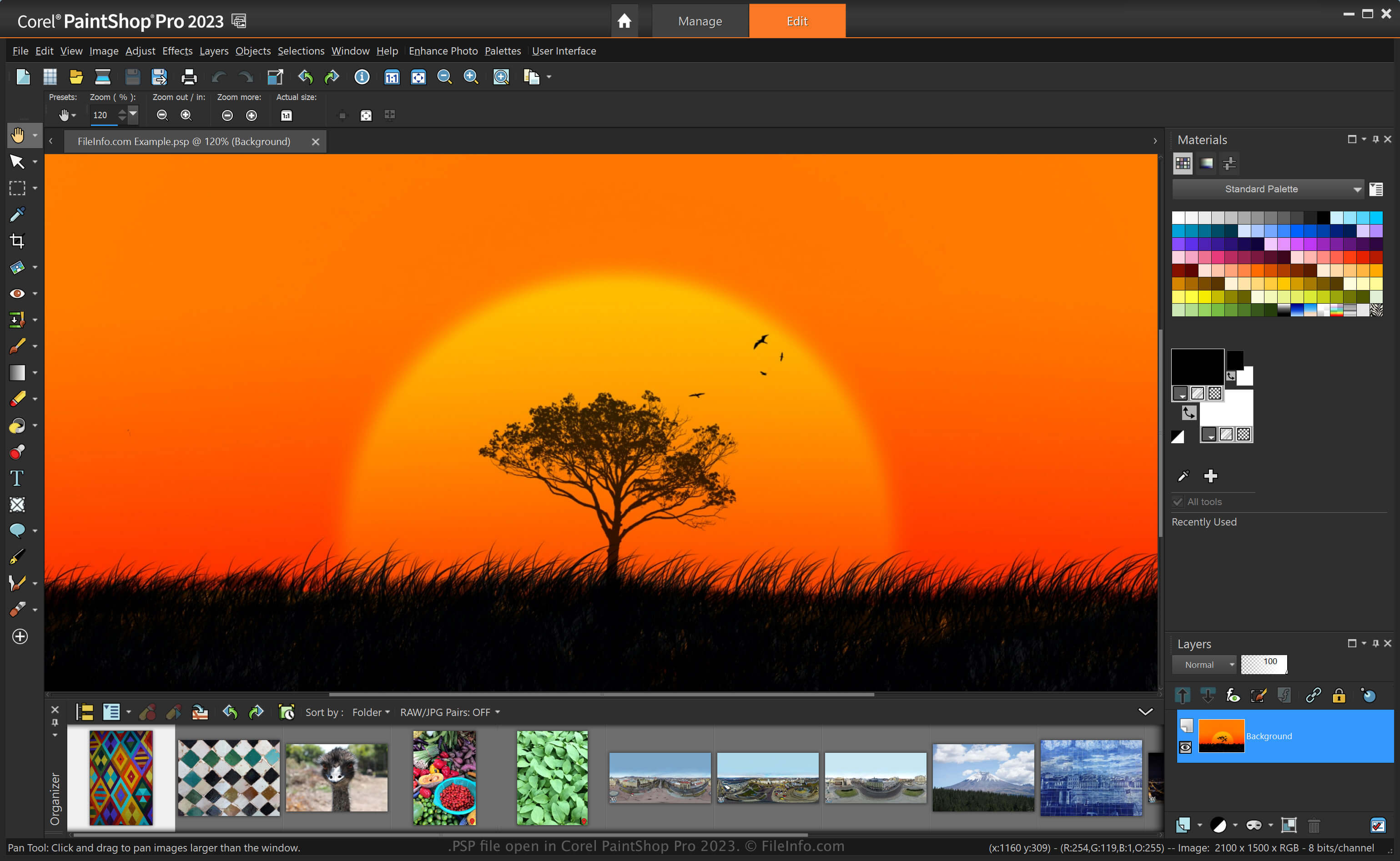
Corel PaintShop Pro 2023で開いた.pspファイルのスクリーンショット
Corel PaintShop Pro 2023で開いたPSPファイル

PaintShop Pro, often called "PSP," is an image editor that provides similar capabilities to Adobe Photoshop. For example, it allows you to edit images and digital photos with various tools and includes beginner-friendly and advanced workspaces.

Before being replaced by the PSPIMAGE format when Corel released version 8 of Paint Shop Pro, the PSP format was the native format for saving images with the application. After saving an image as a PSP file, you can close it and re-open it to continue editing it.

How to create a PSP file with PaintShop Pro

While Corel replaced the PSP format with the PSPIMAGE format, PaintShop Pro can still save images as PSP files. To create a PSP file with PaintShop Pro:

  1. Select File → New.
  2. Edit the image.
  3. Select File → Save or Save As.

注: Jasc Software developed PaintShop Pro before Corel acquired it in 2004.

PSPファイルの開き方

You can open a PSP file with Corel PaintShop Pro (Windows) by selecting File → Open. You can also open PSP files with other image editors, such as the 32-bit version of CorelDRAW Graphics Suite (Windows and macOS) and ACD Systems Canvas (Windows).

PSPファイルの変換方法

Various applications, such as Corel PaintShop Pro and CorelDRAW Graphics Suite, can convert PSP files to other formats.

For example, PaintShop Pro can convert a PSP file to various image file types, including the following formats:

  • .PSPIMAGE - PaintShop Pro Image
  • .JPG - JPEG Image
  • .PNG - Portable Network Graphic
  • .BMP - Bitmap Image
  • .EMF - Enhanced Windows Metafile
  • .EPS - Encapsulated PostScript File
  • .TIF - Tagged Image File
  • .GIF - Graphical Interchange Format File
  • .TGA - Targa Graphic
  • .WMF - Windows Metafile
  • .PSD - Windows Metafile
File Viewer Plusで400種類以上のファイル形式を開けます。無料ダウンロード

PSPファイルを開くプログラム

Windows
Mac

PL/SQL Server Page

開発元 Oracle
人気度
3.5  |  16 
 

Web page that contains code written in the Procedural Language/Structured Query Language (PL/SQL); includes SQL database commands that use Oracle's proprietary PL/SQL syntax; used for dynamically accessing database information when generating Web page content.

詳細情報

PSP pages can be viewed in a Web browser. However the user will only see the content generated by the server, not the actual PL/SQL code.

PSPファイルを開くプログラム

Windows
Create with Oracle Database software
View in a Web browser
Edit with a text editor
Mac
View in a Web browser
Edit with a text editor
カテゴリ: ウェブ
更新日: 2008-04-29

Pixel Studio Project

開発元 Hippo Games
人気度
4.0  |  2 
 

A PSP file is a project file created by Hippo Games Pixel Studio, a multiplatform pixel art editor. It contains a layer-based pixel art image. Pixel Studio allows users to save PSP files locally, to cloud storage, or to the Hippo Games Pixel Network.

詳細情報

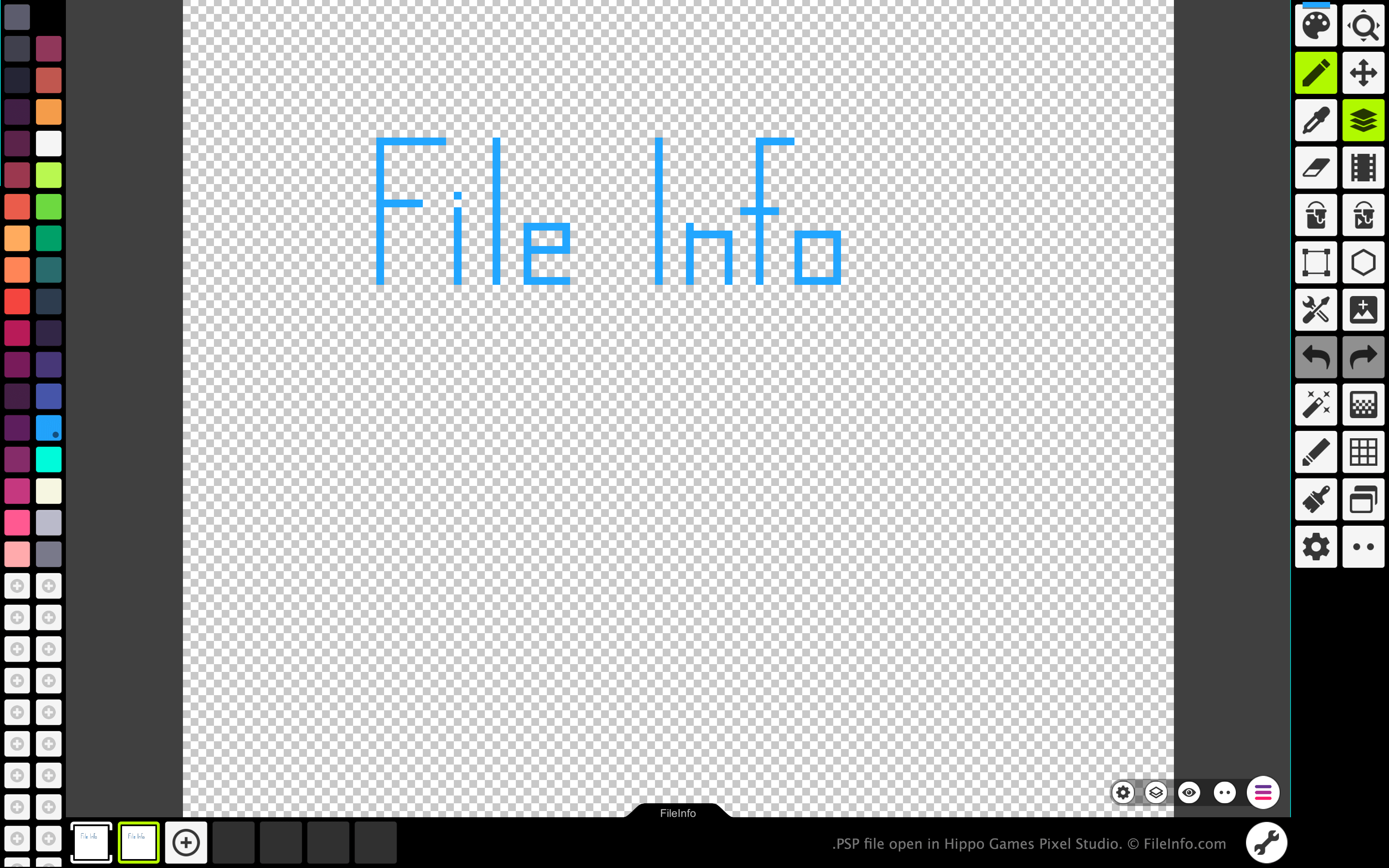
Hippo Games Pixel Studioで開いた.pspファイルのスクリーンショット
Hippo Games Pixel Studioで開いたPSPファイル

Pixel Studio allows pixel artists and video game developers to create pixel-based sprites and animations. The program is available for Windows, macOS, Android, and iOS, in both free and paid versions.

In all versions of Pixel Studio, artists can save the images and animations they've created as PSP files. The PSP format retains all of an image's layers, frames, and edit history. This allows Pixel Studio users to continue editing each of their image or animation's layers and frames, even after exiting Pixel Studio.

PSPファイルの開き方

You can open a PSP file with Hippo Games Pixel Studio (multiplatform). To do so:

  1. Select the three lines menu button that appears in the app's bottom-right corner.
  2. Select Open.
  3. Navigate to and open your PSP file.

PSPファイルの変換方法

You can use the paid version of Pixel Studio to convert the image or animation a PSP file contains to the following formats:

  • .AI - Adobe Illustrator Artwork
  • .EPS - Encapsulated PostScript
  • .EXR - OpenEXR Image
  • .HEIC - High Efficiency Image
  • .PDF - Portable Document Format
  • .SVG - Scalable Vector Graphic
  • .WEBP - WebP Image
  • .PSD - Photoshop Document

PSPファイルを開くプログラム

Photoshop Preferences File

開発元 Adobe Systems
人気度
2.2  |  5 
 

Application preferences file created by Adobe Photoshop, a professional graphics editing application; saves settings for the actions panel, editing and painting tools, and othr general settings; used for saving user preferences.

詳細情報

For Mac OS X, Photoshop settings are stored here:

[user]/​Library/​Preferences/​Adobe Photoshop CS6 Settings/​

In Windows, Photoshop settings are stored here:

[user]\​AppData\​Roaming\​Adobe\​Adobe Photoshop CS6\​Adobe Photoshop CS6 Settings\​

PSPファイルを開くプログラム

Windows
無料体験版
Mac
無料体験版
カテゴリ: 設定
更新日: 2018-12-04

検証者 FileInfo.com

FileInfo.comチーム は、このページに掲載されているすべてのファイル形式とソフトウェアについて独自に調査しました。 私たちの目標は100%の正確性であり、検証済みのファイルタイプに関する情報のみを公開しています。

このページへの追加や更新をご提案いただける場合は、お知らせください。