

.PSPBRUSH 파일 확장자
PaintShop Pro 브러시 파일
| 개발사 | Corel |
| 인기도 |
2.8 | 6 표 |
PSPBRUSH 파일이란 무엇인가요?
PSPBRUSH 파일에는 Windows용 래스터 그래픽 편집기인 PaintShop Pro로 만든 페인트 브러시가 포함되어 있습니다. 브러시는 캔버스에 반복해서 칠할 수 있는 이미지 또는 모양이며, PSPBRUSH 파일에는 이 브러시가 저장됩니다. PSPBRUSH 파일은 PaintShop Pro와 함께 제공되거나 사용자가 만든 사용자 지정 브러시일 수 있습니다.
추가 정보
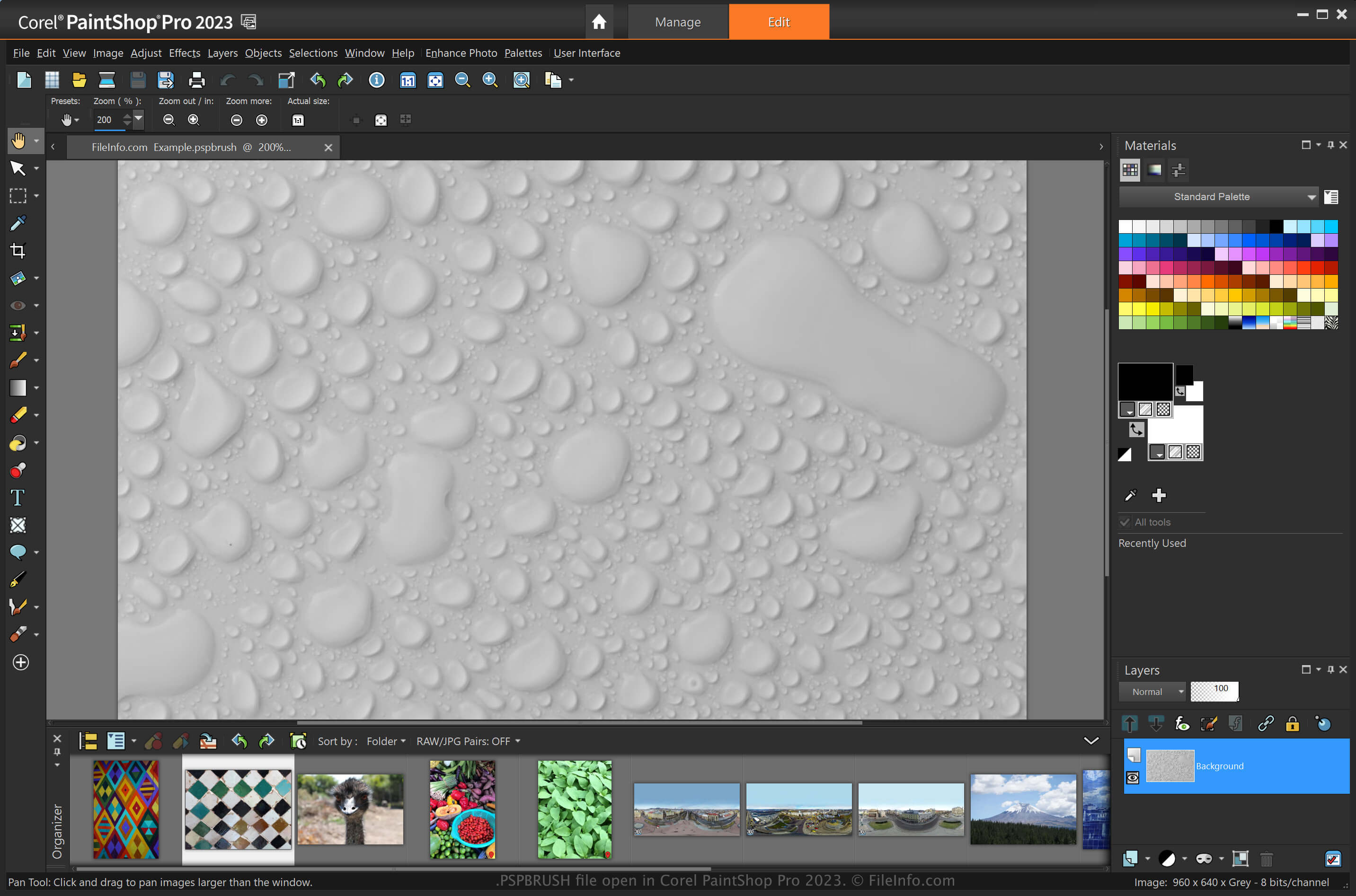
PaintShop Pro는 Adobe Photoshop과 비슷한 이미지 편집기로, 이미지를 만들고 디지털 사진을 편집할 수 있는 다양한 도구를 제공합니다. 이 프로그램의 기능 중 하나는 사용자 지정 후 PSPBRUSH 파일로 저장할 수 있는 페인트 브러시입니다(Photoshop은 브러시를 .ABR 파일로 저장합니다).
예를 들어 이미지에서 복제하려는 디자인이 있다면 를 선택하여 PSPBRUSH로 저장할 수 있습니다. 그런 다음 이미지에서 해당 브러시를 다시 사용하거나 다른 PaintShop Pro 사용자와 공유할 수 있습니다.
다른 PaintShop Pro 사용자와 PSPBRUSH 파일을 공유하는 방법
PSPBRUSH 파일을 이메일에 첨부하거나, 온라인 저장 공간에 업로드하거나, USB 플래시 드라이브로 전송하여 다른 사용자와 공유할 수 있습니다. 그런 다음 수신자는 PSPBRUSH 파일을 자신의 Paint Shop Pro 설치에 가져올 수 있습니다.
PSPBRUSH 파일을 여는 방법
Windows에서는 Corel PaintShop Pro로 PSPBRUSH 파일을 열 수 있습니다. PaintShop Pro에서 를 선택하여 PSPBRUSH 파일을 가져올 수 있습니다. 그런 다음 대화 상자에서 PSPCRIPT 파일로 이동하여 PSPBRUSH 파일을 선택하고 를 클릭합니다. 다음 디렉터리에 PSPBRUSH 파일을 넣어 가져올 수도 있습니다:
Documents\Corel PaintShop Pro\[version]\Brushes
또한 CorelDRAW Graphics Suite(Windows 및 macOS), Corel Painter(Windows 및 macOS)를 비롯한 다른 애플리케이션도 PSPBRUSH 파일을 지원합니다.