

.PSPBRUSH Bestandsextensie
PaintShop Pro-penseelbestand
| Ontwikkelaar | Corel |
| Populariteit |
2,8 | 6 stemmen |
Wat is een PSPBRUSH-bestand?
Een PSPBRUSH-bestand bevat een penseel dat is gemaakt met PaintShop Pro, een rasterafbeeldingseditor voor Windows. Het bevat een penseel, oftewel een afbeelding of vorm die gebruikers herhaaldelijk op het canvas kunnen schilderen. PSPBRUSH-bestanden kunnen met PaintShop Pro zijn meegeleverd of een aangepast penseel bevatten dat door de gebruiker is gemaakt.
Meer informatie
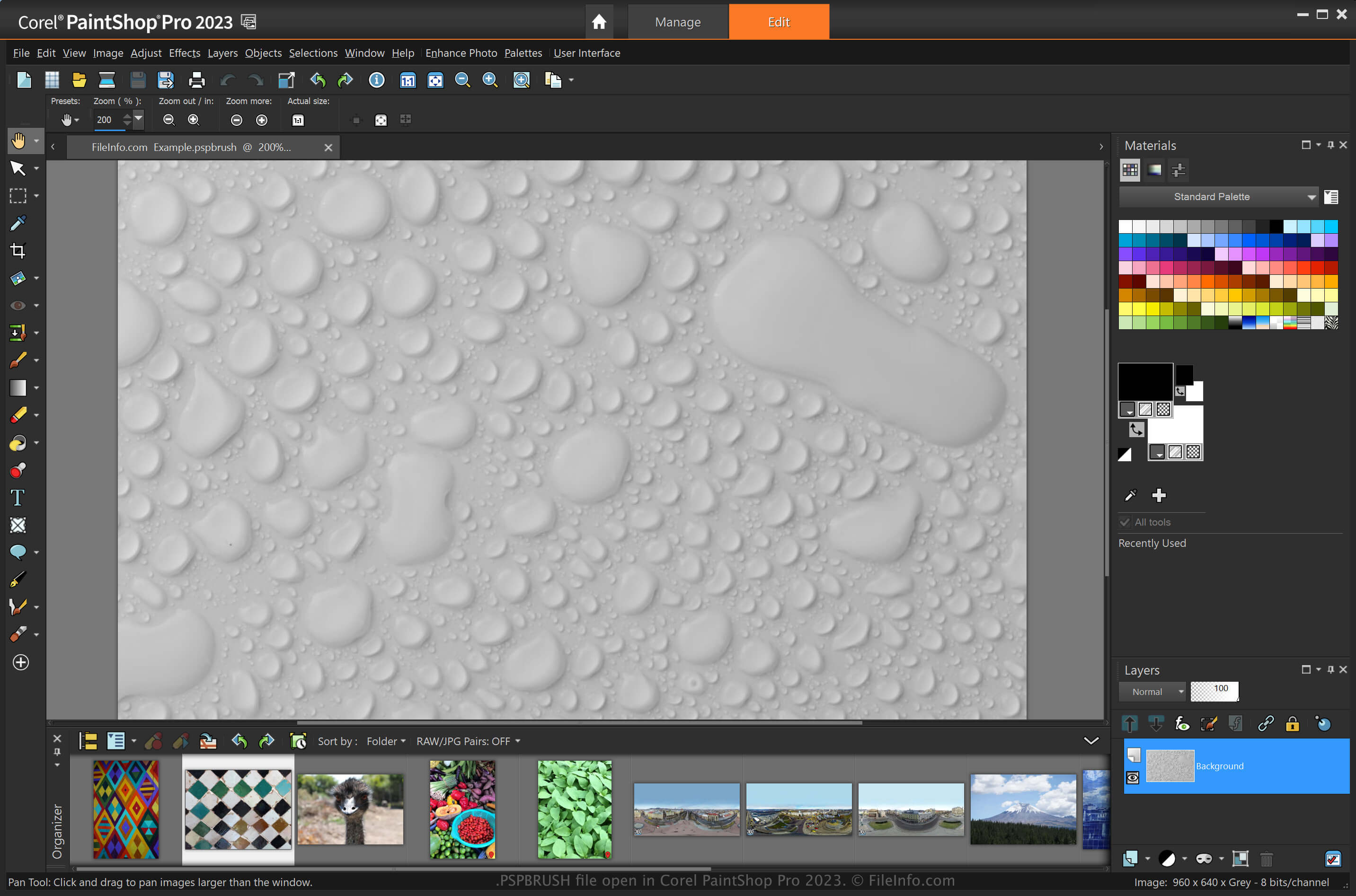
PaintShop Pro is een afbeeldingseditor die vergelijkbaar is met Adobe Photoshop en verschillende hulpmiddelen biedt voor het maken van afbeeldingen en het bewerken van digitale foto's. Een van de functies is de mogelijkheid om penselen aan te passen en op te slaan als PSPBRUSH-bestanden (Photoshop slaat zijn penselen op als .ABR-bestanden).
Als je bijvoorbeeld een ontwerp hebt dat je in een afbeelding wilt herhalen, kun je het opslaan als een PSPBRUSH-bestand door te selecteren. Vervolgens kun je dat penseel opnieuw gebruiken in je afbeelding of het delen met andere PaintShop Pro-gebruikers.
PSPBRUSH-bestanden delen met andere PaintShop Pro-gebruikers
Je kunt PSPBRUSH-bestanden met andere gebruikers delen door ze aan een e-mail toe te voegen, naar een online opslagruimte te uploaden of naar een USB-stick over te zetten. De ontvanger kan het PSPBRUSH-bestand vervolgens in diens installatie van Paint Shop Pro importeren.
Een PSPBRUSH-bestand openen
Je kunt PSPBRUSH-bestanden in Windows openen met Corel PaintShop Pro. Je kunt een PSPBRUSH-bestand in PaintShop Pro importeren door te selecteren. Navigeer vervolgens in het dialoogvenster naar het PSPCRIPT-bestand, kies het PSPBRUSH-bestand en klik vervolgens op . Je kunt het bestand ook importeren door het PSPBRUSH-bestand in de volgende map te plaatsen:
Documents\Corel PaintShop Pro\[version]\Brushes
Andere toepassingen, waaronder CorelDRAW Graphics Suite (Windows en macOS) en Corel Painter (Windows en macOS), ondersteunen ook PSPBRUSH-bestanden.