

.PSPBRUSH Dateiendung
PaintShop Pro-Pinseldatei
| Entwickler | Corel |
| Beliebtheit |
2,8 | 6 Stimmen |
Was ist eine PSPBRUSH-Datei?
Eine PSPBRUSH-Datei enthält einen von PaintShop Pro erstellten Pinsel, einem Rastergrafik-Editor für Windows. Sie speichert einen Pinsel, also ein Bild oder eine Form, die Benutzer wiederholt auf die Zeichenfläche malen können. PSPBRUSH-Dateien können mit PaintShop Pro geliefert werden oder einen vom Benutzer erstellten benutzerdefinierten Pinsel enthalten.
Weitere Informationen
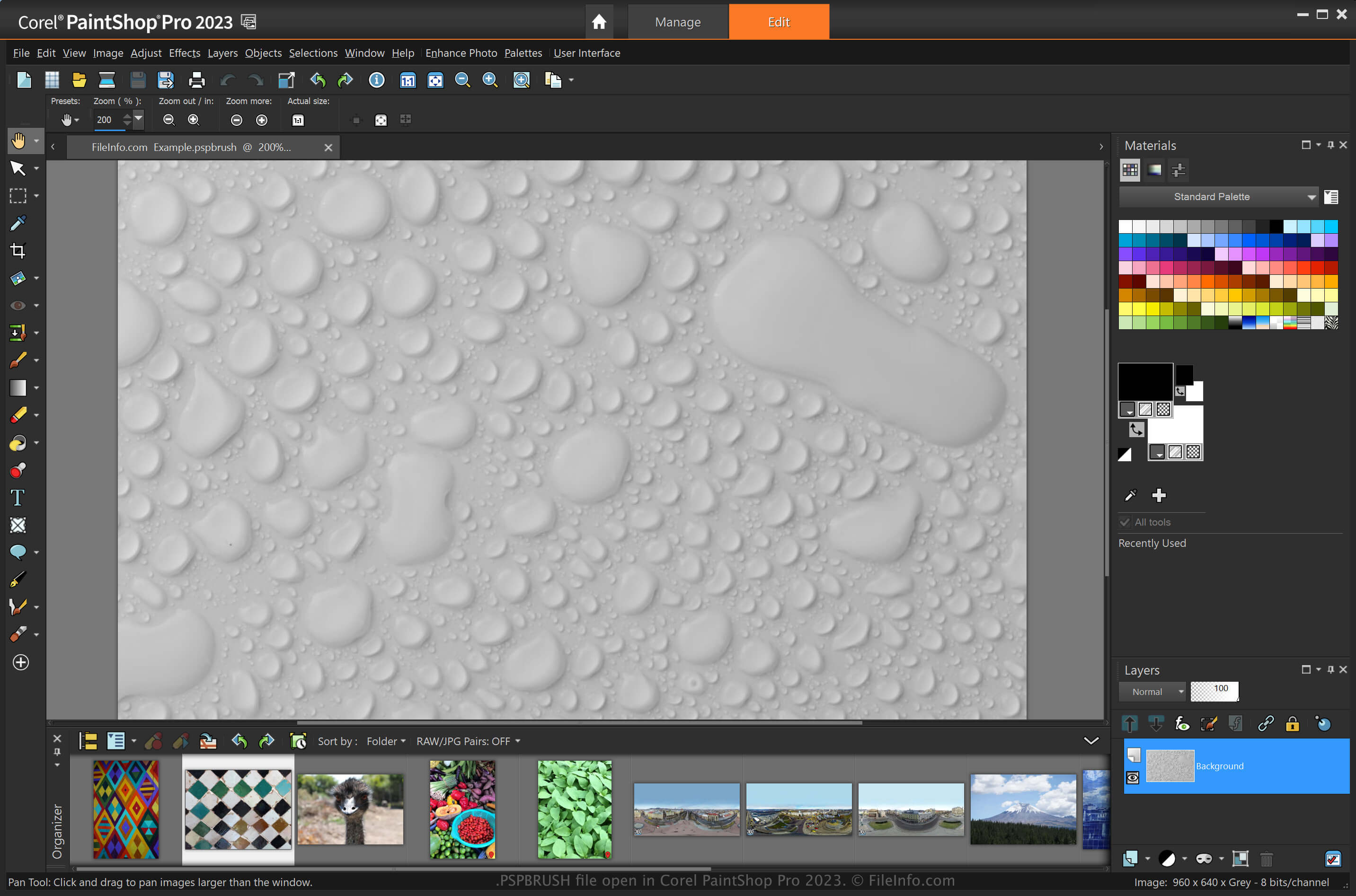
PaintShop Pro ist ein Bildbearbeitungsprogramm ähnlich wie Adobe Photoshop, das verschiedene Werkzeuge zum Erstellen von Bildern und Bearbeiten digitaler Fotos bietet. Eine seiner Funktionen sind Pinsel, die Sie anpassen und als PSPBRUSH-Dateien speichern können (Photoshop speichert seine Pinsel als .ABR-Dateien).
Wenn Sie beispielsweise ein Design haben, das Sie in einem Bild reproduzieren möchten, können Sie es als PSPBRUSH speichern, indem Sie auswählen. Anschließend können Sie diesen Pinsel in Ihrem Bild wiederverwenden oder mit anderen PaintShop Pro-Benutzern teilen.
So teilen Sie PSPBRUSH-Dateien mit anderen PaintShop Pro-Benutzern
Sie können PSPBRUSH-Dateien mit anderen Benutzern teilen, indem Sie sie an eine E-Mail anhängen, in einen Onlinespeicher hochladen oder auf ein USB-Flash-Laufwerk übertragen. Anschließend kann der Empfänger die PSPBRUSH-Datei in seine Installation von Paint Shop Pro importieren.
So öffnen Sie eine PSPBRUSH-Datei
Sie können PSPBRUSH-Dateien unter Windows mit Corel PaintShop Pro öffnen. Sie können eine PSPBRUSH-Datei in PaintShop Pro importieren, indem Sie auswählen. Navigieren Sie anschließend im Dialogfeld zur PSPCRIPT-Datei, wählen Sie die PSPBRUSH-Datei aus und klicken Sie dann auf . Sie können die Datei auch importieren, indem Sie die PSPBRUSH-Datei im folgenden Verzeichnis ablegen:
Documents\Corel PaintShop Pro\[version]\Brushes
Auch andere Anwendungen, darunter CorelDRAW Graphics Suite (Windows und macOS) und Corel Painter (Windows und macOS), unterstützen PSPBRUSH-Dateien.