

.ABR Dateiendung
Adobe Photoshop-Pinsel
| Entwickler | Adobe Systems |
| Beliebtheit |
3,7 | 272 Stimmen |
Was ist eine ABR-Datei?
Eine ABR-Datei ist ein Pinsel oder eine Sammlung von Pinseln, die von Adobe Photoshop verwendet werden. Sie enthält Informationen über die Form, Textur und Dynamik des Pinsels oder der Pinsel. Einige andere Illustrationsprogramme ermöglichen ebenfalls den Import von Pinseln, die im ABR-Format gespeichert wurden.
Weitere Informationen
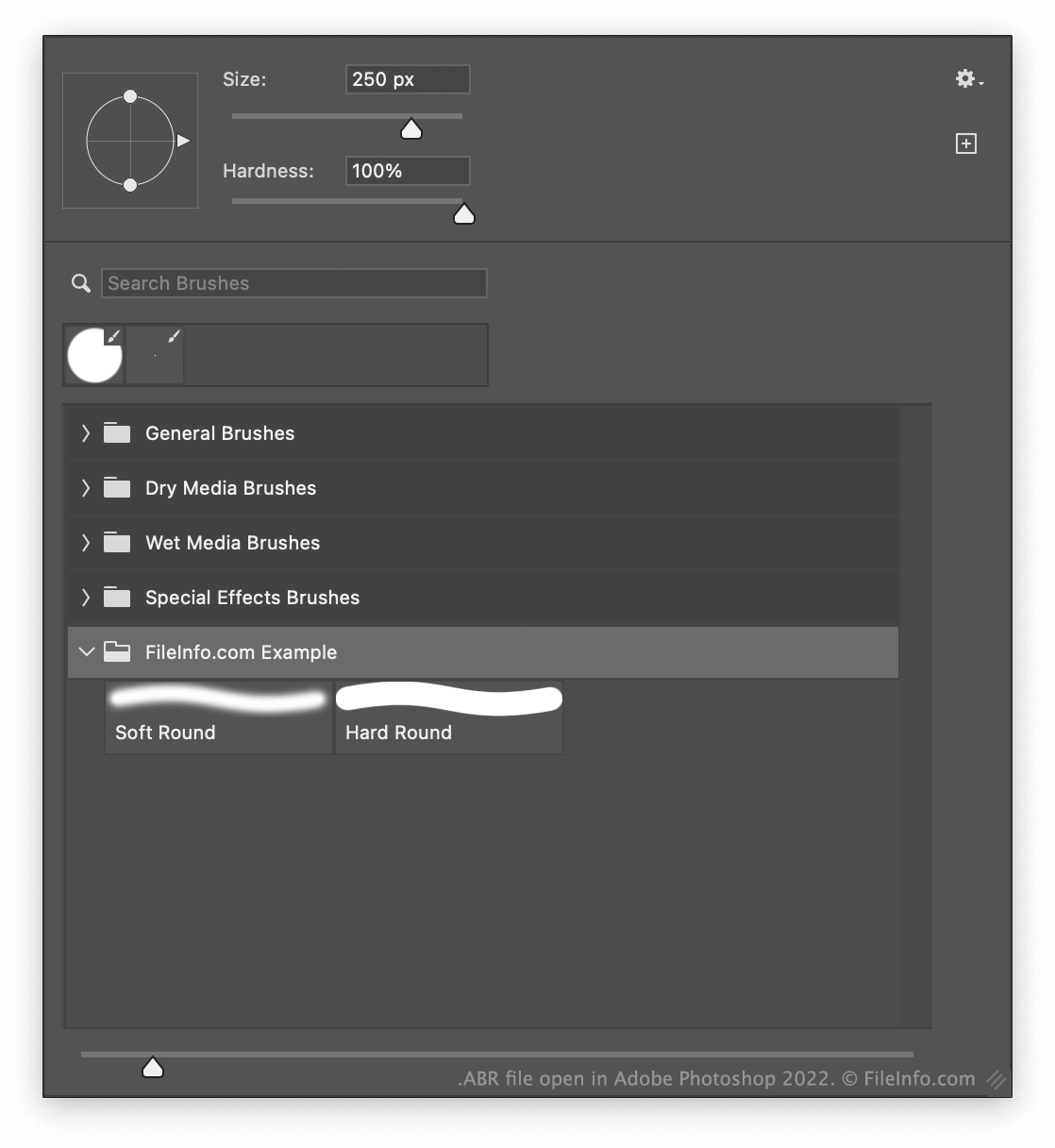
Mit dem Pinselwerkzeug von Photoshop können Sie Pinselstriche mit verschiedenen Größen, Texturen und anderen Effekten malen. Nachdem Sie einen oder mehrere Pinsel in Photoshop erstellt haben, können Sie diese als einzelne ABR-Datei exportieren. Dadurch können Sie die Pinsel mit anderen Photoshop-Benutzern teilen.
Wo speichert Photoshop Pinsel?
Standardmäßig speichert Photoshop Pinsel im folgenden Verzeichnis:
Adobe Photoshop/Presets/Brushes
So exportieren Sie Pinsel als ABR-Datei
So exportieren Sie einen oder mehrere Photoshop-Pinsel als ABR-Datei:
- Wählen Sie das Pinselwerkzeug aus.
- Wählen Sie den Dropdown-Pfeil, der neben Ihrer Pinselgröße angezeigt wird (nahe dem oberen Rand der App).
- Wählen Sie unten im angezeigten Fenster einen oder mehrere Pinsel aus.
- Wählen Sie das Zahnradsymbol und anschließend .
So öffnen Sie eine ABR-Datei
Sie können eine ABR-Datei in Adobe Photoshop (Windows, Mac) öffnen. Gehen Sie dazu wie folgt vor:
- Wählen Sie das Pinselwerkzeug aus.
- Wählen Sie den Dropdown-Pfeil, der neben Ihrer Pinselgröße angezeigt wird (nahe dem oberen Rand der App).
- Wählen Sie das Zahnradsymbol und anschließend .
- Navigieren Sie zu Ihrer ABR-Datei und importieren Sie sie.
Sie können eine ABR-Datei auch in GIMP (multiplattform) und Photopea (Web) importieren, um sie als Pinsel zu verwenden. Für GIMP legen Sie die Datei in einem Unterordner des Verzeichnisses ~/brushes des Programms ab. Wählen Sie für Photopea den Dropdown-Pfeil neben Ihrer Pinselgröße aus, wählen Sie den Dropdown-Pfeil im Fenster „Size:“ aus und wählen Sie anschließend .
Wenn Sie nur den Pinsel anzeigen möchten, den Ihre ABR-Datei enthält, können Sie sie in abrViewer (Windows) öffnen.