

.CR3 Bestandsextensie
Canon Raw 3-afbeelding
| Ontwikkelaar | Canon |
| Populariteit |
3,4 | 102 stemmen |
Wat is een CR3-bestand?
Een CR3-bestand is een camera-RAW-afbeelding die is gemaakt door bepaalde digitale Canon-camera's, zoals de EOS M50 en EOS R. Het kan niet-gecomprimeerde RAW-afbeeldingsgegevens opslaan, precies zoals de sensor van de camera deze heeft vastgelegd, of gecomprimeerde RAW-afbeeldingsgegevens (C-RAW), afhankelijk van de camera-instelling die tijdens het maken van de afbeelding was geselecteerd. Verschillende afbeeldingsbewerkingsprogramma's kunnen CR3-bestanden bekijken, bewerken en converteren, zoals Canon Digital Photo Professional en Adobe Lightroom.
Meer informatie
Canon introduceerde de indeling Canon Raw Image 3 (CR3) in 2018, toen het bedrijf de EOS M50 uitbracht. Deze verving de indeling Canon Raw Image 2 (CR2) (.CR2-bestanden). De CR3-indeling is gebaseerd op de ISO Base Media File Format en bevat aangepaste tags en de crx-codec, die verliesloze RAW- en verliezende C-RAW-compressie ondersteunt. Als de afbeelding wordt opgeslagen met verliesgevende C-RAW-compressie, is deze ongeveer 40% kleiner, met minimaal verschil in beeldkwaliteit.
De Canon EOS M50 wordt geleverd met de Digic 8-processor, waarmee de camera afbeeldingen in de CR3-indeling kan vastleggen. Eerdere versies van digitale Canon-camera's gebruikten de .CRW- en CR2-indeling. De CRW-indeling is gebaseerd op de Camera Image File Format (CIFF) en de CR2-indeling is gebaseerd op de TIFF-specificatie.
Een CR3-bestand openen
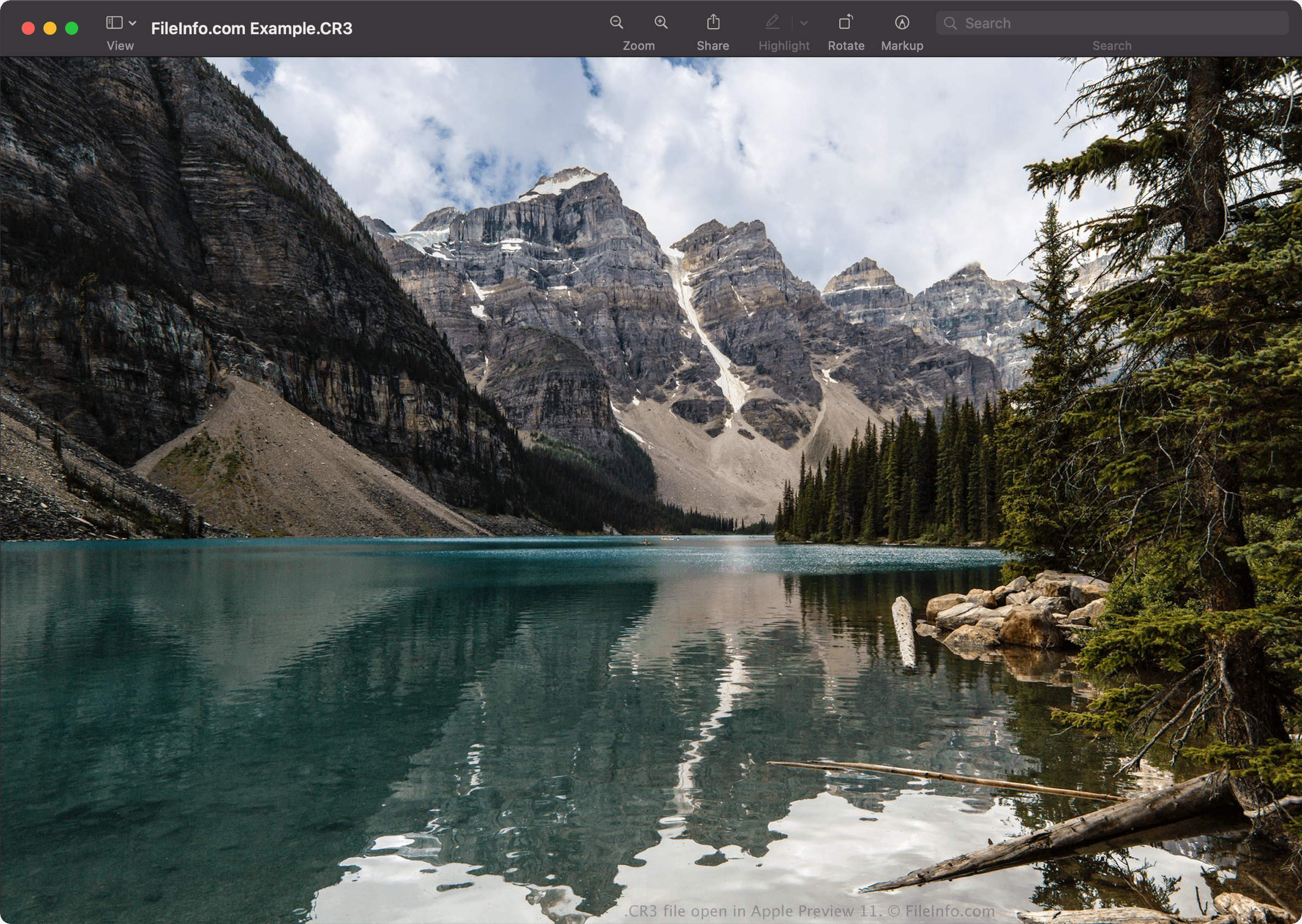
Je kunt CR3-bestanden openen met Canon Digital Photo Professional (Windows, Mac), Canon Digital Photo Professional Express (iOS), Microsoft Photos (met de Microsoft Raw Image Extension) en Apple Preview (Mac).
Enkele andere toepassingen die ook bewerkingsopties bieden, zijn Adobe Lightroom (Windows, Mac), Adobe Lightroom voor iPad of Adobe Lightroom Classic (versie 8.0 en hoger), met de Adobe Camera Raw-plug-in (versie 11.0 en hoger) geïnstalleerd.
OPMERKING: Apple introduceerde ondersteuning op systeemniveau voor CR3-afbeeldingen toen het macOS Catalina (10.15) en iOS 13 uitbracht. Er zijn echter Canon-cameramodellen die CR3-afbeeldingen maken die niet worden ondersteund door de besturingssystemen macOS en iOS.
Een CR3-bestand converteren
Verschillende afbeeldingsviewers en -bewerkingsprogramma's, waaronder Canon Digital Photo Professional en Apple Preview, kunnen CR3-bestanden naar andere indelingen converteren.
Selecteer bijvoorbeeld in Apple Preview om een CR3-bestand naar een van de volgende indelingen te converteren: