

.EXR Bestandsextensie
OpenEXR-afbeelding
| Ontwikkelaar | Academy Software Foundation |
| Populariteit |
3,9 | 46 stemmen |
Wat is een EXR-bestand?
Een EXR-bestand is een rasterafbeelding die is opgeslagen in de OpenEXR-indeling, een HDR-indeling (hoog dynamisch bereik) die is ontwikkeld door de Academy Software Foundation (ASWF). De EXR-indeling ondersteunt afbeeldingen met meerdere lagen, verliesgevende en verliesloze compressie en pixels van 16 en 32 bits.
Meer informatie
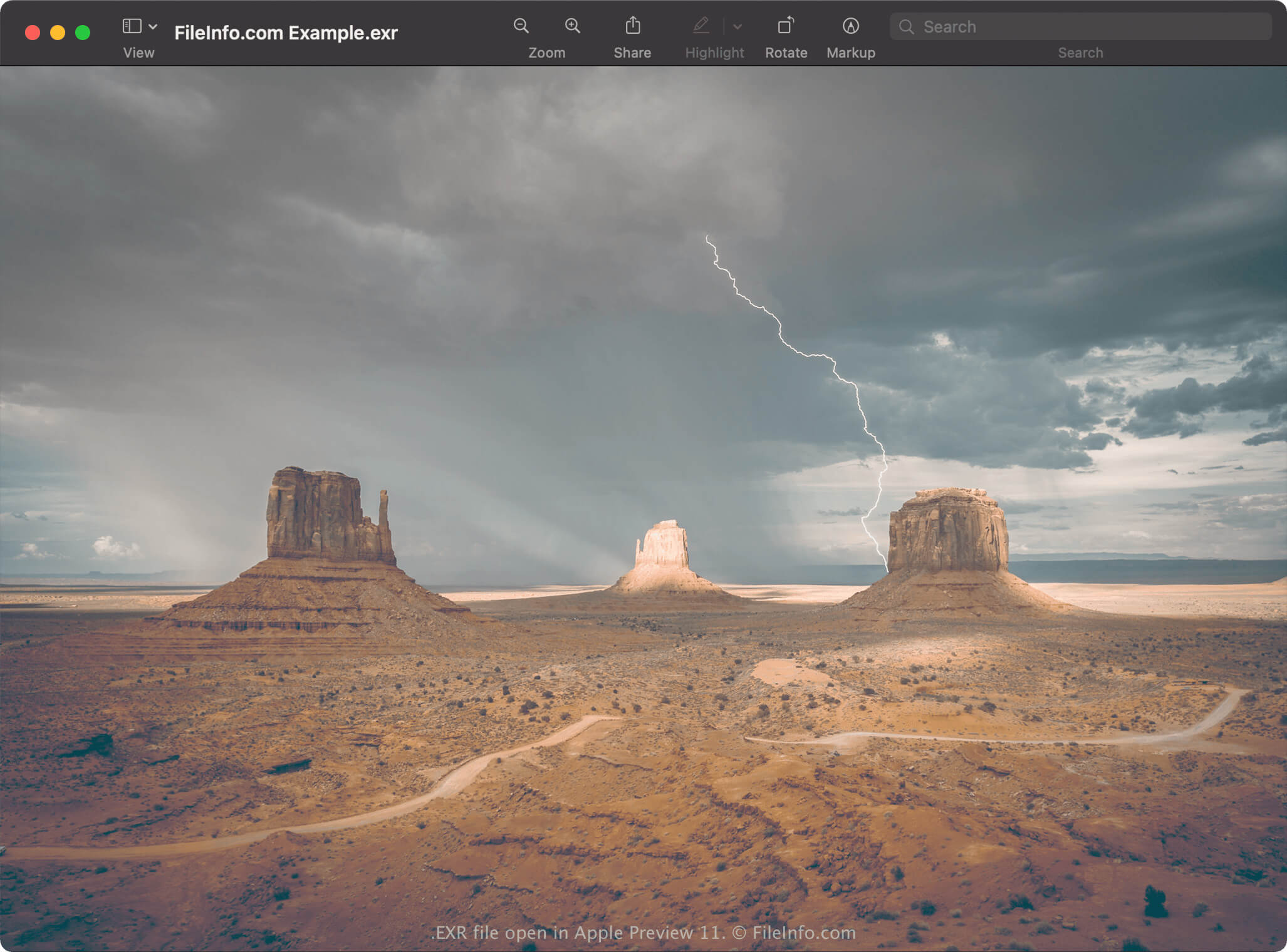
In 1999 ontwikkelde Industrial Light & Magic (ILM) de OpenEXR-afbeeldingsindeling. In 2003 stelde het bedrijf de indeling beschikbaar aan het publiek als open-source-indeling. Naast de indeling bracht het bedrijf een open-source-softwarebibliotheek uit waarmee OpenEXR-afbeeldingen konden worden gemaakt, bewerkt en verwerkt. Deze afbeeldingen gebruiken de .exr-bestandsextensie.
De ASWF nam in 2019 de ontwikkeling van OpenEXR over en brengt regelmatig updates uit. Veel grote studio's, waaronder Walt Disney Animation Studios, Weta Digital, Pixar Animation Studios en DreamWorks, dragen ook bij aan de ontwikkeling van de indeling.
Professionals in computergraphics, zoals kunstenaars voor visuele effecten en animators, gebruiken de OpenEXR-indeling vaak vanwege de compositingfuncties en de nauwkeurige weergave van beeldgegevens van HDR-scènes in lineaire vorm. Andere opvallende functies van OpenEXR zijn meerdere kanalen met verschillende pixelgroottes en verschillende gezichtspunten voor dezelfde afbeelding.
Een EXR-bestand openen
Je kunt een EXR-bestand openen met verschillende toepassingen, waaronder Blender en Serif Affinity Photo. Als je een Mac gebruikt, kun je EXR-bestanden openen met Apple Preview, dat bij het besturingssysteem wordt geleverd. GIMP is een andere gratis toepassing waarmee je EXR-bestanden kunt openen, maar het moeten EXR-bestanden met één resolutie en zonder lagen zijn.
Als je een Adobe Creative Cloud-abonnement hebt, kun je EXR-bestanden openen met Adobe Photoshop, Adobe Premiere Pro en Adobe After Effects.
Een EXR-bestand converteren
Verschillende afbeeldingseditors en viewers, waaronder Blender, Apple Preview en Serif Affinity Photo, kunnen EXR-bestanden naar andere indelingen converteren.
Affinity Photo kan EXR-bestanden bijvoorbeeld converteren naar de volgende indelingen:
- .PSD - Adobe Photoshop Document
- .PDF - Portable Document Format
- .JPG - JPEG-afbeelding
- .PNG - Portable Network Graphic
- .GIF - Graphical Interchange Format
- .EPS - Encapsulated PostScript
- .SVG - Scalable Vector Graphics
- .TIFF - Tagged Image File Format
- .TGA - Targa-afbeelding
- .HDR - Afbeelding met hoog dynamisch bereik