

.EXR Dateiendung
OpenEXR-Bild
| Entwickler | Academy Software Foundation |
| Beliebtheit |
3,9 | 46 Stimmen |
Was ist eine EXR-Datei?
Eine EXR-Datei ist ein Rasterbild, das im OpenEXR-Format gespeichert ist, einem Bildformat mit hohem Dynamikbereich (HDR), das von der Academy Software Foundation (ASWF) entwickelt wurde. Das EXR-Format unterstützt mehrschichtige Bilder, verlustbehaftete und verlustfreie Komprimierung sowie 16-Bit- und 32-Bit-Pixel.
Weitere Informationen
1999 entwickelte Industrial Light & Magic (ILM) das OpenEXR-Bildformat und veröffentlichte es 2003 als Open-Source-Format. Zusätzlich zum Format veröffentlichte das Unternehmen eine Open-Source-Softwarebibliothek, mit der OpenEXR-Bilder erstellt, bearbeitet und verarbeitet werden konnten. Diese verwenden die Dateierweiterung .exr.
Die ASWF übernahm 2019 die Weiterentwicklung von OpenEXR und veröffentlicht regelmäßig Aktualisierungen. Viele große Studios, darunter Walt Disney Animation Studios, Weta Digital, Pixar Animation Studios und DreamWorks, tragen ebenfalls zur Weiterentwicklung des Formats bei.
Computergrafik-Fachleute wie Spezialisten für visuelle Effekte und Animatoren verwenden das OpenEXR-Format häufig aufgrund seiner Compositing-Funktionen und der präzisen Darstellung von HDR-Szenendaten im linearen Bildraum. Zu den weiteren bemerkenswerten OpenEXR-Funktionen gehören mehrere Kanäle mit unterschiedlichen Pixelgrößen und verschiedene Blickwinkel für dasselbe Bild.
So öffnen Sie eine EXR-Datei
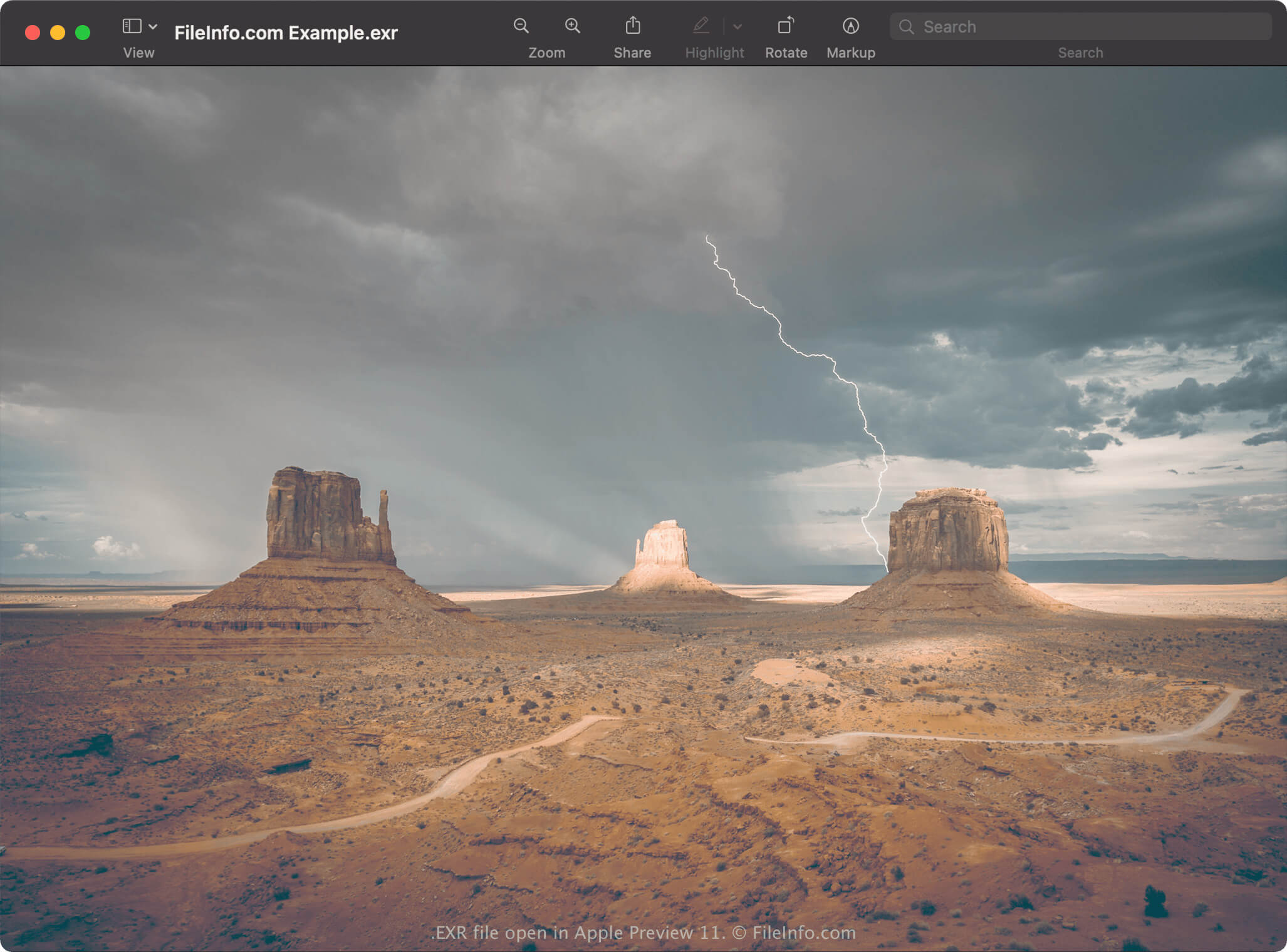
Sie können eine EXR-Datei mit verschiedenen Anwendungen öffnen, darunter Blender und Serif Affinity Photo. Wenn Sie einen Mac verwenden, können Sie EXR-Dateien mit Apple Preview öffnen, das im Betriebssystem enthalten ist. GIMP ist eine weitere kostenlose Anwendung, die EXR-Dateien öffnen kann. Diese müssen jedoch EXR-Dateien mit einer einzigen Auflösung und ohne Ebenen sein.
Wenn Sie ein Adobe Creative Cloud-Abonnement haben, können Sie EXR-Dateien mit Adobe Photoshop, Adobe Premiere Pro und Adobe After Effects öffnen.
So konvertieren Sie eine EXR-Datei
Verschiedene Bildbearbeitungs- und Bildbetrachtungsprogramme, darunter Blender, Apple Preview und Serif Affinity Photo, können EXR-Dateien in andere Formate konvertieren.
Affinity Photo kann EXR-Dateien beispielsweise in die folgenden Formate konvertieren:
- .PSD - Adobe-Photoshop-Dokument
- .PDF - Portable Document Format
- .JPG - JPEG-Bild
- .PNG - Portable Network Graphic
- .GIF - Graphical Interchange Format
- .EPS - Encapsulated PostScript
- .SVG - Scalable Vector Graphics
- .TIFF - Tagged Image File Format
- .TGA - Targa-Grafik
- .HDR - Bild mit hohem Dynamikbereich