

.CR3 Extensão de arquivo
Imagem Canon Raw 3
| Desenvolvedor | Canon |
| Popularidade |
3,4 | 102 Votos |
O que é um arquivo CR3?
Um arquivo CR3 é uma imagem RAW de câmera criada por algumas câmeras digitais Canon, como a EOS M50 e a EOS R. Ele pode armazenar dados de imagem RAW descompactados exatamente como o sensor da câmera os capturou ou dados de imagem RAW compactados (C-RAW), dependendo da configuração selecionada na câmera ao capturar a imagem. Vários editores de imagem podem visualizar, editar e converter arquivos CR3, como o Canon Digital Photo Professional e o Adobe Lightroom.
Mais informações
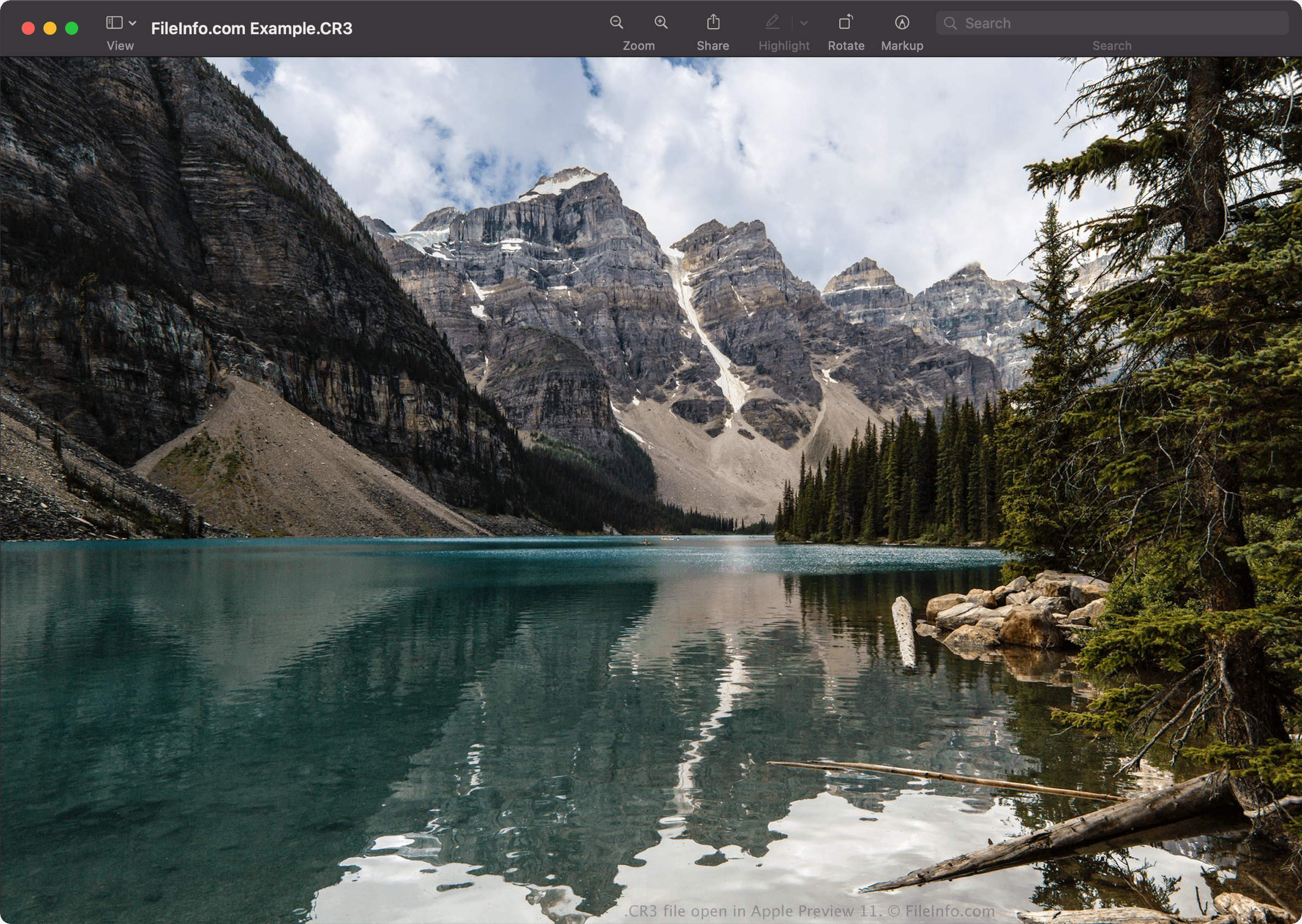
A Canon introduziu o formato Canon Raw Image 3 (CR3) em 2018, quando lançou a EOS M50, substituindo o formato Canon Raw Image 2 (CR2) (arquivos .CR2). O formato CR3 é baseado no ISO Base Media File Format e inclui tags personalizadas e o codec crx, que é compatível com compactações RAW sem perdas e C-RAW com perdas. Quando salva com compactação C-RAW com perdas, a imagem fica aproximadamente 40% menor, com diferença mínima na qualidade da imagem.
A Canon EOS M50 vem com o processador Digic 8, que permite capturar imagens no formato CR3. Versões anteriores das câmeras digitais Canon usavam os formatos .CRW e CR2. O formato CRW é baseado no Camera Image File Format (CIFF), e o formato CR2 é baseado na especificação TIFF.
Como abrir um arquivo CR3
Você pode abrir arquivos CR3 com o Canon Digital Photo Professional (Windows, Mac), o Canon Digital Photo Professional Express (iOS), o Microsoft Photos (com a Microsoft Raw Image Extension) e o Apple Preview (Mac).
Alguns outros aplicativos que também oferecem opções de edição incluem o Adobe Lightroom (Windows, Mac), o Adobe Lightroom para iPad ou o Adobe Lightroom Classic (versão 8.0 e posteriores) com o plug-in Adobe Camera Raw (versão 11.0 e posteriores) instalado.
NOTA: A Apple introduziu suporte no nível do sistema para imagens CR3 quando lançou o macOS Catalina (10.15) e o iOS 13. No entanto, existem modelos de câmeras Canon que criam imagens CR3 que não são compatíveis com os sistemas operacionais macOS e iOS.
Como converter um arquivo CR3
Vários visualizadores e editores de imagem, incluindo o Canon Digital Photo Professional e o Apple Preview, podem converter arquivos CR3 para outros formatos.
Por exemplo, no Apple Preview, selecione para converter um arquivo CR3 para um dos seguintes formatos: