

.CR3 파일 확장자
Canon Raw 3 이미지
| 개발사 | Canon |
| 인기도 |
3.4 | 102 표 |
CR3 파일이란 무엇인가요?
CR3 파일은 EOS M50 및 EOS R과 같은 일부 Canon 디지털 카메라로 생성되는 카메라 RAW 이미지입니다. 카메라 센서가 이미지를 캡처한 방식 그대로 압축되지 않은 RAW 이미지 데이터를 저장하거나, 이미지를 캡처할 때 선택한 카메라 설정에 따라 압축된 RAW(C-RAW) 이미지 데이터를 저장할 수 있습니다. Canon Digital Photo Professional 및 Adobe Lightroom과 같은 다양한 이미지 편집기로 CR3 파일을 보고, 편집하고, 변환할 수 있습니다.
추가 정보
Canon은 EOS M50을 출시한 2018년에 Canon Raw Image 3(CR3) 형식을 도입하여 Canon Raw Image 2(CR2) 형식(.CR2 파일)을 대체했습니다. CR3 형식은 ISO Base Media File Format을 기반으로 하며, 코덱인 crx와 사용자 지정 태그를 포함합니다. crx는 무손실 RAW 및 손실 C-RAW 압축을 지원합니다. 손실 C-RAW 압축으로 저장하면 이미지 품질 차이는 최소화하면서 이미지 크기를 약 40% 줄일 수 있습니다.
Canon EOS M50에는 CR3 형식으로 이미지를 캡처할 수 있는 Digic 8 프로세서가 탑재되어 있습니다. 이전 버전의 Canon 디지털 카메라는 .CRW 및 CR2 형식을 사용했습니다. CRW 형식은 Camera Image File Format(CIFF)을 기반으로 하며, CR2 형식은 TIFF 사양을 기반으로 합니다.
CR3 파일을 여는 방법
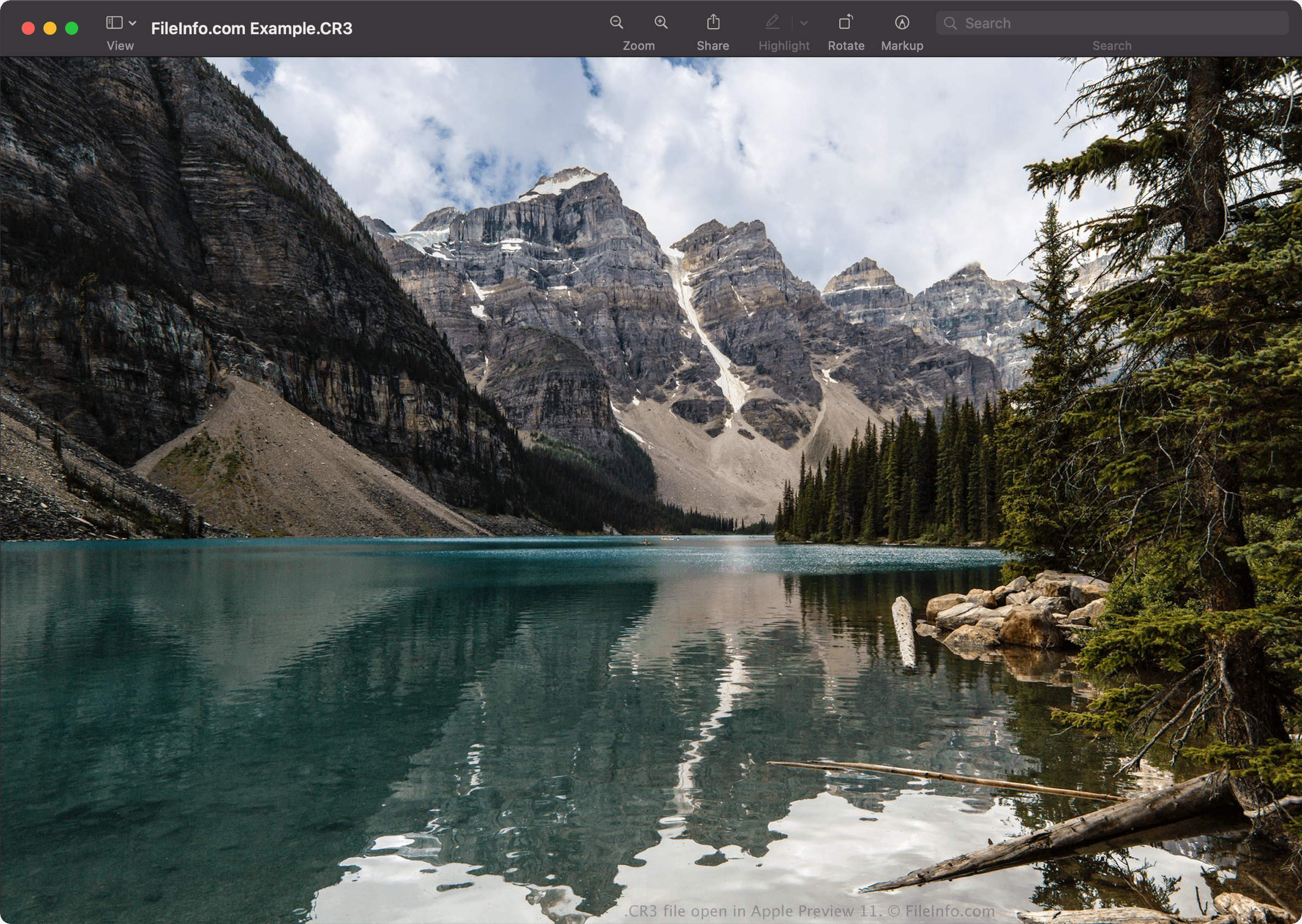
Canon Digital Photo Professional(Windows, Mac), Canon Digital Photo Professional Express(iOS), Microsoft Raw Image Extension이 설치된 Microsoft Photos, Apple Preview(Mac)로 CR3 파일을 열 수 있습니다.
편집 기능을 제공하는 다른 애플리케이션으로는 Adobe Camera Raw 플러그인(버전 11.0 이상)이 설치된 Adobe Lightroom(Windows, Mac), Adobe Lightroom for iPad 또는 Adobe Lightroom Classic(버전 8.0 이상)이 있습니다.
참고: Apple은 macOS Catalina(10.15) 및 iOS 13을 출시하면서 CR3 이미지에 대한 시스템 수준의 지원을 도입했습니다. 그러나 macOS 및 iOS 운영 체제가 지원하지 않는 CR3 이미지를 생성하는 Canon 카메라 모델도 있습니다.
CR3 파일을 변환하는 방법
Canon Digital Photo Professional 및 Apple Preview를 비롯한 여러 이미지 뷰어와 편집기로 CR3 파일을 다른 형식으로 변환할 수 있습니다.
예를 들어 Apple Preview에서 를 선택하면 CR3 파일을 다음 형식 중 하나로 변환할 수 있습니다.