

.CR3 Rozszerzenie pliku
Obraz Canon Raw 3
| Deweloper | Canon |
| Popularność |
3,4 | 102 Głosy |
Czym jest plik CR3?
Plik CR3 to obraz RAW z aparatu utworzony przez wybrane aparaty cyfrowe firmy Canon, takie jak EOS M50 i EOS R. Może przechowywać nieskompresowane dane obrazu RAW dokładnie w postaci, w jakiej zostały zarejestrowane przez matrycę aparatu, lub skompresowane dane obrazu RAW (C-RAW), zależnie od ustawienia wybranego podczas robienia zdjęcia. Różne edytory obrazów mogą wyświetlać, edytować i konwertować pliki CR3, między innymi Canon Digital Photo Professional i Adobe Lightroom.
Więcej informacji
Firma Canon wprowadziła format Canon Raw Image 3 (CR3) w 2018 roku wraz z premierą aparatu EOS M50, zastępując format Canon Raw Image 2 (CR2) (pliki .CR2). Format CR3 jest oparty na standardzie ISO Base Media File Format i zawiera niestandardowe tagi oraz kodek crx, który obsługuje bezstratną kompresję RAW i stratną kompresję C-RAW. Jeśli obraz zostanie zapisany z użyciem stratnej kompresji C-RAW, jest on około 40% mniejszy przy minimalnej różnicy w jakości obrazu.
Aparat Canon EOS M50 jest wyposażony w procesor Digic 8, który umożliwia rejestrowanie obrazów w formacie CR3. We wcześniejszych wersjach aparatów cyfrowych firmy Canon używano formatów .CRW i CR2. Format CRW jest oparty na formacie Camera Image File Format (CIFF), a format CR2 na specyfikacji TIFF.
Jak otworzyć plik CR3
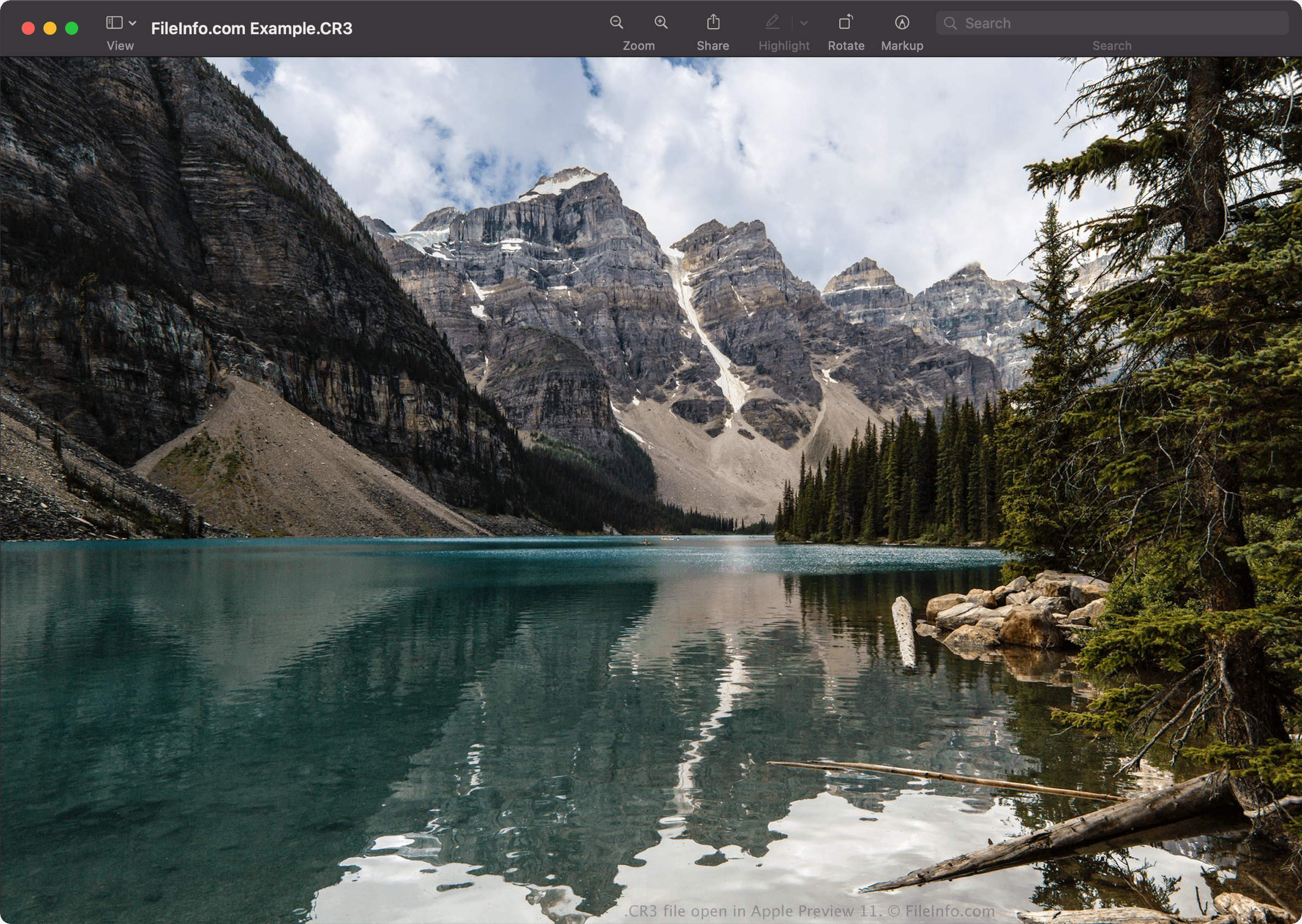
Pliki CR3 można otwierać za pomocą programów Canon Digital Photo Professional (Windows, Mac), Canon Digital Photo Professional Express (iOS), Microsoft Photos (z rozszerzeniem Microsoft Raw Image Extension) oraz Apple Preview (Mac).
Niektóre inne aplikacje również oferują opcje edycji, w tym Adobe Lightroom (Windows, Mac), Adobe Lightroom na iPada lub Adobe Lightroom Classic (wersja 8.0 i nowsze) z zainstalowaną wtyczką Adobe Camera Raw (wersja 11.0 i nowsza).
UWAGA: Firma Apple wprowadziła obsługę obrazów CR3 na poziomie systemu wraz z premierą systemów macOS Catalina (10.15) i iOS 13. Istnieją jednak modele aparatów firmy Canon, które tworzą obrazy CR3 nieobsługiwane przez systemy operacyjne macOS i iOS.
Jak przekonwertować plik CR3
Kilka przeglądarek i edytorów obrazów, w tym Canon Digital Photo Professional i Apple Preview, może konwertować pliki CR3 na inne formaty.
Na przykład w programie Apple Preview wybierz , aby przekonwertować plik CR3 na jeden z następujących formatów: