

.CR3 Extension de fichier
Image Canon Raw 3
| Développeur | Canon |
| Popularité |
3,4 | 102 Votes |
Qu'est-ce qu'un fichier CR3 ?
Un fichier CR3 est une image RAW d'appareil photo créée par certains appareils photo numériques Canon, comme les EOS M50 et EOS R. Il peut stocker des données d'image RAW non compressées exactement comme le capteur de l'appareil les a capturées, ou des données d'image RAW compressées (C-RAW), selon le réglage sélectionné sur l'appareil lors de la capture de l'image. Plusieurs éditeurs d'images peuvent afficher, modifier et convertir les fichiers CR3, notamment Canon Digital Photo Professional et Adobe Lightroom.
Plus d'informations
Canon a lancé le format Canon Raw Image 3 (CR3) en 2018, lors de la sortie de l'EOS M50, pour remplacer le format Canon Raw Image 2 (CR2) (fichiers .CR2). Le format CR3 est basé sur l'ISO Base Media File Format et comprend des balises personnalisées ainsi que le codec crx, qui prend en charge les compressions RAW sans perte et C-RAW avec perte. Si l'image est enregistrée avec une compression C-RAW avec perte, elle est environ 40 % plus petite, avec une différence minime au niveau de la qualité d'image.
Le Canon EOS M50 est équipé du processeur Digic 8, qui lui permet de capturer des images au format CR3. Les versions précédentes des appareils photo numériques Canon utilisaient les formats .CRW et CR2. Le format CRW est basé sur le Camera Image File Format (CIFF), tandis que le format CR2 est basé sur la spécification TIFF.
Comment ouvrir un fichier CR3
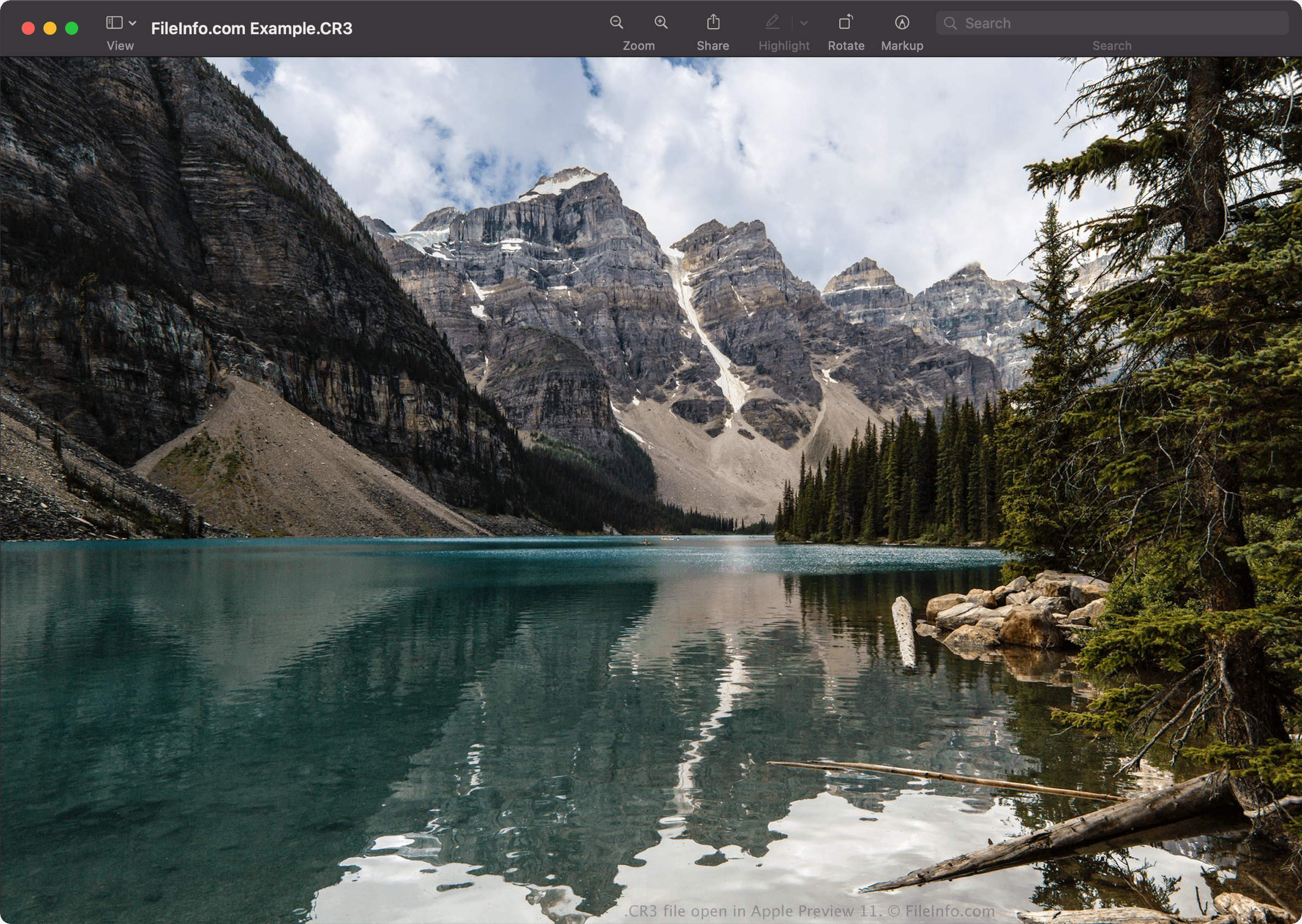
Vous pouvez ouvrir les fichiers CR3 avec Canon Digital Photo Professional (Windows, Mac), Canon Digital Photo Professional Express (iOS), Microsoft Photos (avec Microsoft Raw Image Extension) et Apple Preview (Mac).
D'autres applications proposent également des fonctions de modification, notamment Adobe Lightroom (Windows, Mac), Adobe Lightroom pour iPad ou Adobe Lightroom Classic (version 8.0 et ultérieure), avec le plug-in Adobe Camera Raw (version 11.0 et ultérieure) installé.
REMARQUE : Apple a ajouté la prise en charge des images CR3 au niveau du système lors de la sortie de macOS Catalina (10.15) et d'iOS 13. Cependant, certains modèles d'appareils photo Canon créent des images CR3 que les systèmes d'exploitation macOS et iOS ne prennent pas en charge.
Comment convertir un fichier CR3
Plusieurs visionneuses et éditeurs d'images, notamment Canon Digital Photo Professional et Apple Preview, peuvent convertir les fichiers CR3 vers d'autres formats.
Par exemple, dans Apple Preview, sélectionnez pour convertir un fichier CR3 vers l'un des formats suivants :