

.CR3 Estensione file
Immagine Canon Raw 3
| Sviluppatore | Canon |
| Popolarità |
3,4 | 102 Voti |
Che cos'è un file CR3?
Un file CR3 è un'immagine RAW della fotocamera creata da alcune fotocamere digitali Canon, come EOS M50 ed EOS R. Può memorizzare dati immagine RAW non compressi esattamente come sono stati catturati dal sensore della fotocamera oppure dati immagine RAW compressi (C-RAW), a seconda dell'impostazione selezionata sulla fotocamera al momento dell'acquisizione dell'immagine. Vari programmi di modifica delle immagini possono visualizzare, modificare e convertire i file CR3, tra cui Canon Digital Photo Professional e Adobe Lightroom.
Maggiori informazioni
Canon ha introdotto il formato Canon Raw Image 3 (CR3) nel 2018, quando ha rilasciato EOS M50, sostituendo il formato Canon Raw Image 2 (CR2) (file .CR2). Il formato CR3 si basa sull'ISO Base Media File Format e include tag personalizzati e il codec crx, che supporta compressioni RAW senza perdita e C-RAW con perdita. Se viene salvata con la compressione C-RAW con perdita, l'immagine è circa il 40% più piccola, con una differenza minima nella qualità dell'immagine.
Canon EOS M50 include il processore Digic 8, che le consente di acquisire immagini nel formato CR3. Le versioni precedenti delle fotocamere digitali Canon utilizzavano i formati .CRW e CR2. Il formato CRW si basa sul Camera Image File Format (CIFF), mentre il formato CR2 si basa sulla specifica TIFF.
Come aprire un file CR3
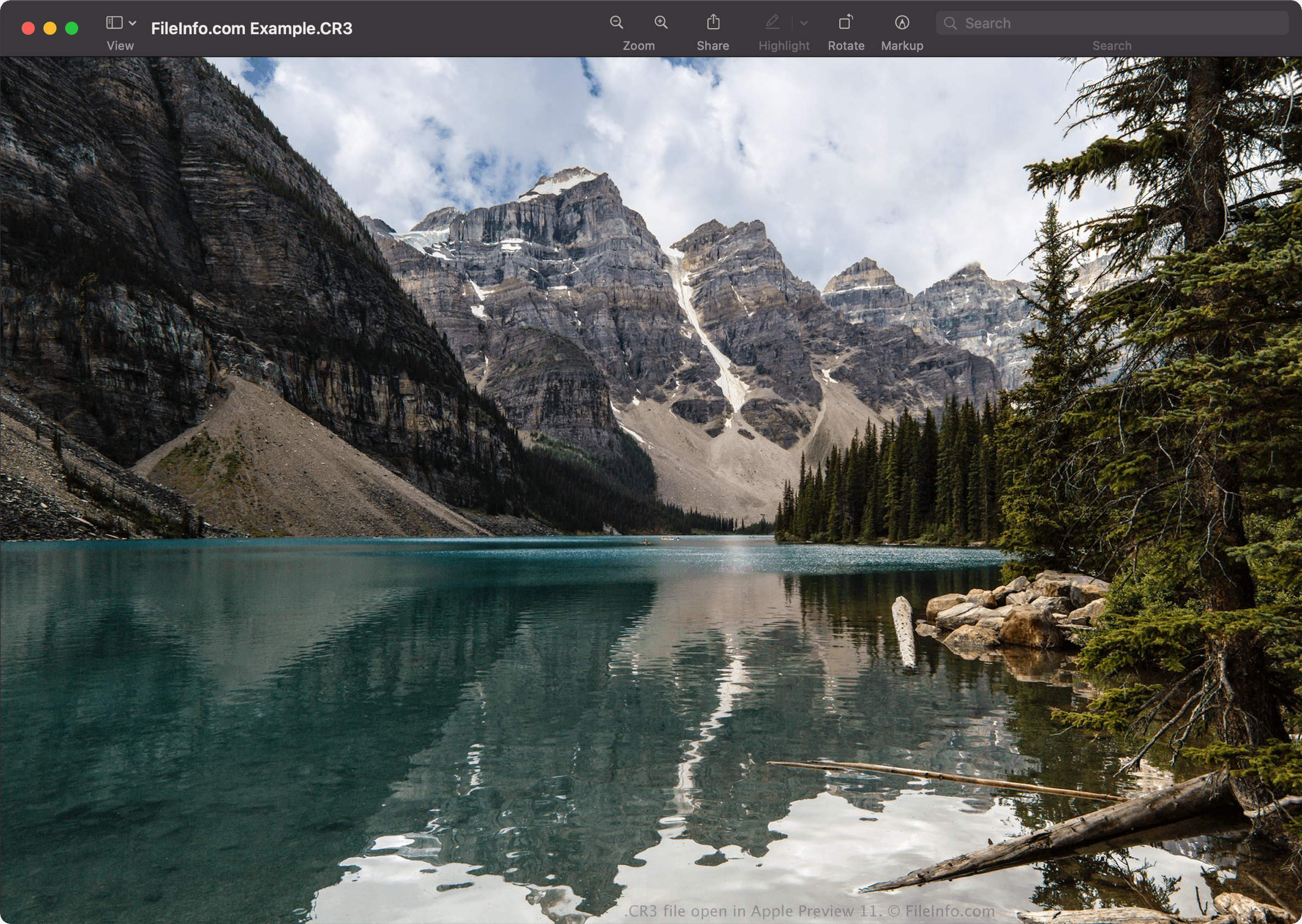
Puoi aprire i file CR3 con Canon Digital Photo Professional (Windows, Mac), Canon Digital Photo Professional Express (iOS), Microsoft Photos (con Microsoft Raw Image Extension) e Apple Preview (Mac).
Alcune altre applicazioni che offrono anche opzioni di modifica includono Adobe Lightroom (Windows, Mac), Adobe Lightroom per iPad oppure Adobe Lightroom Classic (versione 8.0 e successive) con il plugin Adobe Camera Raw (versione 11.0 e successive) installato.
NOTA: Apple ha introdotto il supporto a livello di sistema per le immagini CR3 con il rilascio di macOS Catalina (10.15) e iOS 13. Tuttavia, alcuni modelli di fotocamere Canon creano immagini CR3 non supportate dai sistemi operativi macOS e iOS.
Come convertire un file CR3
Diversi programmi per visualizzare e modificare le immagini, tra cui Canon Digital Photo Professional e Apple Preview, possono convertire i file CR3 in altri formati.
Ad esempio, in Apple Preview, seleziona per convertire un file CR3 in uno dei seguenti formati: