.CR3 文件扩展名

Canon Raw 3 Image

开发者 Canon
受欢迎程度
3.4  |  102 
 
🔍使用File Helper直接在您的网络浏览器中打开 .CR3 文件在线查看

什么是 CR3 文件?

A CR3 file is a camera RAW image created by select Canon digital cameras, such as the EOS M50 and EOS R. It may store uncompressed RAW image data exactly how the camera's sensor captured it or compressed RAW (C-RAW) image data depending on the camera setting selected when capturing the image. Various image editors can view, edit, and convert CR3 files, such as Canon Digital Photo Professional and Adobe Lightroom.

更多信息

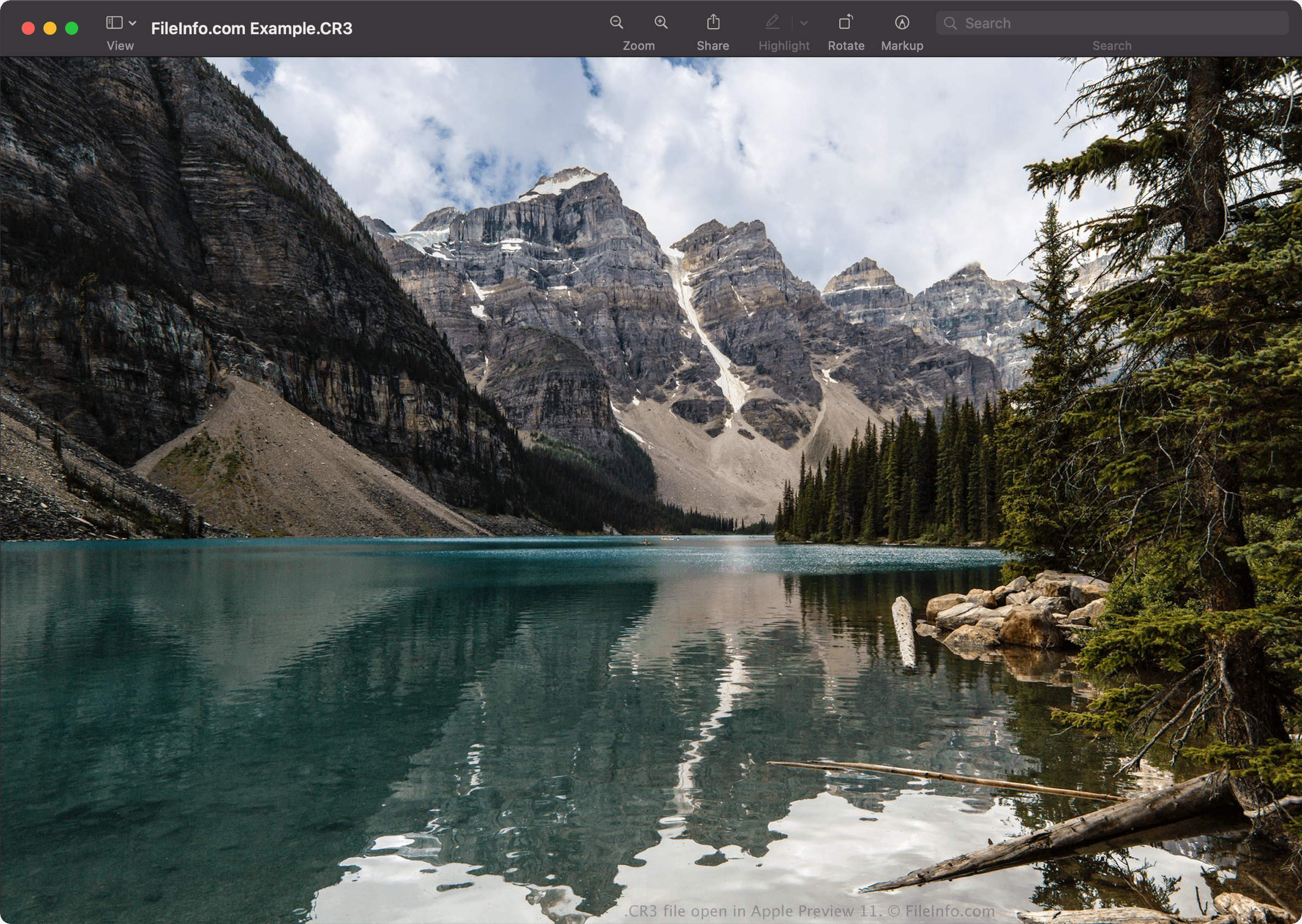
在 Apple Preview 11 中打开的 .cr3 文件截图
在 Apple Preview 11 中打开的 CR3 文件

Canon introduced the Canon Raw Image 3 (CR3) format in 2018 when it released EOS M50, replacing the Canon Raw Image 2 (CR2) format (.CR2 files). The CR3 format is based on the ISO Base Media File Format and includes custom tags and the crx codec, which supports lossless RAW and lossy C-RAW compressions. If saved with lossy C-RAW compression, the image is roughly 40% smaller with minimal difference in image quality.

The Canon EOS M50 comes with the Digic 8 processor, which allows it to capture images in the CR3 format. Earlier versions of Canon digital cameras used the .CRW and CR2 format. The CRW format is based on the Camera Image File Format (CIFF), and the CR2 format is based on the TIFF specification.

如何打开 CR3 文件

You can open CR3 files with Canon Digital Photo Professional (Windows, Mac), Canon Digital Photo Professional Express (iOS), Microsoft Photos (with the Microsoft Raw Image Extension), and Apple Preview (Mac).

Some other applications that also provide editing options include Adobe Lightroom (Windows, Mac), Adobe Lightroom for iPad, or Adobe Lightroom Classic (version 8.0 and later) with the Adobe Camera Raw plugin (version 11.0 and later) installed.

注: Apple introduced system-level support for CR3 images when it released macOS Catalina (10.15) and iOS 13. However, there are Canon camera models that create CR3 images that macOS and iOS operating systems do not support.

如何转换 CR3 文件

Several image viewers and editors, including Canon Digital Photo Professional and Apple Preview, can convert CR3 files to other formats.

For example, in Apple Preview, select File → Export... to convert a CR3 file to one of the following formats:

  • .JPG - JPEG Image
  • .PNG - Portable Network Graphic
  • .JP2 - JPEG 2000 Core Image
  • .EXR - OpenEXR Image
  • .TIFF - Tagged Image File Format
  • .PDF - Portable Document Format

可打开 CR3 文件的程序

验证者 FileInfo.com

FileInfo.com 团队 独立研究了本页面列出的 Canon Raw 3 Image 文件格式和 Mac, Windows, Android, and iOS 应用。 我们的目标是达到 100% 的准确率,并且仅发布我们已验证过的文件类型信息。

如果您想为此页面提出新增或更新建议,请告诉我们