

.CR3 Dateiendung
Canon Raw 3-Bild
| Entwickler | Canon |
| Beliebtheit |
3,4 | 102 Stimmen |
Was ist eine CR3-Datei?
Eine CR3-Datei ist ein Kamera-RAW-Bild, das von ausgewählten Canon-Digitalkameras wie der EOS M50 und EOS R erstellt wird. Je nach beim Aufnehmen des Bildes ausgewählter Kameraeinstellung kann sie unkomprimierte RAW-Bilddaten genau so speichern, wie der Sensor der Kamera sie erfasst hat, oder komprimierte RAW-Bilddaten (C-RAW). Verschiedene Bildbearbeitungsprogramme können CR3-Dateien anzeigen, bearbeiten und konvertieren, darunter Canon Digital Photo Professional und Adobe Lightroom.
Weitere Informationen
Canon führte das Format Canon Raw Image 3 (CR3) 2018 mit der Veröffentlichung der EOS M50 ein und ersetzte damit das Format Canon Raw Image 2 (CR2) (.CR2-Dateien). Das CR3-Format basiert auf dem ISO Base Media File Format und enthält benutzerdefinierte Tags sowie den crx-Codec, der verlustfreie RAW- und verlustbehaftete C-RAW-Komprimierung unterstützt. Bei einer Speicherung mit verlustbehafteter C-RAW-Komprimierung ist das Bild ungefähr 40 % kleiner, bei minimalen Unterschieden in der Bildqualität.
Die Canon EOS M50 verfügt über den Digic-8-Prozessor, der es ihr ermöglicht, Bilder im CR3-Format aufzunehmen. Frühere Versionen der Canon-Digitalkameras verwendeten das .CRW- und das CR2-Format. Das CRW-Format basiert auf dem Camera Image File Format (CIFF), und das CR2-Format basiert auf der TIFF-Spezifikation.
So öffnen Sie eine CR3-Datei
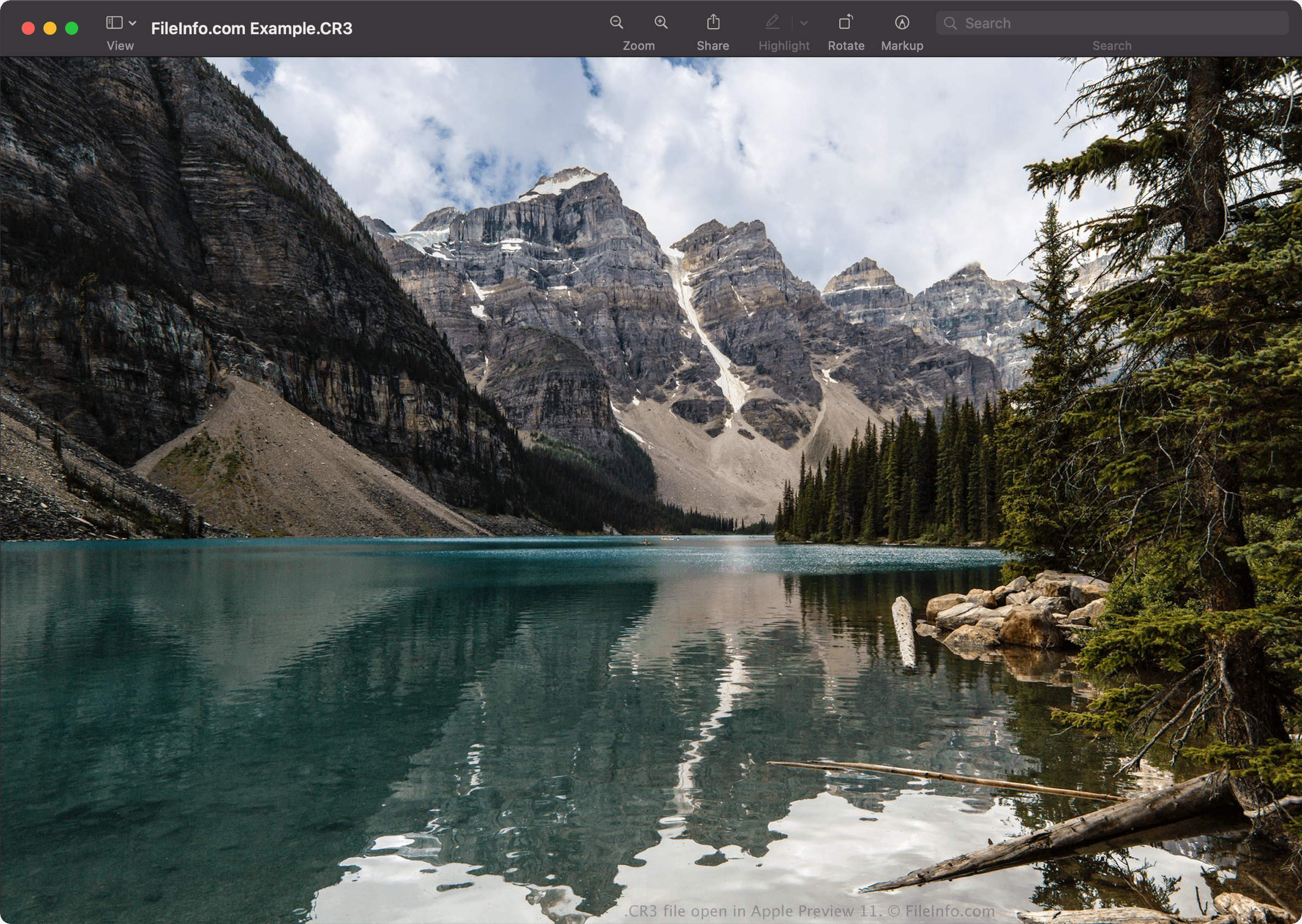
Sie können CR3-Dateien mit Canon Digital Photo Professional (Windows, Mac), Canon Digital Photo Professional Express (iOS), Microsoft Photos (mit der Microsoft Raw Image Extension) und Apple Preview (Mac) öffnen.
Einige andere Anwendungen bieten ebenfalls Bearbeitungsfunktionen, darunter Adobe Lightroom (Windows, Mac), Adobe Lightroom für iPad oder Adobe Lightroom Classic (Version 8.0 und höher), wenn das Adobe-Camera-Raw-Plugin (Version 11.0 und höher) installiert ist.
HINWEIS: Apple führte mit der Veröffentlichung von macOS Catalina (10.15) und iOS 13 die systemweite Unterstützung für CR3-Bilder ein. Es gibt jedoch Canon-Kameramodelle, die CR3-Bilder erstellen, die von den Betriebssystemen macOS und iOS nicht unterstützt werden.
So konvertieren Sie eine CR3-Datei
Mehrere Bildbetrachter und Bildbearbeitungsprogramme, darunter Canon Digital Photo Professional und Apple Preview, können CR3-Dateien in andere Formate konvertieren.
Wählen Sie beispielsweise in Apple Preview , um eine CR3-Datei in eines der folgenden Formate zu konvertieren: