.CR3 ファイル拡張子

Canon Raw 3 Image

開発元 Canon
人気度
3.4  |  102 
 
🔍.CR3ファイルFile Helperでウェブブラウザから直接開けます。オンラインで表示

CR3ファイルとは?

A CR3 file is a camera RAW image created by select Canon digital cameras, such as the EOS M50 and EOS R. It may store uncompressed RAW image data exactly how the camera's sensor captured it or compressed RAW (C-RAW) image data depending on the camera setting selected when capturing the image. Various image editors can view, edit, and convert CR3 files, such as Canon Digital Photo Professional and Adobe Lightroom.

詳細情報

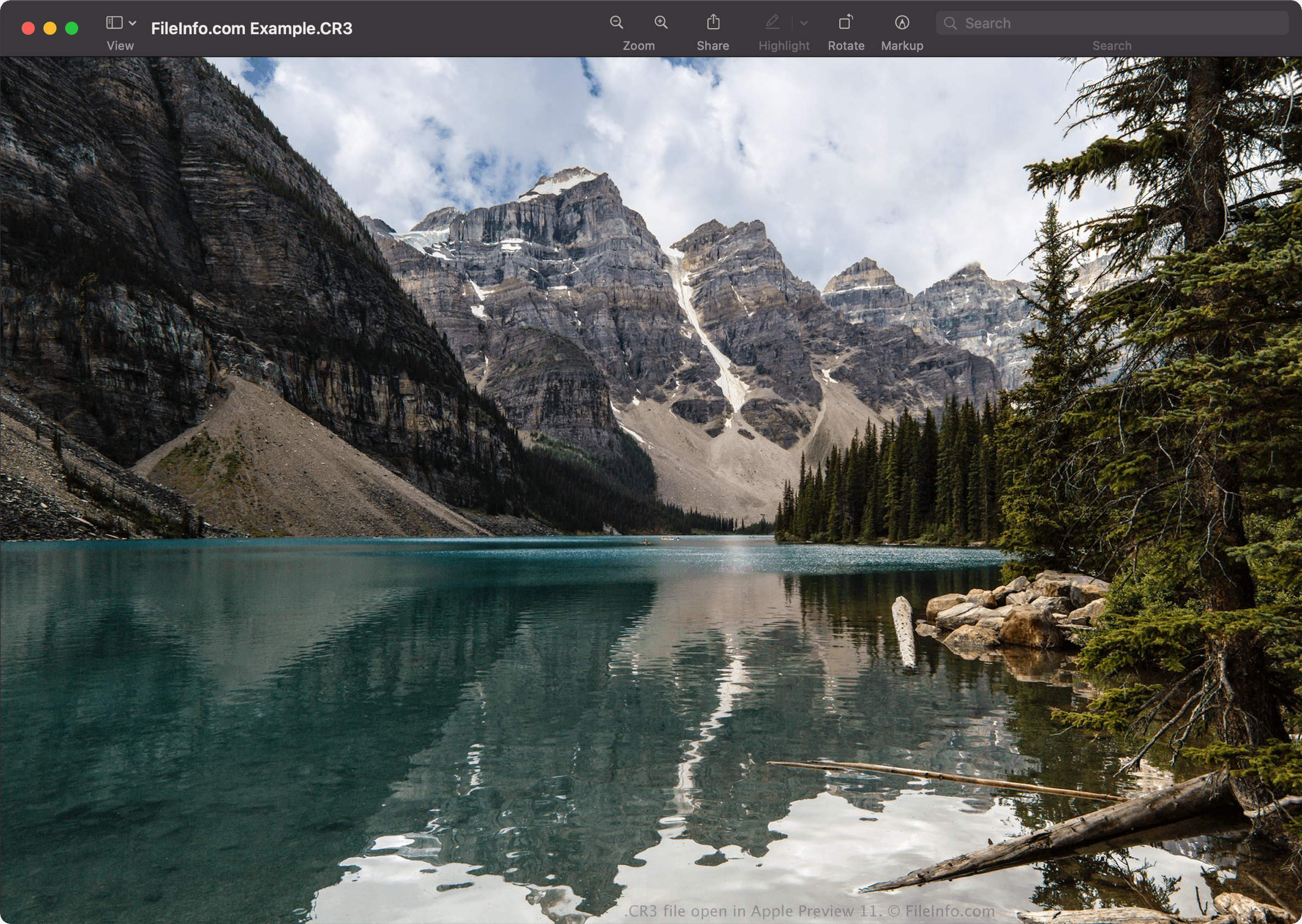
Apple Preview 11で開いた.cr3ファイルのスクリーンショット
Apple Preview 11で開いたCR3ファイル

Canon introduced the Canon Raw Image 3 (CR3) format in 2018 when it released EOS M50, replacing the Canon Raw Image 2 (CR2) format (.CR2 files). The CR3 format is based on the ISO Base Media File Format and includes custom tags and the crx codec, which supports lossless RAW and lossy C-RAW compressions. If saved with lossy C-RAW compression, the image is roughly 40% smaller with minimal difference in image quality.

The Canon EOS M50 comes with the Digic 8 processor, which allows it to capture images in the CR3 format. Earlier versions of Canon digital cameras used the .CRW and CR2 format. The CRW format is based on the Camera Image File Format (CIFF), and the CR2 format is based on the TIFF specification.

CR3ファイルの開き方

You can open CR3 files with Canon Digital Photo Professional (Windows, Mac), Canon Digital Photo Professional Express (iOS), Microsoft Photos (with the Microsoft Raw Image Extension), and Apple Preview (Mac).

Some other applications that also provide editing options include Adobe Lightroom (Windows, Mac), Adobe Lightroom for iPad, or Adobe Lightroom Classic (version 8.0 and later) with the Adobe Camera Raw plugin (version 11.0 and later) installed.

注: Apple introduced system-level support for CR3 images when it released macOS Catalina (10.15) and iOS 13. However, there are Canon camera models that create CR3 images that macOS and iOS operating systems do not support.

CR3ファイルの変換方法

Several image viewers and editors, including Canon Digital Photo Professional and Apple Preview, can convert CR3 files to other formats.

For example, in Apple Preview, select File → Export... to convert a CR3 file to one of the following formats:

  • .JPG - JPEG Image
  • .PNG - Portable Network Graphic
  • .JP2 - JPEG 2000 Core Image
  • .EXR - OpenEXR Image
  • .TIFF - Tagged Image File Format
  • .PDF - Portable Document Format

CR3ファイルを開くプログラム

検証者 FileInfo.com

FileInfo.comチーム は、このページに掲載されているCanon Raw 3 Imageファイル形式とMac, Windows, Android, and iOSアプリについて独自に調査しました。 私たちの目標は100%の正確性であり、検証済みのファイルタイプに関する情報のみを公開しています。

このページへの追加や更新をご提案いただける場合は、お知らせください。