.WAL ファイル拡張子

2個のファイルタイプ.wal拡張子を使用しています。

Winamp Modern Skin

開発元 Nullsoft
人気度
3.9  |  20 
 

WALファイルとは?

A WAL file is a custom skin for Nullsoft Winamp, a media player for Windows. It is used to customize Winamp's appearance and user interface (UI). The WAL format was introduced with Winamp 3 (succeeding the .WSZ format).

詳細情報

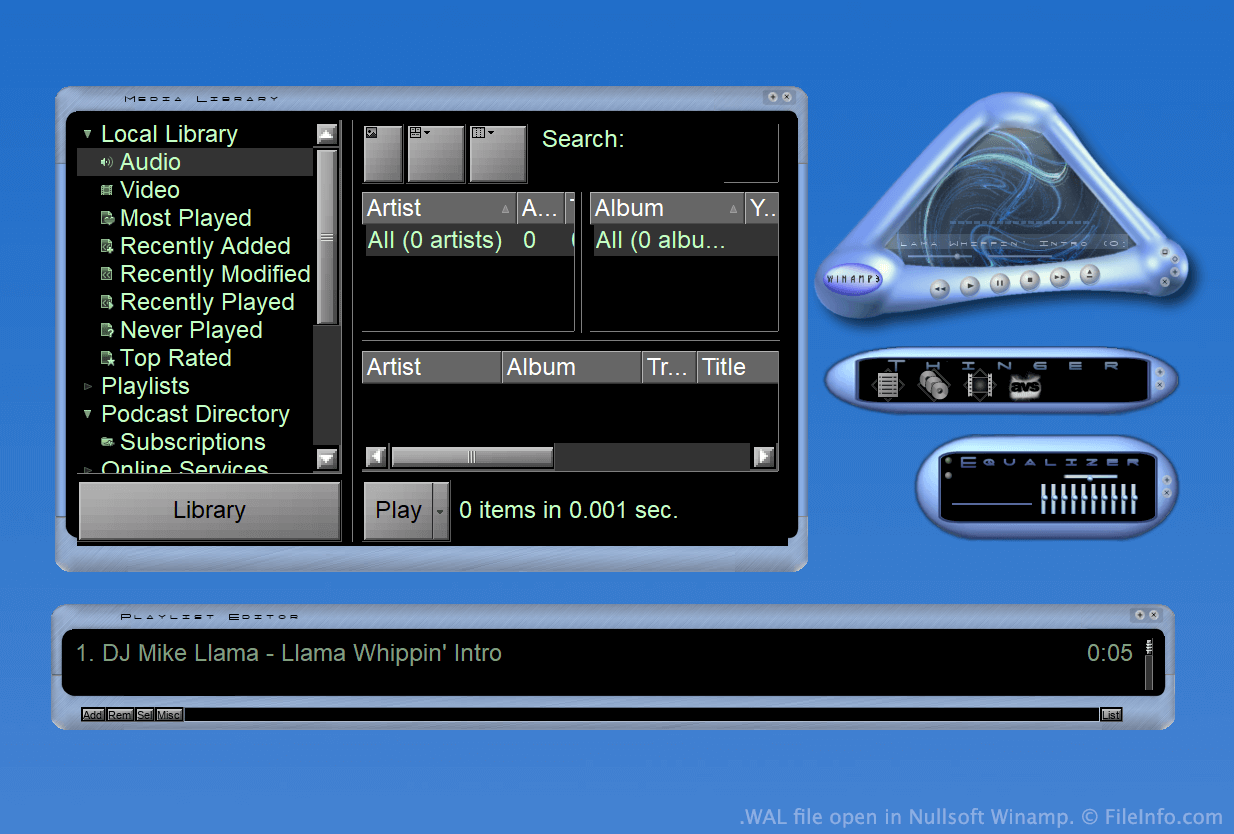
Nullsoft Winampで開いた.walファイルのスクリーンショット
Nullsoft Winampで開いたWALファイル

Winamp is a free media player that allows users to play many types of audio and video files. It also includes several other features, such as the ability to customize the program's appearance using skins.

For much of Winamp's existence, skins were saved as WSZ files. However, with the release of Winamp 3, Nullsoft introduced the WAL, or modern Winamp skin, format.

WAL files are very similar to WSZ files, in that both are simply renamed .ZIP files that include all of a skin's images and other assets. However, while WSZ files use .TXT files to specify how a skin's assets should be applied, WAL files use .XML files.

WALファイルの開き方

With Nullsoft Winamp (Windows) installed, you can double-click a WAL file to apply it as a Winamp skin. Alternatively, you can manually place the file in Winamp's Skins directory and then select it from Winamp's Skin Browser (Options → Skins → Skin Browser...).

If you want to view the constituent files a WAL file contains, rename the file to use the .zip extension and then decompress it with any Zip-decompression utility, such as 7-Zip (Windows).

File Viewer Plusで400種類以上のファイル形式を開けます。無料ダウンロード

WALファイルを開くプログラム

Windows
カテゴリ: 設定
更新日: 2023-05-01

Quake 2 Texture

開発元 id Software
人気度
2.0  |  4 
 

A WAL file is a bitmap texture used by id Software Quake 2. It is used to skin an in-game wall, floor, or other object. Each WAL file contains multiple copies of the same texture, saved at different resolutions.

詳細情報

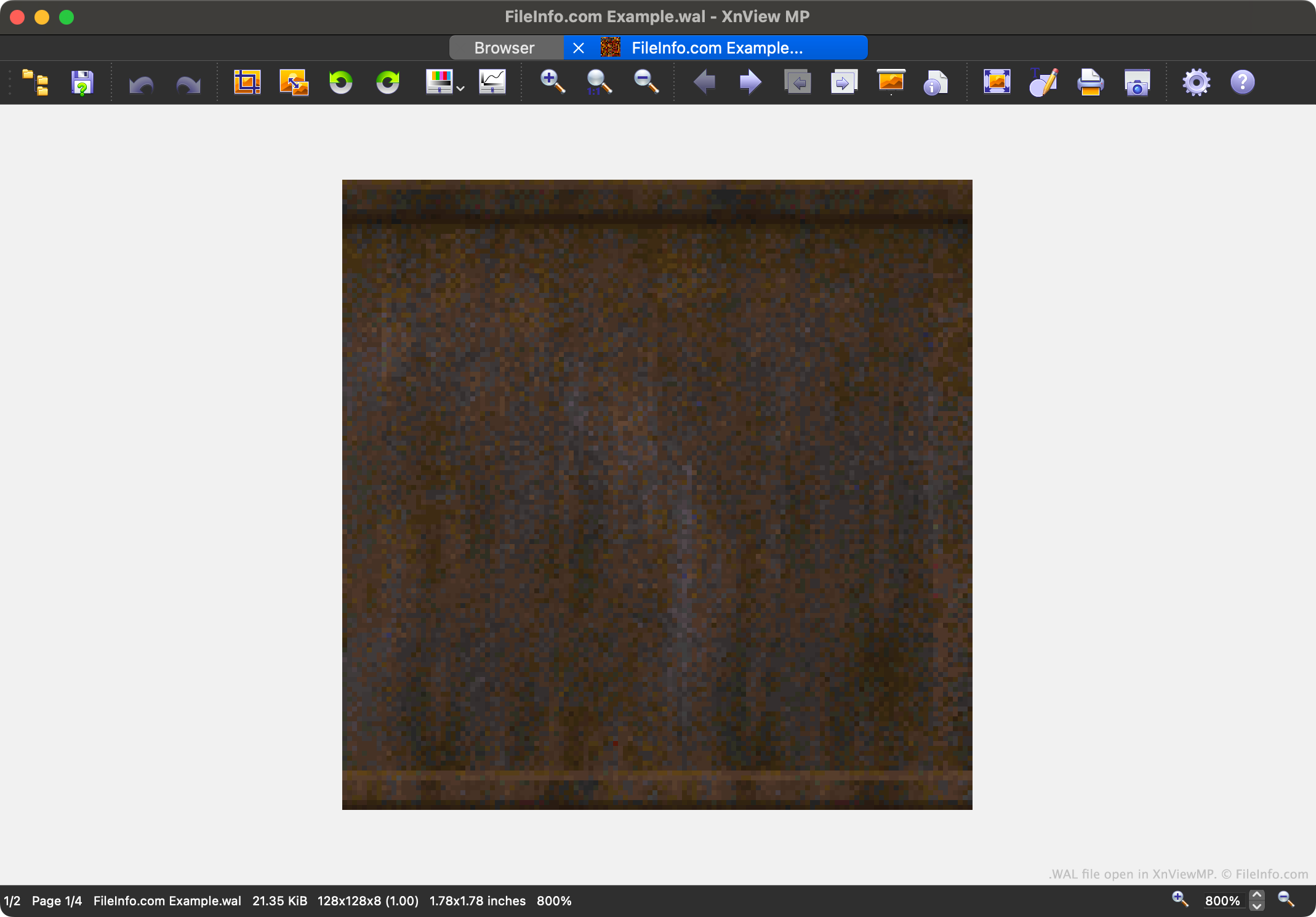
XnViewMPで開いた.walファイルのスクリーンショット
XnViewMPで開いたWALファイル

Quake 2 is the second entry in the popular Quake video game series. It contains game assets saved in a variety of proprietary file formats, including the WAL format.

Each WAL file contains a four-level mipmap of an in-game texture. Each level of the mipmap is saved at a slightly lower resolution. Being able to load textures at varying resolutions speeds up Quake 2's in-game rendering and reduces aliasing.

Players can find Quake 2's WAL files in its .PAK asset archives. While most players will never encounter or need to open WAL files, modders may want to open, examine, edit, and replace the files, to customize Quake 2's appearance.

WALファイルの開き方

You can open a WAL file with XnViewMP (multiplatform), Wally (Windows), or wal (multiplatform). Note that XnViewMP will show you only one version of the image your WAL file contains.

WALファイルの変換方法

You can use XnViewMP, Wally, and wal to convert WAL files to other raster image formats. For example, wal can convert WAL files to the .JPG (JPEG Image) and .PNG (Portable Network Graphic) formats.

WALファイルを開く、または参照するプログラム

Windows
無料
無料
無料
Mac
無料
無料
Linux
無料
無料
カテゴリ: ゲーム
更新日: 2023-05-01

検証者 FileInfo.com

FileInfo.comチーム は、このページに掲載されているすべてのファイル形式とソフトウェアについて独自に調査しました。 私たちの目標は100%の正確性であり、検証済みのファイルタイプに関する情報のみを公開しています。

このページへの追加や更新をご提案いただける場合は、お知らせください。