

.WAL Rozszerzenie pliku
Skórka Winamp Modern
| Deweloper | Nullsoft |
| Popularność |
3,9 | 20 Głosów |
Czym jest plik WAL?
Plik WAL to niestandardowa skórka dla programu Nullsoft Winamp, odtwarzacza multimedialnego dla systemu Windows. Służy do dostosowywania wyglądu i interfejsu użytkownika (UI) programu Winamp. Format WAL został wprowadzony wraz z programem Winamp 3 (zastępując format .WSZ).
Więcej informacji
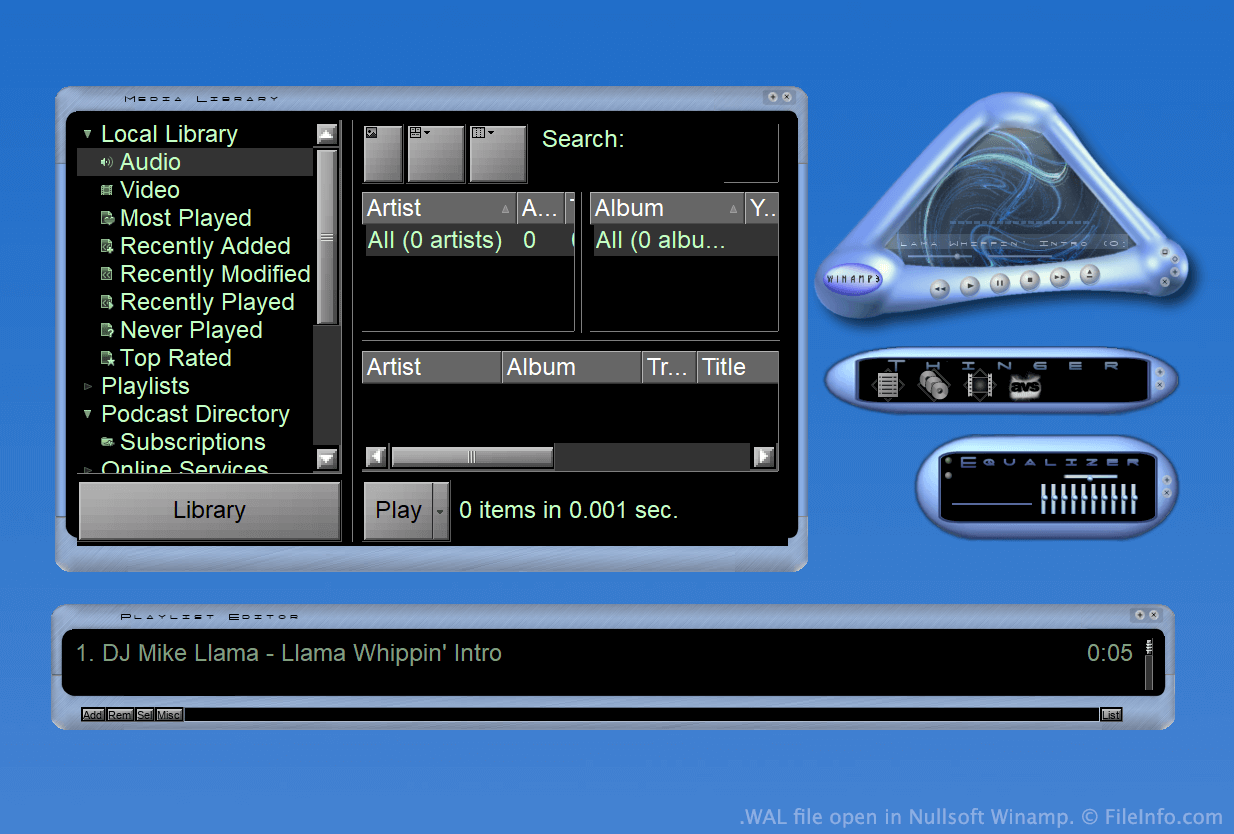
Winamp to darmowy odtwarzacz multimedialny, który umożliwia odtwarzanie wielu typów plików audio i wideo. Obejmuje także kilka innych funkcji, takich jak możliwość dostosowywania wyglądu programu za pomocą skórek.
Przez większą część istnienia programu Winamp skórki były zapisywane jako pliki WSZ. Jednak wraz z wydaniem programu Winamp 3 firma Nullsoft wprowadziła format WAL, czyli format nowoczesnych skórek Winampa.
Pliki WAL są bardzo podobne do plików WSZ, ponieważ oba są po prostu plikami .ZIP ze zmienioną nazwą, które zawierają wszystkie obrazy skórki i inne zasoby. Jednak podczas gdy pliki WSZ używają plików .TXT do określania, jak należy zastosować zasoby skórki, pliki WAL używają plików .XML.
Jak otworzyć plik WAL
Po zainstalowaniu programu Nullsoft Winamp (Windows) możesz dwukrotnie kliknąć plik WAL, aby zastosować go jako skórkę Winampa. Możesz też ręcznie umieścić plik w katalogu Skins programu Winamp, a następnie wybrać go w przeglądarce skórek Winampa ().
Jeśli chcesz wyświetlić pliki składowe zawarte w pliku WAL, zmień jego nazwę tak, aby używał rozszerzenia .zip, a następnie rozpakuj go za pomocą dowolnego narzędzia do dekompresji plików Zip, takiego jak 7-Zip (Windows).
Programy otwierające pliki WAL
Tekstura Quake 2
| Deweloper | id Software |
| Popularność |
2,0 | 4 Głosy |
Plik WAL to tekstura mapy bitowej używana przez grę Quake 2 firmy id Software. Służy do nadawania wyglądu ścianie, podłodze lub innemu obiektowi w grze. Każdy plik WAL zawiera wiele kopii tej samej tekstury zapisanych w różnych rozdzielczościach.
Więcej informacji
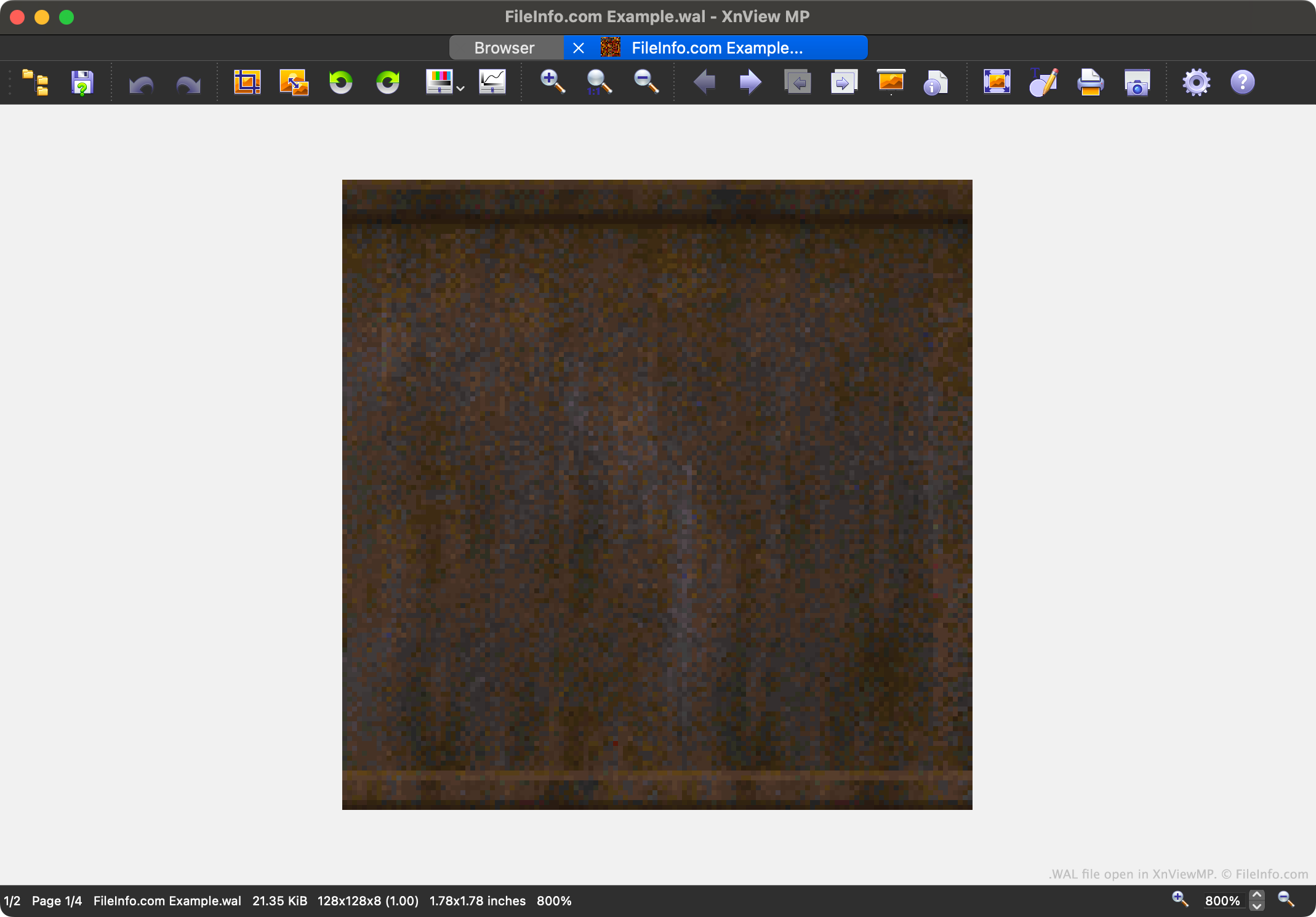
Quake 2 to druga odsłona popularnej serii gier komputerowych Quake. Zawiera zasoby gry zapisane w różnych zastrzeżonych formatach plików, w tym w formacie WAL.
Każdy plik WAL zawiera czteropoziomową mapę mipmapy tekstury z gry. Każdy poziom mipmapy jest zapisany w nieco niższej rozdzielczości. Możliwość wczytywania tekstur w różnych rozdzielczościach przyspiesza renderowanie obrazu w grze Quake 2 i ogranicza aliasing.
Gracze mogą znaleźć pliki WAL gry Quake 2 w archiwach zasobów .PAK. Większość graczy nigdy nie zetknie się z plikami WAL ani nie będzie musiała ich otwierać, ale twórcy modyfikacji mogą chcieć je otwierać, przeglądać, edytować i zastępować, aby zmieniać wygląd gry Quake 2.
Jak otworzyć plik WAL
Plik WAL można otworzyć za pomocą programu XnViewMP (wieloplatformowego), Wally (Windows) lub wal (wieloplatformowego). Należy pamiętać, że XnViewMP wyświetli tylko jedną wersję obrazu zawartego w pliku WAL.