

.WAL Estensione file
Skin moderna di Winamp
| Sviluppatore | Nullsoft |
| Popolarità |
3,9 | 20 Voti |
Che cos'è un file WAL?
Un file WAL è una skin personalizzata per Nullsoft Winamp, un lettore multimediale per Windows. Viene utilizzato per personalizzare l'aspetto e l'interfaccia utente (UI) di Winamp. Il formato WAL è stato introdotto con Winamp 3 (come successore del formato .WSZ).
Maggiori informazioni
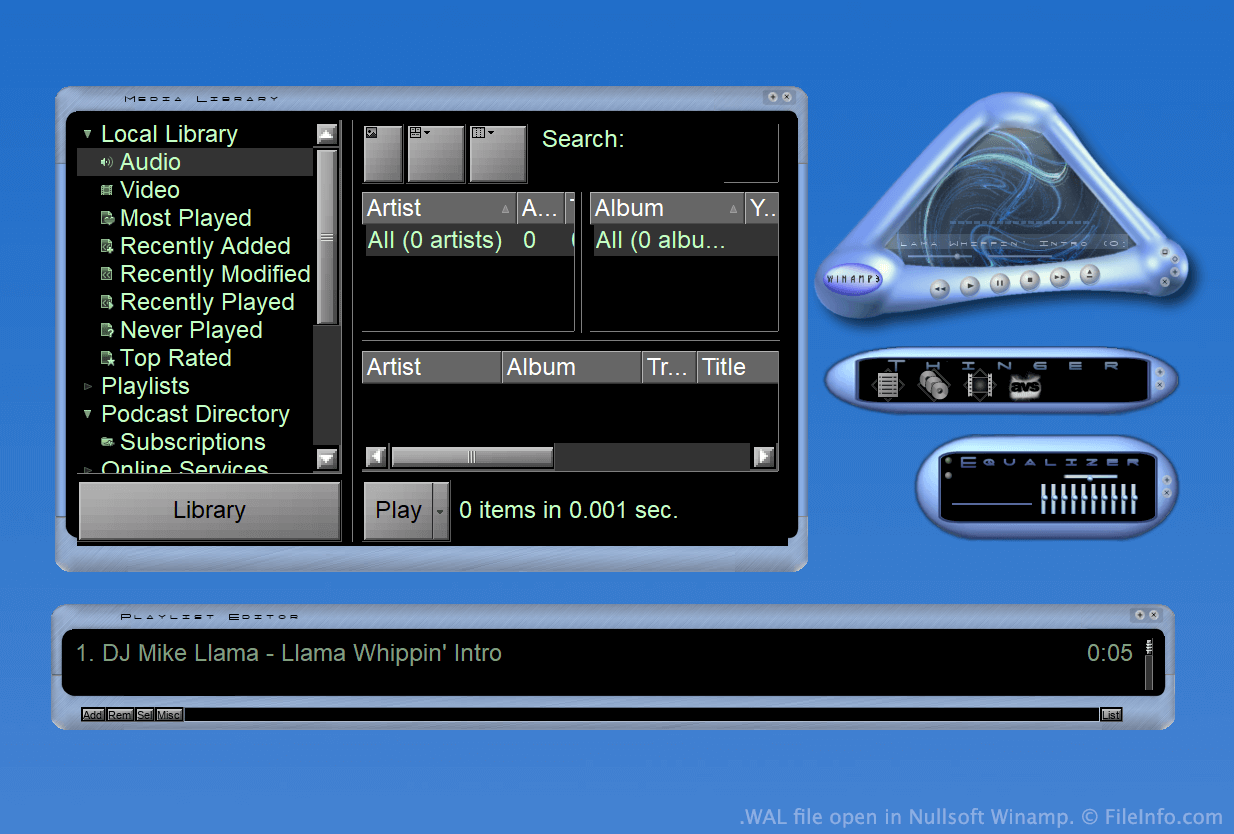
Winamp è un lettore multimediale gratuito che consente agli utenti di riprodurre molti tipi di file audio e video. Include anche diverse altre funzioni, come la possibilità di personalizzare l'aspetto del programma usando le skin.
Per gran parte dell'esistenza di Winamp, le skin venivano salvate come file WSZ. Tuttavia, con il rilascio di Winamp 3, Nullsoft ha introdotto il formato WAL, ovvero il formato delle skin moderne di Winamp.
I file WAL sono molto simili ai file WSZ, poiché entrambi sono semplicemente file .ZIP rinominati che includono tutte le immagini e le altre risorse di una skin. Tuttavia, mentre i file WSZ usano file .TXT per specificare come applicare le risorse di una skin, i file WAL usano file .XML.
Come aprire un file WAL
Con Nullsoft Winamp (Windows) installato, puoi fare doppio clic su un file WAL per applicarlo come skin di Winamp. In alternativa, puoi spostare manualmente il file nella directory Skins di Winamp e poi selezionarlo dal browser delle skin di Winamp ().
Se vuoi visualizzare i file costitutivi contenuti in un file WAL, rinomina il file in modo che usi l'estensione .zip e poi decomprimilo con una qualsiasi utilità di decompressione Zip, come 7-Zip (Windows).
Programmi che aprono i file WAL
Texture di Quake 2
| Sviluppatore | id Software |
| Popolarità |
2,0 | 4 Voti |
Un file WAL è una texture bitmap usata da Quake 2 di id Software. Viene usata per applicare una texture a una parete, un pavimento o un altro oggetto nel gioco. Ogni file WAL contiene più copie della stessa texture, salvate a risoluzioni diverse.
Maggiori informazioni
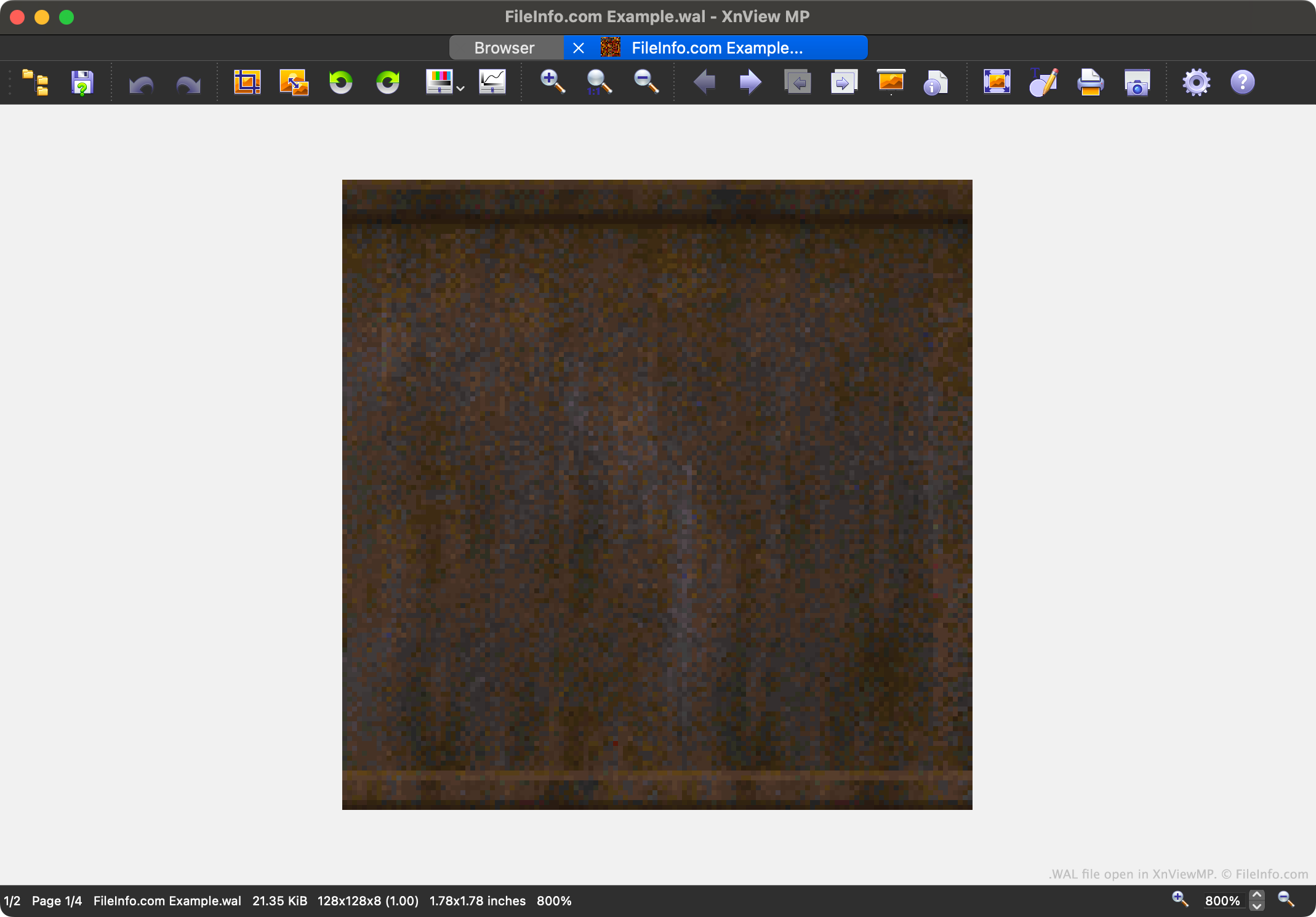
Quake 2 è il secondo capitolo della popolare serie di videogiochi Quake. Contiene risorse di gioco salvate in diversi formati di file proprietari, incluso il formato WAL.
Ogni file WAL contiene una mipmap a quattro livelli di una texture del gioco. Ogni livello della mipmap viene salvato a una risoluzione leggermente inferiore. La possibilità di caricare le texture a risoluzioni diverse velocizza il rendering di Quake 2 durante il gioco e riduce l'antialiasing.
I giocatori possono trovare i file WAL di Quake 2 nei suoi archivi di risorse .PAK. Sebbene la maggior parte dei giocatori non incontrerà mai i file WAL né avrà bisogno di aprirli, i modder potrebbero volerli aprire, esaminare, modificare e sostituire per personalizzare l'aspetto di Quake 2.
Come aprire un file WAL
Puoi aprire un file WAL con XnViewMP (multipiattaforma), Wally (Windows) o wal (multipiattaforma). Tieni presente che XnViewMP ti mostrerà solo una versione dell'immagine contenuta nel file WAL.