

.WAL Extension de fichier
Habillage moderne de Winamp
| Développeur | Nullsoft |
| Popularité |
3,9 | 20 Votes |
Qu'est-ce qu'un fichier WAL ?
Un fichier WAL est un habillage personnalisé pour Nullsoft Winamp, un lecteur multimédia pour Windows. Il permet de personnaliser l’apparence et l’interface utilisateur (interface utilisateur) de Winamp. Le format WAL a été introduit avec Winamp 3 (succédant au .WSZ).
Plus d'informations
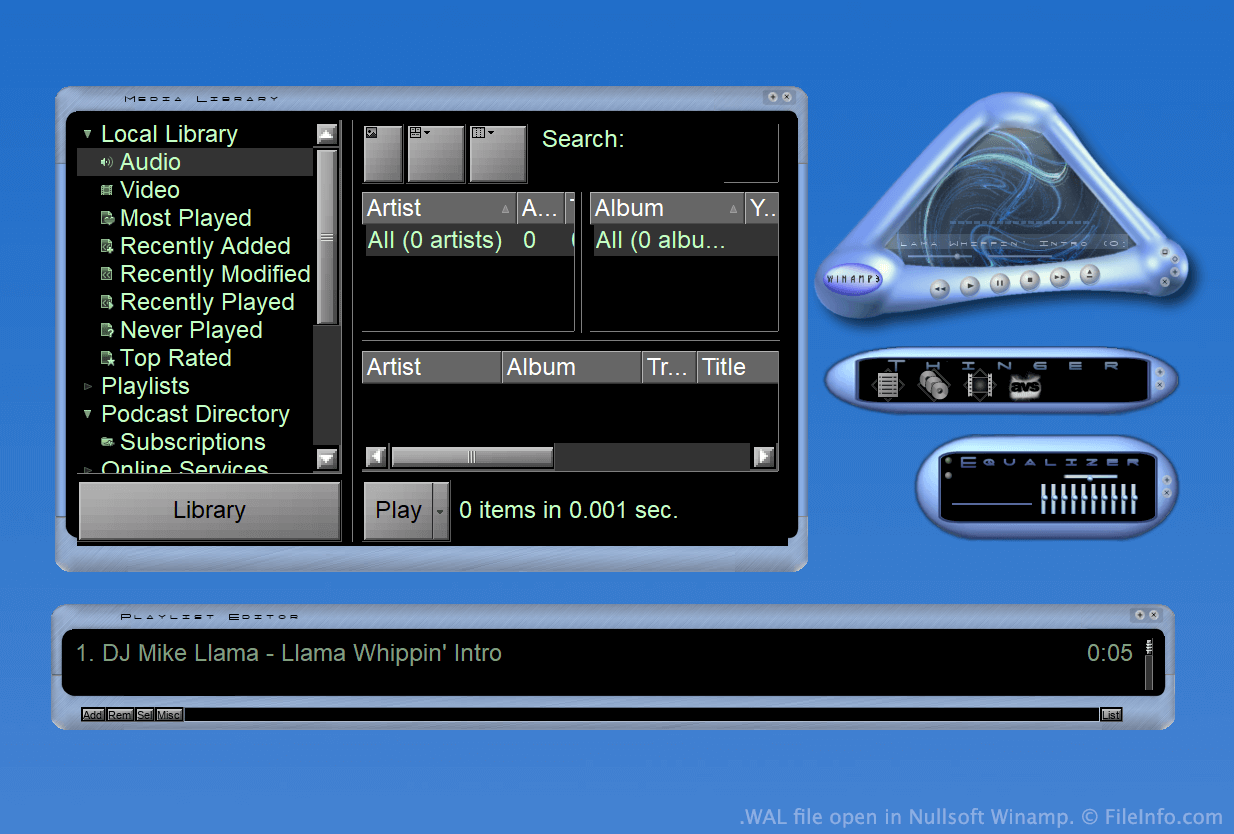
Winamp est un lecteur multimédia gratuit qui permet aux utilisateurs de lire de nombreux types de fichiers audio et vidéo. Il comprend également plusieurs autres fonctionnalités, comme la possibilité de personnaliser l’apparence du programme à l’aide d’habillages.
Pendant une grande partie de l’existence de Winamp, les habillages étaient enregistrés sous forme de fichiers WSZ. Cependant, avec la sortie de Winamp 3, Nullsoft a introduit le format WAL, ou format d’habillage moderne de Winamp.
Les fichiers WAL sont très similaires aux fichiers WSZ, car il s’agit simplement de fichiers .ZIP renommés qui contiennent toutes les images et autres ressources d’un habillage. Cependant, tandis que les fichiers WSZ utilisent des fichiers .TXT pour indiquer comment les ressources d’un habillage doivent être appliquées, les fichiers WAL utilisent des fichiers .XML.
Comment ouvrir un fichier WAL
Une fois Nullsoft Winamp (Windows) installé, vous pouvez double-cliquer sur un fichier WAL pour l’appliquer comme habillage Winamp. Vous pouvez également placer manuellement le fichier dans le répertoire Skins de Winamp, puis le sélectionner dans le navigateur d’habillages de Winamp ().
Si vous souhaitez afficher les fichiers constitutifs contenus dans un fichier WAL, renommez le fichier pour lui attribuer l’extension .zip, puis décompressez-le avec un utilitaire de décompression Zip, comme 7-Zip (Windows).
Programmes qui ouvrent les fichiers WAL
Texture Quake 2
| Développeur | id Software |
| Popularité |
2,0 | 4 Votes |
Un fichier WAL est une texture bitmap utilisée par Quake 2 d'id Software. Elle sert à appliquer une texture à un mur, un sol ou un autre objet du jeu. Chaque fichier WAL contient plusieurs copies de la même texture, enregistrées dans différentes résolutions.
Plus d'informations
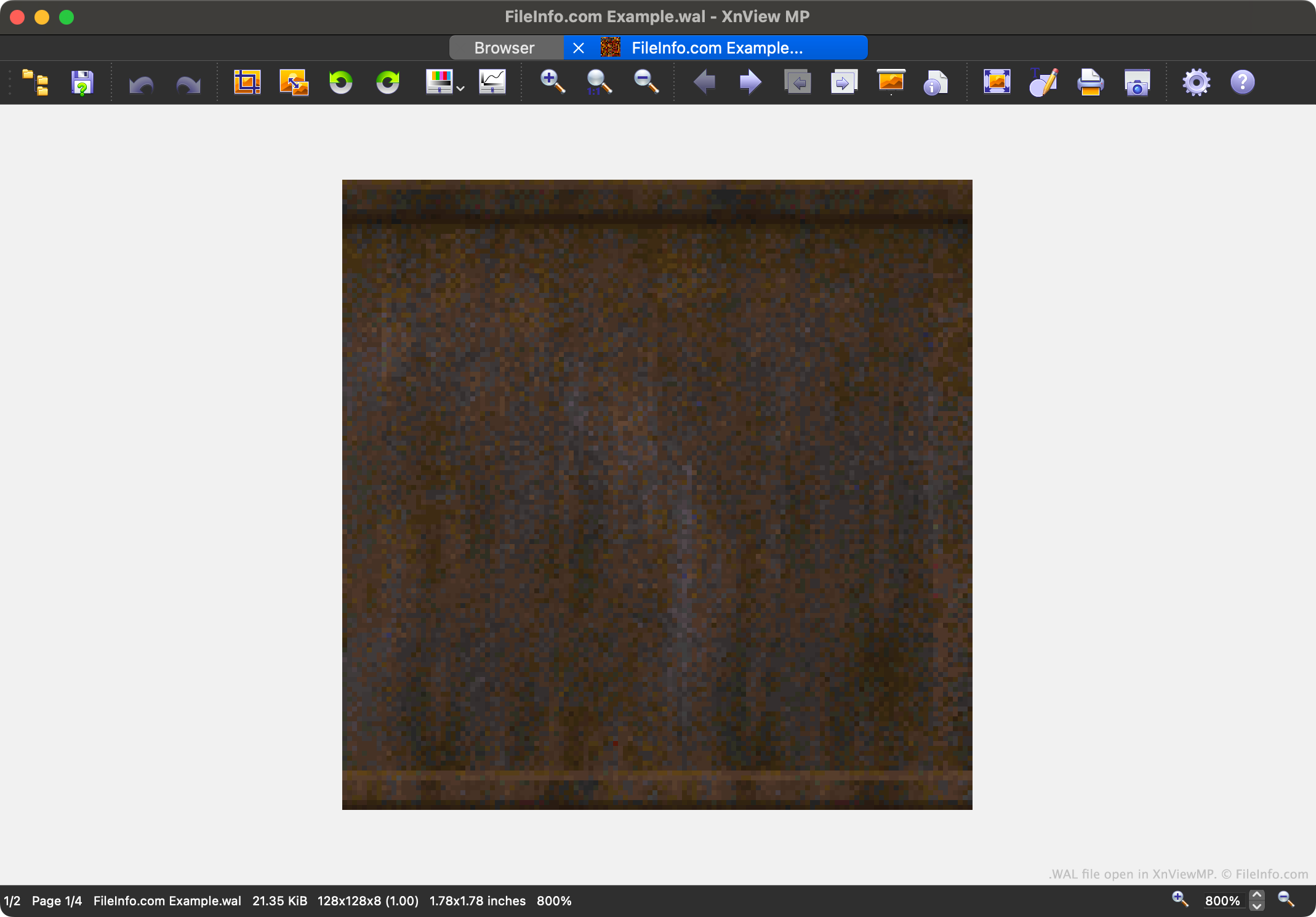
Quake 2 est le deuxième jeu de la célèbre série de jeux vidéo Quake. Il contient des ressources de jeu enregistrées dans différents formats de fichier propriétaires, notamment le format WAL.
Chaque fichier WAL contient un mipmap à quatre niveaux d'une texture du jeu. Chaque niveau du mipmap est enregistré dans une résolution légèrement inférieure. La possibilité de charger des textures dans différentes résolutions accélère le rendu de Quake 2 et réduit l'anticrénelage.
Les joueurs peuvent trouver les fichiers WAL de Quake 2 dans ses archives de ressources .PAK. Même si la plupart des joueurs ne rencontreront jamais de fichiers WAL et n'auront jamais besoin de les ouvrir, les créateurs de mods peuvent vouloir ouvrir, examiner, modifier et remplacer ces fichiers afin de personnaliser l'apparence de Quake 2.
Comment ouvrir un fichier WAL
Vous pouvez ouvrir un fichier WAL avec XnViewMP (multiplateforme), Wally (Windows) ou wal (multiplateforme). Notez que XnViewMP n'affichera qu'une seule version de l'image contenue dans votre fichier WAL.