.WAL 文件扩展名

Winamp Modern Skin

开发者 Nullsoft
受欢迎程度
3.9  |  20 
 

什么是 WAL 文件?

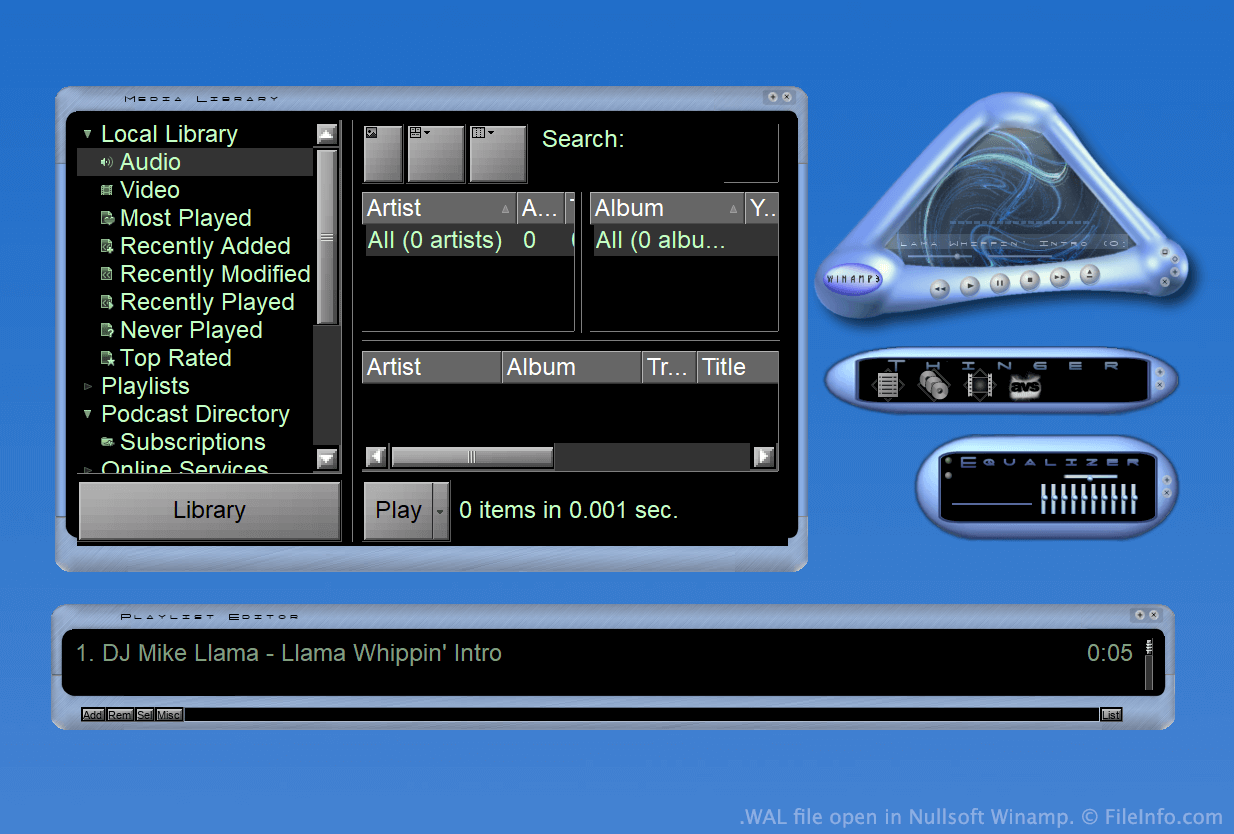
A WAL file is a custom skin for Nullsoft Winamp, a media player for Windows. It is used to customize Winamp's appearance and user interface (UI). The WAL format was introduced with Winamp 3 (succeeding the .WSZ format).

更多信息

在 Nullsoft Winamp 中打开的 .wal 文件截图
在 Nullsoft Winamp 中打开的 WAL 文件

Winamp is a free media player that allows users to play many types of audio and video files. It also includes several other features, such as the ability to customize the program's appearance using skins.

For much of Winamp's existence, skins were saved as WSZ files. However, with the release of Winamp 3, Nullsoft introduced the WAL, or modern Winamp skin, format.

WAL files are very similar to WSZ files, in that both are simply renamed .ZIP files that include all of a skin's images and other assets. However, while WSZ files use .TXT files to specify how a skin's assets should be applied, WAL files use .XML files.

如何打开 WAL 文件

With Nullsoft Winamp (Windows) installed, you can double-click a WAL file to apply it as a Winamp skin. Alternatively, you can manually place the file in Winamp's Skins directory and then select it from Winamp's Skin Browser (Options → Skins → Skin Browser...).

If you want to view the constituent files a WAL file contains, rename the file to use the .zip extension and then decompress it with any Zip-decompression utility, such as 7-Zip (Windows).

使用File Viewer Plus打开 400 多种文件格式。免费下载

可打开 WAL 文件的程序

Windows
分类: 设置
更新时间: 2023-05-01

Quake 2 Texture

开发者 id Software
受欢迎程度
2.0  |  4 
 

A WAL file is a bitmap texture used by id Software Quake 2. It is used to skin an in-game wall, floor, or other object. Each WAL file contains multiple copies of the same texture, saved at different resolutions.

更多信息

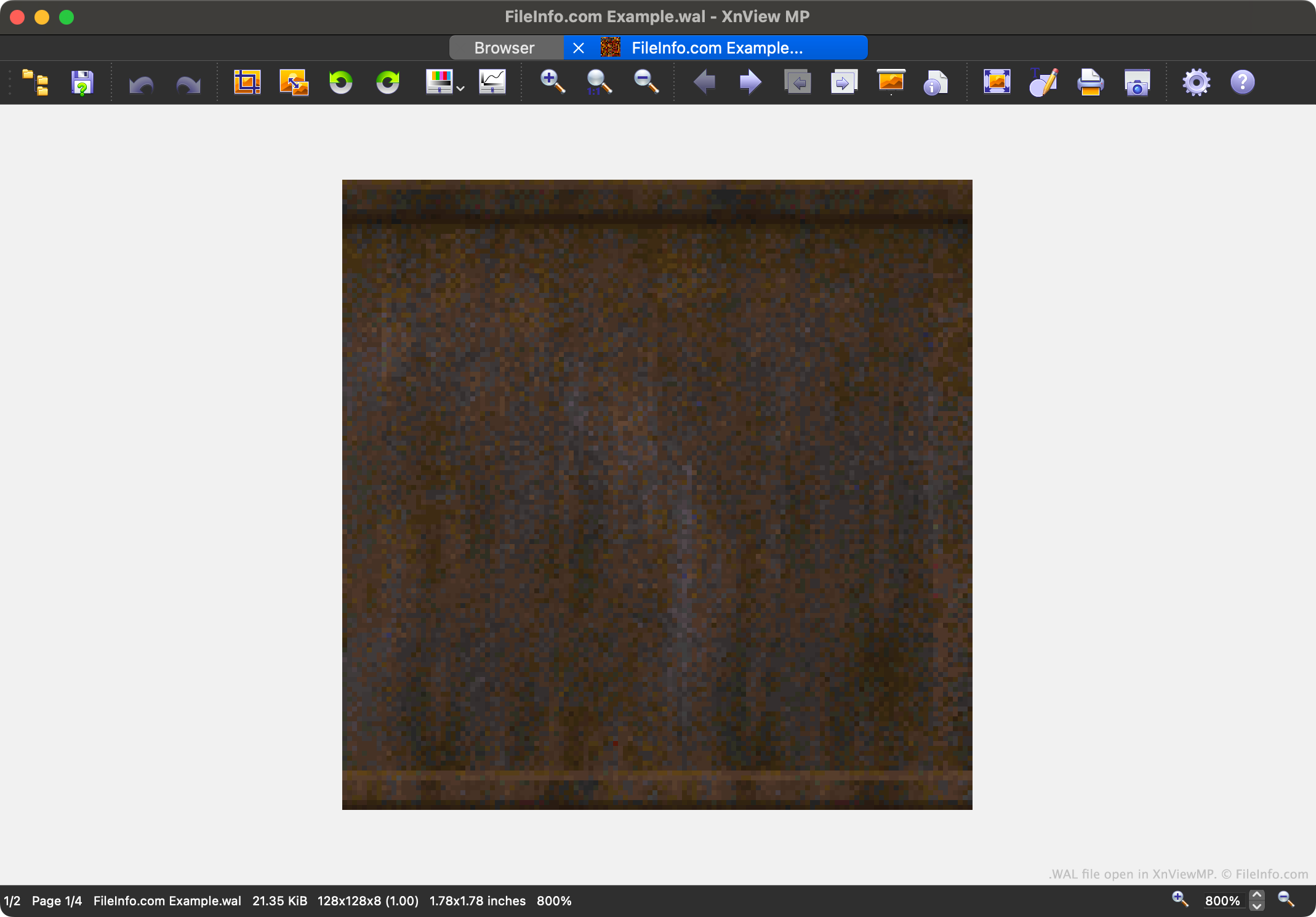
在 XnViewMP 中打开的 .wal 文件截图
在 XnViewMP 中打开的 WAL 文件

Quake 2 is the second entry in the popular Quake video game series. It contains game assets saved in a variety of proprietary file formats, including the WAL format.

Each WAL file contains a four-level mipmap of an in-game texture. Each level of the mipmap is saved at a slightly lower resolution. Being able to load textures at varying resolutions speeds up Quake 2's in-game rendering and reduces aliasing.

Players can find Quake 2's WAL files in its .PAK asset archives. While most players will never encounter or need to open WAL files, modders may want to open, examine, edit, and replace the files, to customize Quake 2's appearance.

如何打开 WAL 文件

You can open a WAL file with XnViewMP (multiplatform), Wally (Windows), or wal (multiplatform). Note that XnViewMP will show you only one version of the image your WAL file contains.

如何转换 WAL 文件

You can use XnViewMP, Wally, and wal to convert WAL files to other raster image formats. For example, wal can convert WAL files to the .JPG (JPEG Image) and .PNG (Portable Network Graphic) formats.

可打开或引用 WAL 文件的程序

Windows
免费
免费
免费
Mac
免费
免费
Linux
免费
免费
分类: 游戏
更新时间: 2023-05-01

验证者 FileInfo.com

FileInfo.com 团队 独立研究了本页面列出的所有文件格式和软件程序。 我们的目标是达到 100% 的准确率,并且仅发布我们已验证过的文件类型信息。

如果您想为此页面提出新增或更新建议,请告诉我们