

.WAL Extensão de arquivo
Skin moderna do Winamp
| Desenvolvedor | Nullsoft |
| Popularidade |
3,9 | 20 Votos |
O que é um arquivo WAL?
Um arquivo WAL é uma skin personalizada para o Nullsoft Winamp, um reprodutor de mídia para Windows. Ele é usado para personalizar a aparência e a interface do usuário (interface do usuário) do Winamp. O formato WAL foi introduzido com o Winamp 3 (sucedendo o formato .WSZ).
Mais informações
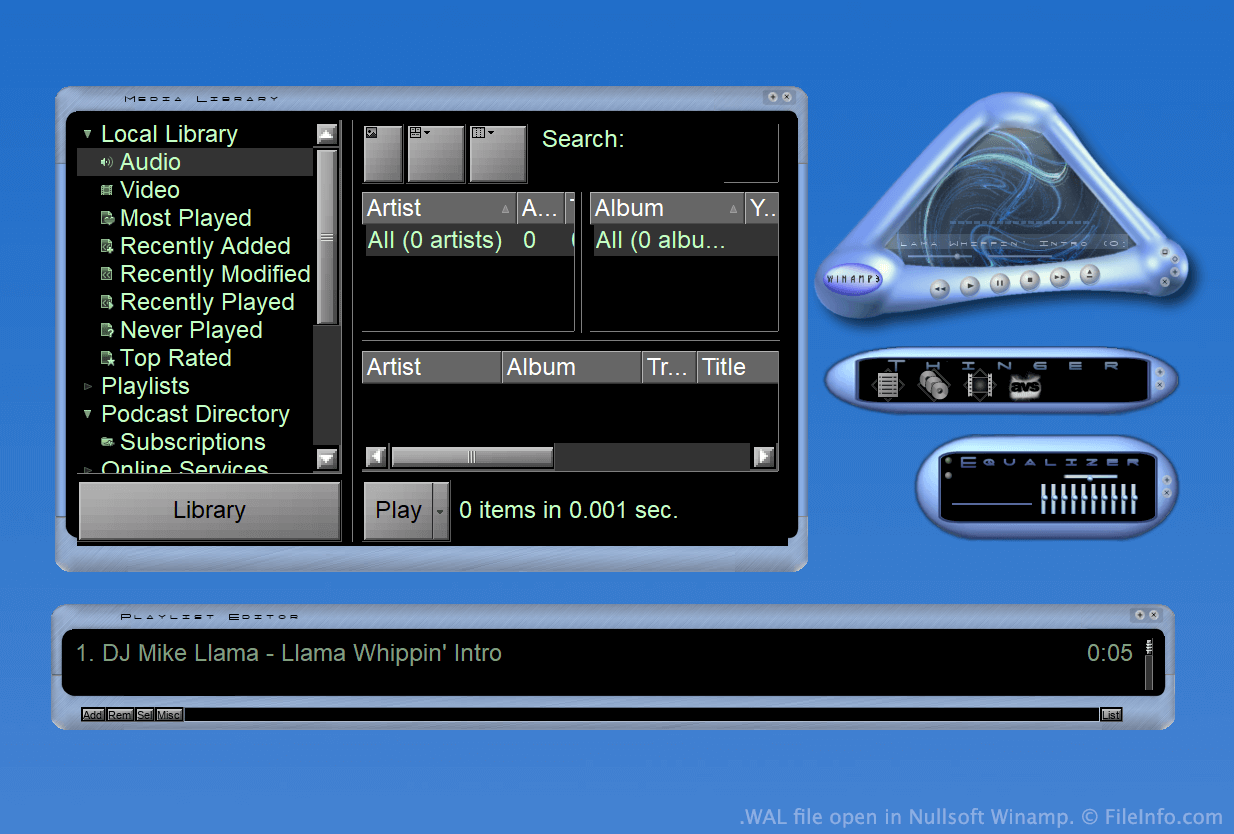
O Winamp é um reprodutor de mídia gratuito que permite aos usuários reproduzir vários tipos de arquivos de áudio e vídeo. Ele também inclui vários outros recursos, como a possibilidade de personalizar a aparência do programa usando skins.
Durante grande parte da existência do Winamp, as skins eram salvas como arquivos WSZ. No entanto, com o lançamento do Winamp 3, a Nullsoft introduziu o formato WAL, ou skin moderna do Winamp.
Os arquivos WAL são muito semelhantes aos arquivos WSZ, pois ambos são simplesmente arquivos .ZIP renomeados que incluem todas as imagens e outros recursos de uma skin. No entanto, enquanto os arquivos WSZ usam arquivos .TXT para especificar como os recursos de uma skin devem ser aplicados, os arquivos WAL usam arquivos .XML.
Como abrir um arquivo WAL
Com o Nullsoft Winamp (Windows) instalado, você pode clicar duas vezes em um arquivo WAL para aplicá-lo como uma skin do Winamp. Como alternativa, você pode colocar manualmente o arquivo no diretório Skins do Winamp e selecioná-lo no navegador de skins do Winamp ().
Se quiser visualizar os arquivos que um arquivo WAL contém, renomeie o arquivo para usar a extensão .zip e descompacte-o com qualquer utilitário de descompactação de arquivos Zip, como o 7-Zip (Windows).
Programas que abrem arquivos WAL
Textura do Quake 2
| Desenvolvedor | id Software |
| Popularidade |
2,0 | 4 Votos |
Um arquivo WAL é uma textura de imagem bitmap usada pelo id Software Quake 2. Ela é usada para aplicar textura a uma parede, piso ou outro objeto do jogo. Cada arquivo WAL contém várias cópias da mesma textura, salvas em diferentes resoluções.
Mais informações
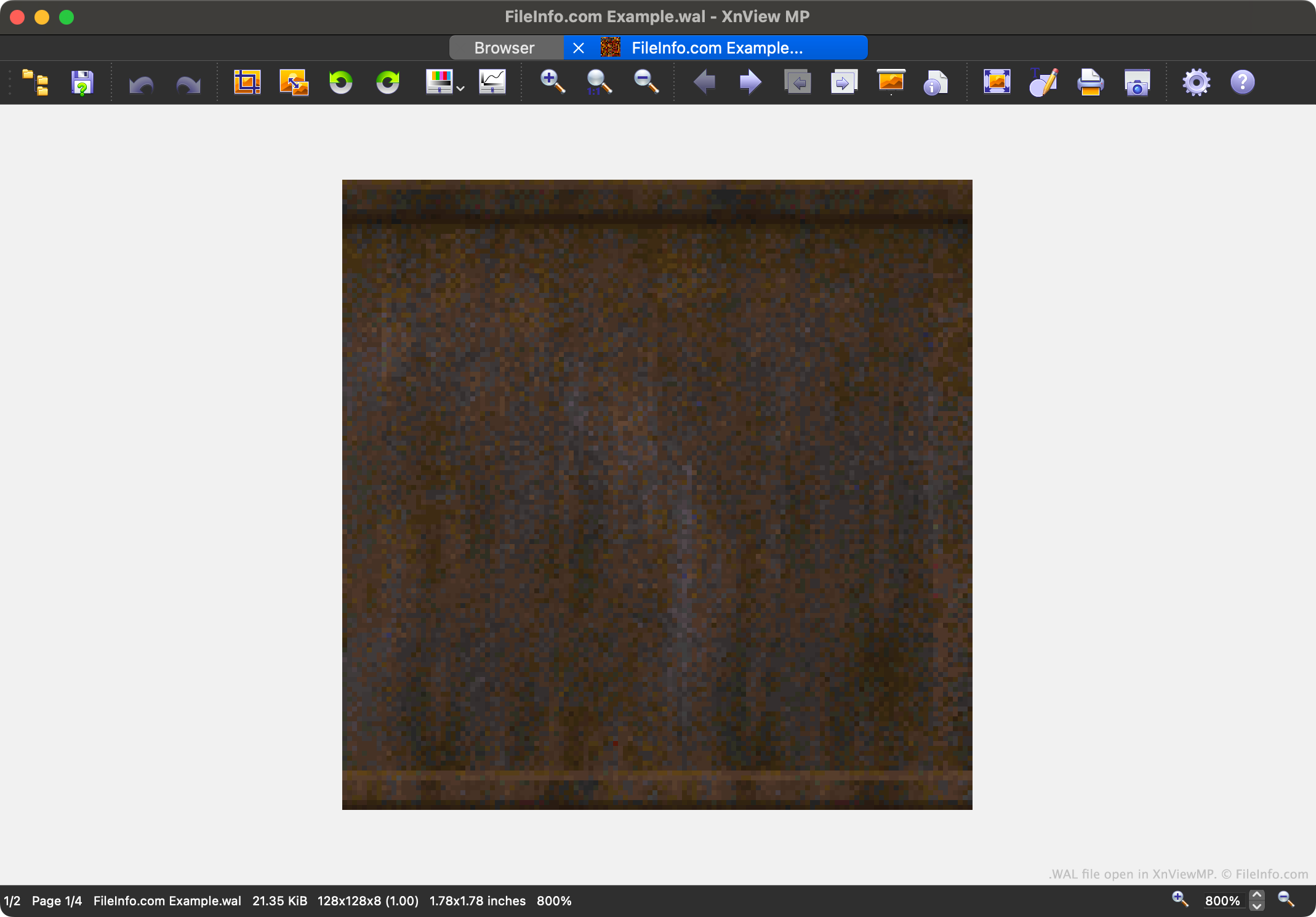
Quake 2 é o segundo título da popular série de videogames Quake. Ele contém recursos do jogo salvos em vários formatos de arquivo proprietários, incluindo o formato WAL.
Cada arquivo WAL contém um mipmap de quatro níveis de uma textura do jogo. Cada nível do mipmap é salvo em uma resolução um pouco menor. A capacidade de carregar texturas em diferentes resoluções acelera a renderização do jogo no Quake 2 e reduz o serrilhamento.
Os jogadores podem encontrar os arquivos WAL do Quake 2 em seus arquivos de recursos .PAK. Embora a maioria dos jogadores nunca encontre ou precise abrir arquivos WAL, os criadores de mods podem querer abrir, examinar, editar e substituir os arquivos para personalizar a aparência do Quake 2.
Como abrir um arquivo WAL
Você pode abrir um arquivo WAL com o XnViewMP (multiplataforma), o Wally (Windows) ou o wal (multiplataforma). Observe que o XnViewMP exibirá apenas uma versão da imagem contida no arquivo WAL.