

.WAL Přípona souboru
Skin Winamp Modern
| Vývojář | Nullsoft |
| Popularita |
3,9 | 20 hlasů |
Co je soubor WAL?
Soubor WAL je vlastní skin pro Nullsoft Winamp, přehrávač médií pro Windows. Používá se k úpravě vzhledu a uživatelského rozhraní (UI) Winampu. Formát WAL byl představen s Winampem 3 (jako nástupce formátu .WSZ).
Další informace
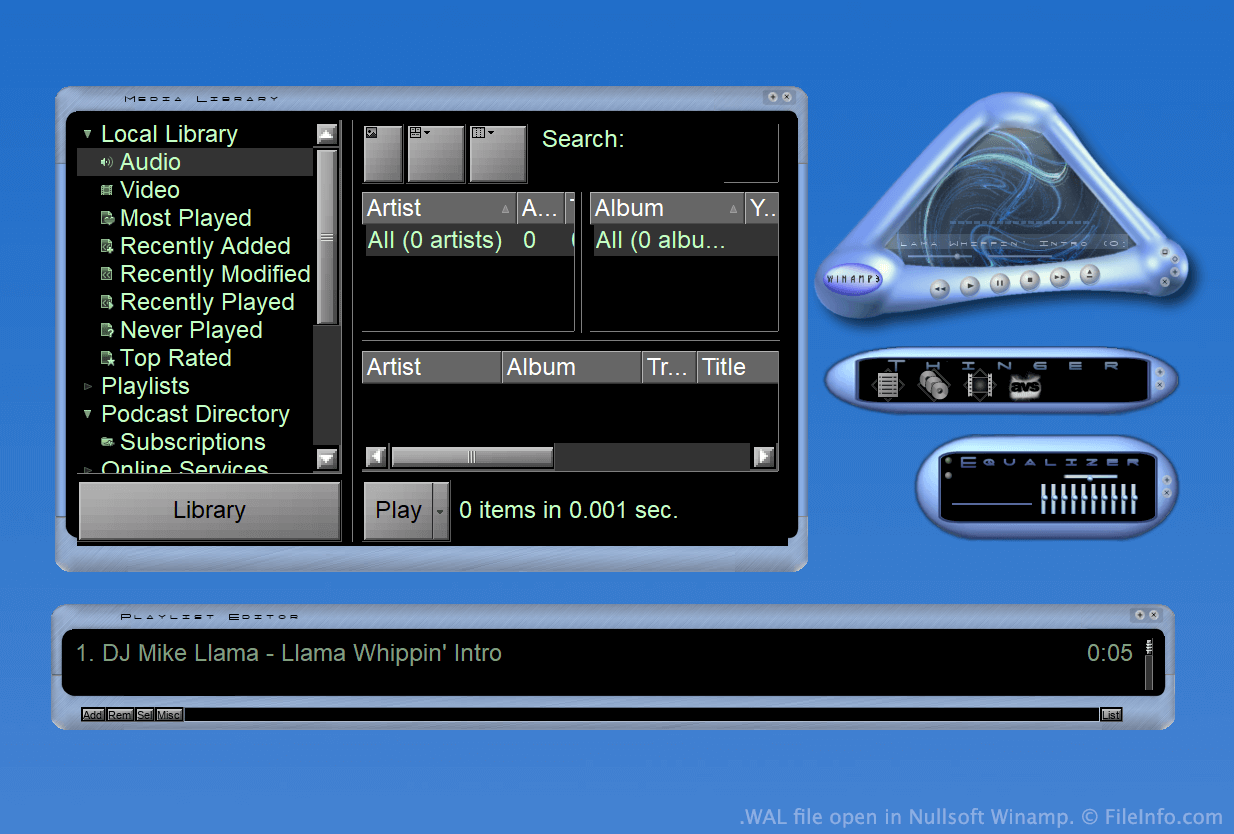
Winamp je bezplatný přehrávač médií, který uživatelům umožňuje přehrávat mnoho typů zvukových a videosouborů. Obsahuje také několik dalších funkcí, například možnost upravit vzhled programu pomocí skinů.
Po velkou část existence Winampu se skiny ukládaly jako soubory WSZ. S vydáním Winampu 3 však společnost Nullsoft představila formát WAL neboli formát moderního skinu Winampu.
Soubory WAL jsou velmi podobné souborům WSZ, protože oba typy jsou jednoduše přejmenované .ZIP soubory, které obsahují všechny obrázky skinu a další součásti. Zatímco však soubory WSZ používají .TXT soubory k určení, jak se mají součásti skinu použít, soubory WAL používají .XML soubory.
Jak otevřít soubor WAL
Pokud máte nainstalovaný Nullsoft Winamp (Windows), můžete soubor WAL otevřít dvojitým kliknutím a použít ho jako skin Winampu. Případně můžete soubor ručně umístit do adresáře Skins Winampu a poté ho vybrat v prohlížeči skinů Winampu ().
Pokud si chcete prohlédnout soubory obsažené v souboru WAL, přejmenujte soubor tak, aby používal příponu .zip, a poté ho rozbalte pomocí libovolného nástroje pro dekompresi souborů Zip, například pomocí programu 7-Zip (Windows).
Programy, které otevírají soubory WAL
Textura Quake 2
| Vývojář | id Software |
| Popularita |
2,0 | 4 hlasy |
Soubor WAL je bitmapová textura používaná hrou Quake 2 od společnosti id Software. Používá se k potažení herní stěny, podlahy nebo jiného objektu. Každý soubor WAL obsahuje několik kopií stejné textury uložených v různých rozlišeních.
Další informace
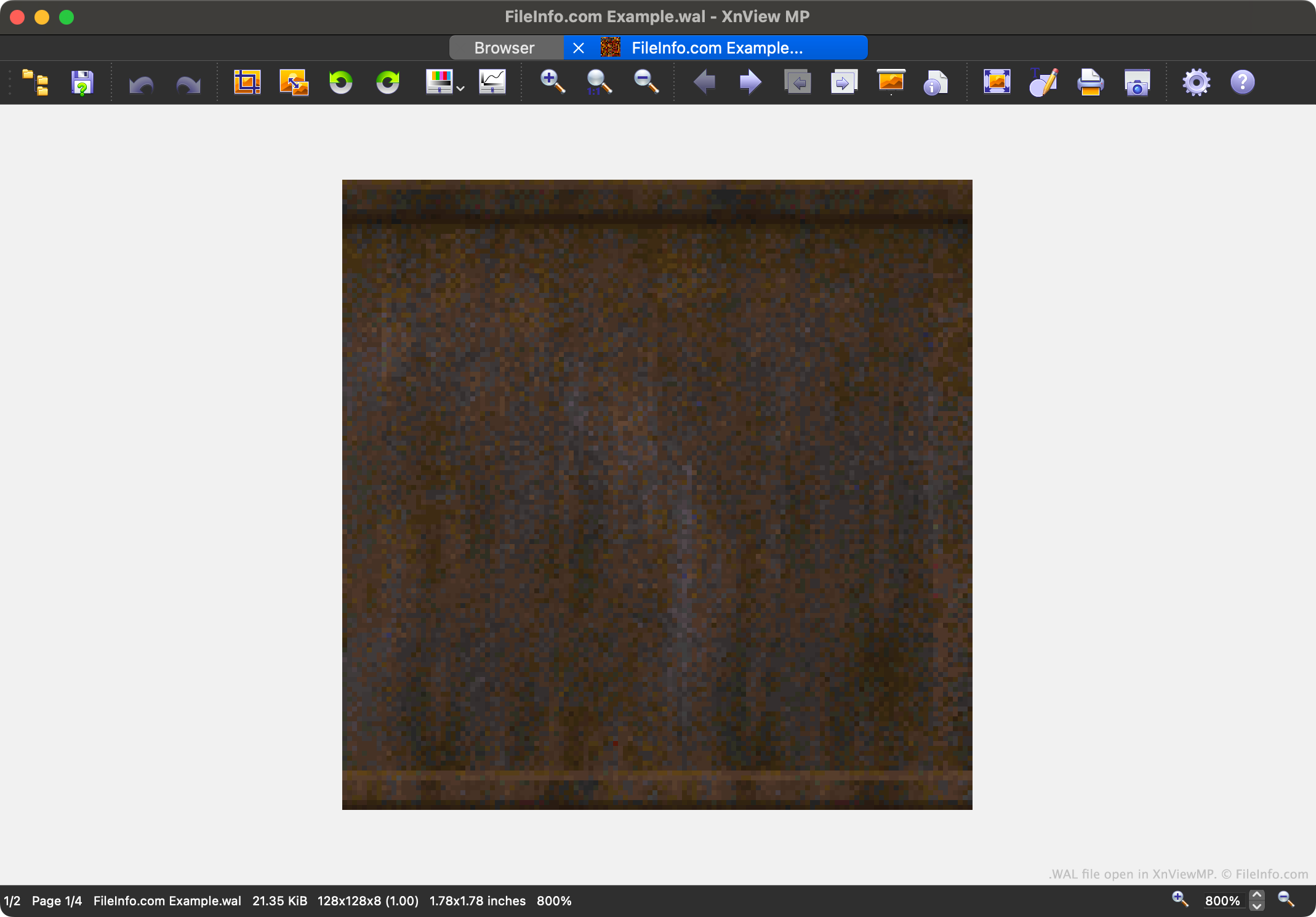
Quake 2 je druhý díl oblíbené série videoher Quake. Obsahuje herní prostředky uložené v různých proprietárních formátech souborů včetně formátu WAL.
Každý soubor WAL obsahuje čtyřúrovňový mipmap herní textury. Každá úroveň mipmapu je uložena v o něco nižším rozlišení. Možnost načítat textury v různých rozlišeních urychluje vykreslování hry Quake 2 a omezuje aliasing.
Hráči mohou najít soubory WAL ve .PAK archivech s herními prostředky hry Quake 2. Většina hráčů se se soubory WAL nikdy nesetká ani je nebude potřebovat otevřít, ale tvůrci modifikací je mohou chtít otevřít, prozkoumat, upravit a nahradit, aby změnili vzhled hry Quake 2.
Jak otevřít soubor WAL
Soubor WAL můžete otevřít pomocí programu XnViewMP (pro více platforem), Wally (Windows) nebo wal (pro více platforem). Upozorňujeme, že XnViewMP zobrazí pouze jednu verzi obrázku, kterou váš soubor WAL obsahuje.