

.TSCPROJ Rozszerzenie pliku
Projekt TechSmith Camtasia
| Deweloper | TechSmith |
| Popularność |
4,2 | 10 Głosów |
Czym jest plik TSCPROJ?
Plik TSCPROJ to projekt utworzony przez TechSmith Camtasia, aplikację do nagrywania ekranu i edycji wideo. Zawiera lokalizacje wszystkich nagrań .TREC i plików multimedialnych uwzględnionych w projekcie, a także zmiany i efekty zastosowane w projekcie. Wersja Camtasia dla systemu Windows domyślnie zapisuje projekty jako pliki TSCPROJ, natomiast wersja dla systemu macOS zapisuje projekty jako pliki .CMPROJ; obie wersje mogą otwierać pliki TSCPROJ.
Więcej informacji
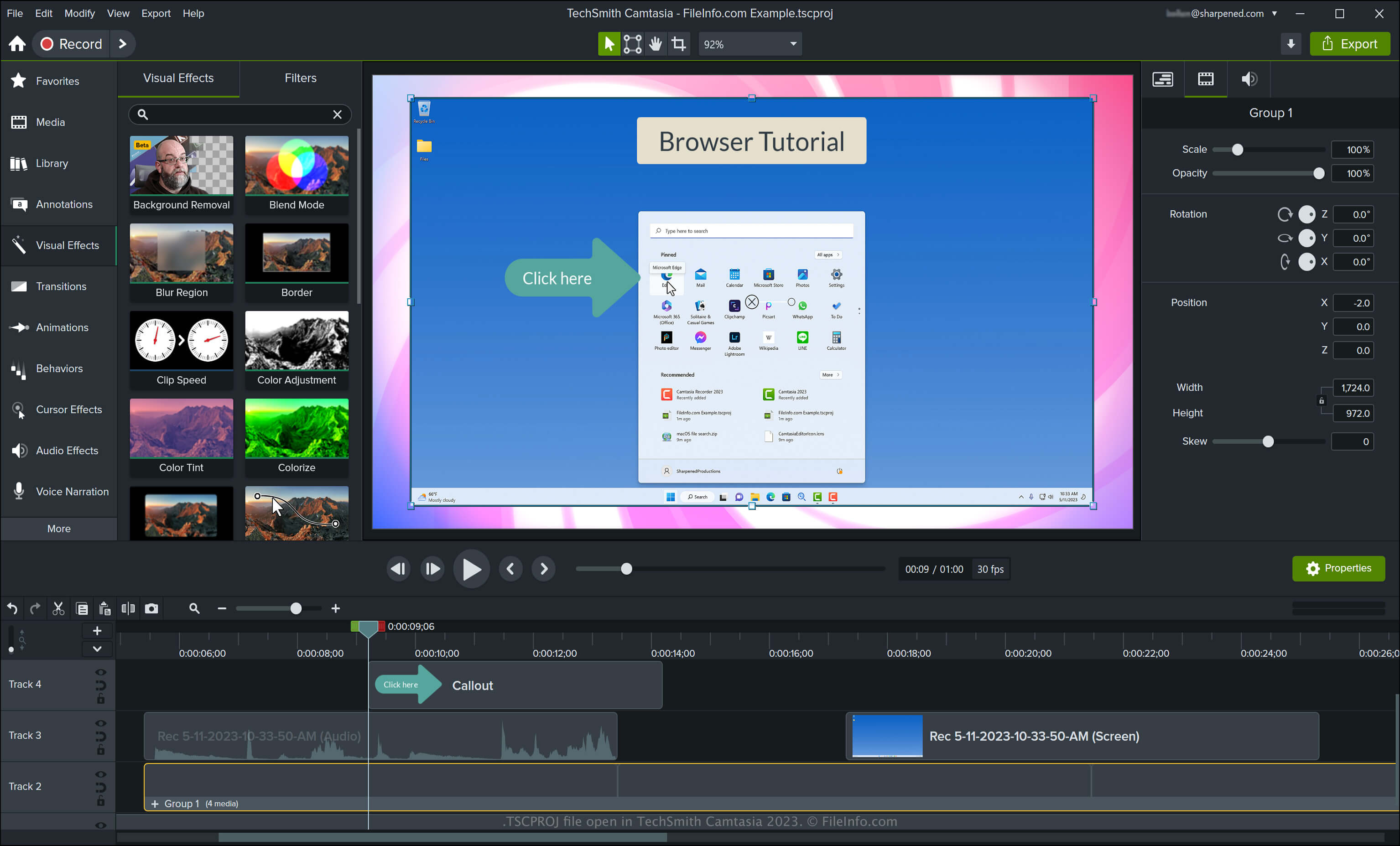
Camtasia może tworzyć różne rodzaje filmów, w tym samouczki, nagrania gier wideo, filmy szkoleniowe i nagrania webinarów. Firma TechSmith wprowadziła typ pliku TSCPROJ wraz z wydaniem wersji 9 programu Camtasia dla systemu Windows, zastępując typ pliku .CAMPROJ używany przez wcześniejsze wersje Camtasia dla systemu Windows. Chociaż wersja Camtasia dla systemu macOS zapisuje projekty jako pliki CMPROJ, może także eksportować je jako pliki TSCPROJ.
Jak utworzyć plik TSCPROJ za pomocą wersji Camtasia dla systemu Windows
Podczas zapisywania filmu za pomocą wersji Camtasia dla systemu Windows aplikacja tworzy plik projektu TSCPROJ, aby przechowywać jego zawartość. Po zapisaniu pliku TSCPROJ możesz go zamknąć i ponownie otworzyć w celu dalszej edycji. Aby utworzyć plik TSCPROJ za pomocą wersji Camtasia dla systemu Windows, wykonaj następujące czynności:
- Wybierz lub , jeśli projekt nie został jeszcze rozpoczęty
- Wybierz lub
- Nadaj projektowi nazwę, wybierz lokalizację zapisu, a następnie kliknij
Jak utworzyć plik TSCPROJ za pomocą wersji Camtasia dla systemu macOS
Możesz utworzyć plik TSCPROJ za pomocą wersji Camtasia dla systemu macOS, wybierając . Ten proces tworzy archiwum .ZIP, które zawiera plik TSCPROJ.
Jak otworzyć plik TSCPROJ
Plik TSCPROJ możesz otworzyć za pomocą programu TechSmith Camtasia w systemach Windows i macOS, wybierając .
UWAGA: Jeśli projekt został zapisany jako projekt samodzielny za pomocą wersji Camtasia dla systemu Windows, musisz kliknąć dwukrotnie folder plików z rozszerzeniem .tscproj (mający taką samą nazwę jak projekt), a następnie możesz otworzyć właściwy plik TSCPROJ.
Otwieranie pliku TSCPROJ za pomocą edytora tekstu
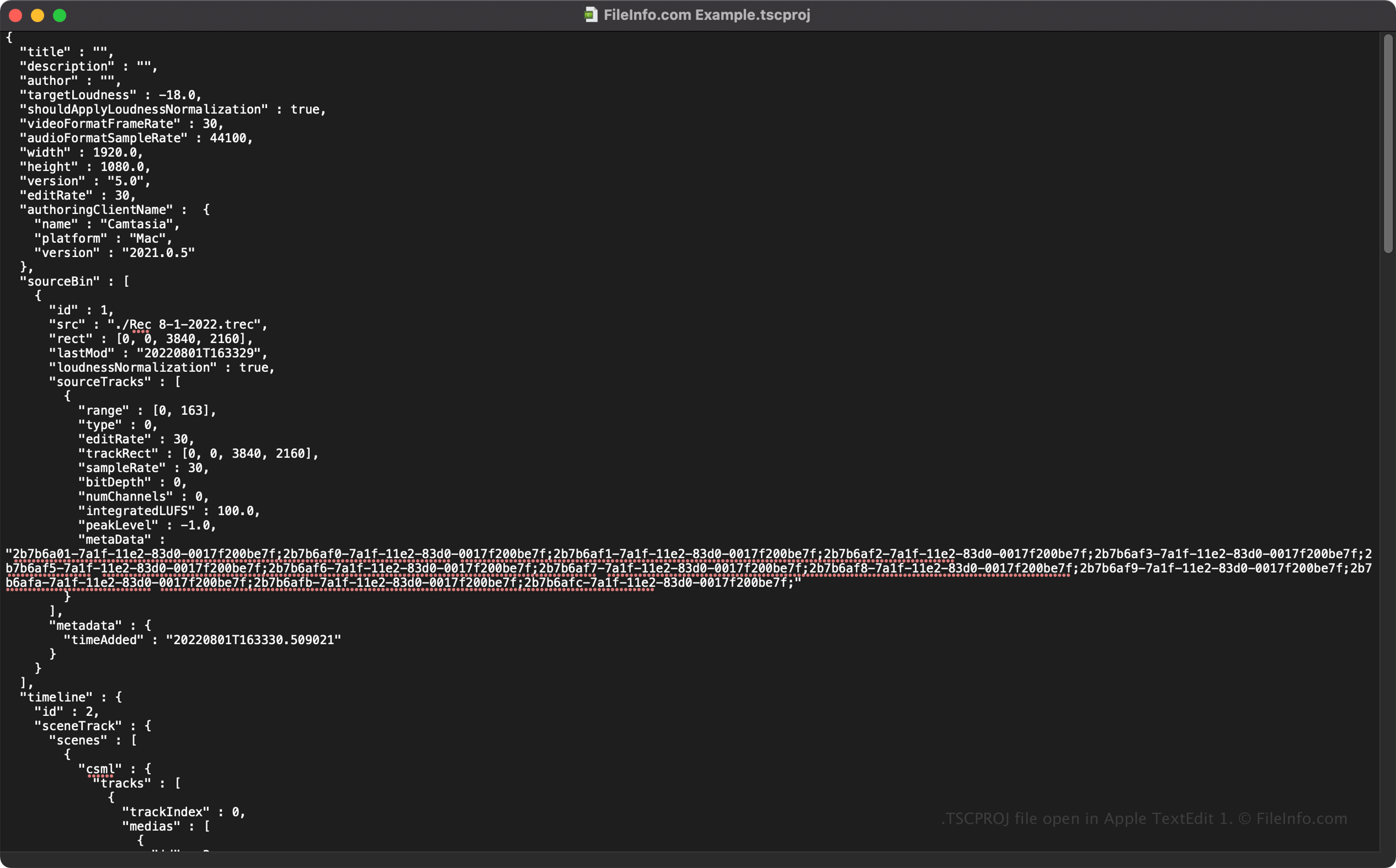
Ponieważ pliki TSCPROJ przechowują informacje w postaci zwykłego tekstu, możesz otwierać je za pomocą edytorów tekstu, takich jak Microsoft Notepad i Apple TextEdit, oraz wyświetlać ich informacje i metadane.
Po otwarciu pliku TSCPROJ w edytorze tekstu możesz modyfikować jego właściwości. Pamiętaj jednak, że nieprawidłowa edycja pliku może nieumyślnie uszkodzić projekt.
Jak przekonwertować plik TSCPROJ
Camtasia może konwertować plik TSCPROJ na kilka typów plików, w tym na następujące formaty:
- .MP4 - wideo MPEG-4
- .GIF - Graphics Interchange Format
- .M4A - dźwięk MPEG-4 (tylko system Windows)
- .MOV - film Apple QuickTime (tylko system macOS)
Możesz także wyeksportować plik TSCPROJ jako .CAMPACKAGE, aby utworzyć kopię zapasową zasobów lub udostępnić je innym użytkownikom Camtasia. Aby to zrobić, wybierz .