

.MOV Rozszerzenie pliku
Film Apple QuickTime
| Deweloper | Apple |
| Popularność |
3,5 | 833 Głosy |
Czym jest plik MOV?
Plik MOV to jeden z najpopularniejszych typów plików wideo, często zawierający film, program telewizyjny, krótki klip wideo lub film domowy. Jest zapisywany w formacie plików QuickTime (QTFF), multimedialnym formacie kontenera opracowanym przez firmę Apple. Edytory wideo często zapisują filmy jako pliki MOV ze względu na obsługę wysokiej jakości obrazu.
Więcej informacji
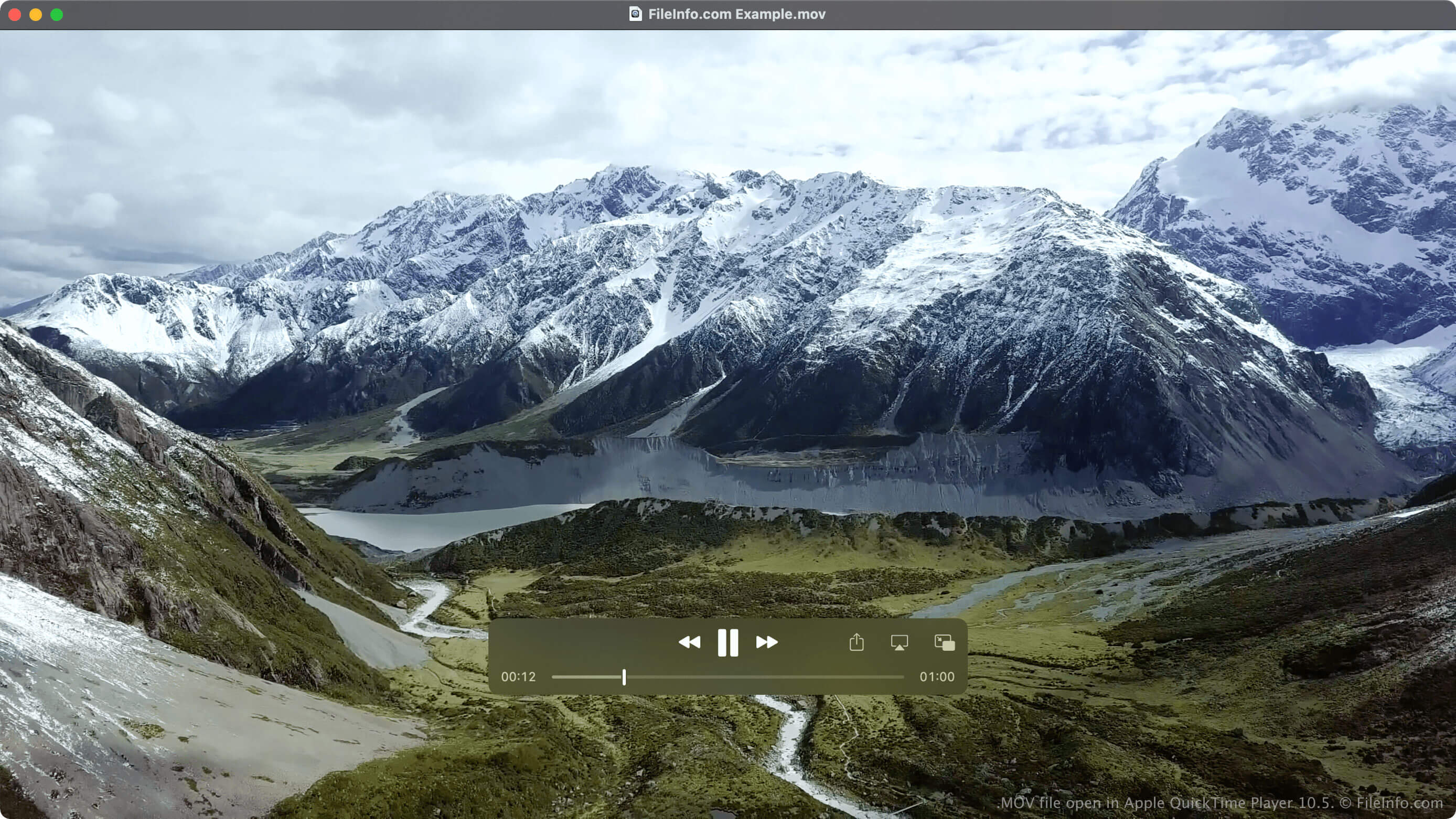
Firma Apple wprowadziła format QTFF w 1991 roku, aby obsługiwać różne typy multimediów i umożliwić przesyłanie multimediów między urządzeniami, systemami operacyjnymi i aplikacjami. Chociaż jest on przede wszystkim kojarzony z odtwarzaczem multimedialnym QuickTime i platformą Mac, stał się jednym z najpopularniejszych typów plików wideo, obok .MP4, .WMV i .AVI.
Format obsługuje wiele ścieżek multimedialnych i nie ogranicza się do danych wideo i audio. Inne typy multimediów obsługiwane przez QTFF to tekst (napisy), obrazy, modele 3D, panoramy wirtualnej rzeczywistości oraz dane kodu czasowego. Ścieżki multimedialne mogą być kodowane przy użyciu różnych kodeków, ale zazwyczaj wykorzystują kodek MPEG-4.
UWAGA: Pliki multimedialne zapisane w formacie QTFF mogą również używać rozszerzenia .QT.
Czy zapisywać wideo jako plik MOV czy MP4?
Chociaż format MP4 bazuje na formacie QTFF wykorzystywanym przez pliki MOV, między plikami MP4 i MOV występują istotne różnice. Jedną z nich jest to, że pliki MOV mają zazwyczaj wyższą jakość i większy rozmiar niż pliki MP4. Kolejna różnica polega na tym, że pliki MOV nie są obsługiwane tak szeroko jak pliki MP4.
Ze względu na te różnice każdy z tych typów plików może być lepiej dostosowany do określonych potrzeb. Jeśli na przykład chcesz zapisać film w wyższej jakości, a ilość zajmowanego miejsca nie ma znaczenia, powinieneś zapisać go jako plik MOV (o ile odtwarzacz wideo obsługuje pliki MOV). Jeśli jednak chcesz zapisać film domowy, udostępnić go innym osobom i możesz zaakceptować niewielkie pogorszenie jakości, powinieneś zapisać go jako plik MP4.
Jak otworzyć plik MOV
Pliki MOV można otwierać za pomocą różnych odtwarzaczy multimedialnych, takich jak Apple QuickTime Player (Mac), Microsoft Media Player (Windows) i VLC media player (wiele platform).
Pliki MOV można również otwierać w systemach Android i iOS za pomocą programów VLC for Android, VLC for iOS, olimsoft OPlayer (iOS) i J2 Interactive MX Player (Android).
Jak przekonwertować plik MOV
Kilka odtwarzaczy multimedialnych i edytorów wideo, w tym VideoLAN VLC media player i Eltima Elmedia Player, może konwertować pliki MOV do innych formatów.
Na przykład program VLC media player może konwertować pliki MOV do następujących formatów: