

.MOV 파일 확장자
Apple QuickTime 동영상
| 개발사 | Apple |
| 인기도 |
3.5 | 833 표 |
MOV 파일이란 무엇인가요?
MOV 파일은 가장 일반적인 동영상 파일 유형 중 하나로, 영화, TV 프로그램, 짧은 동영상 클립 또는 홈 무비를 저장하는 경우가 많습니다. 이 파일은 Apple에서 개발한 멀티미디어 컨테이너 형식인 QuickTime 파일 형식(QTFF)으로 저장됩니다. 동영상 편집 프로그램은 고품질 동영상을 지원하기 때문에 동영상을 MOV 파일로 저장하는 경우가 많습니다.
추가 정보
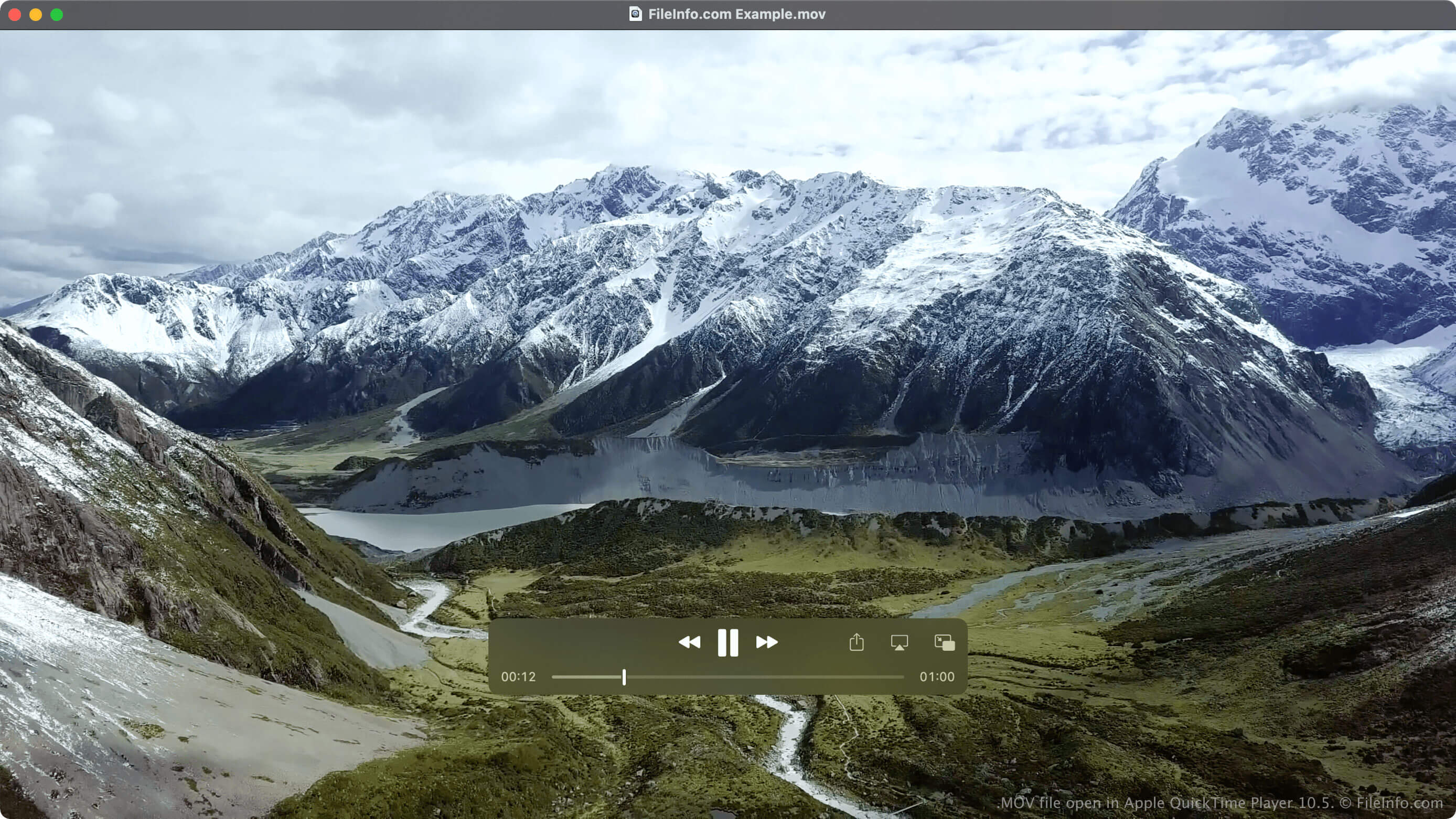
Apple은 다양한 미디어 유형을 지원하고 장치, 운영 체제 및 애플리케이션 간 멀티미디어 전송을 처리하기 위해 1991년에 QTFF 형식을 도입했습니다. QTFF는 주로 QuickTime 미디어 플레이어 및 Mac 플랫폼과 관련이 있지만, 이제는 .MP4, .WMV 및 .AVI와 함께 가장 일반적인 동영상 파일 유형 중 하나가 되었습니다.
이 형식은 여러 미디어 트랙을 지원하며 동영상 및 오디오 데이터로 제한되지 않습니다. QTFF가 지원하는 다른 미디어에는 텍스트(자막), 이미지, 3D 모델, 가상 현실 파노라마 및 타임코드 데이터가 있습니다. 미디어 트랙은 다양한 코덱으로 인코딩할 수 있지만 일반적으로 MPEG-4 코덱을 사용합니다.
참고: QTFF 형식으로 저장된 멀티미디어 파일은 .QT 파일 확장자를 사용할 수도 있습니다.
동영상을 MOV 파일 또는 MP4 파일로 저장해야 하나요?
MP4 형식은 MOV 파일에서 사용하는 QTFF 형식을 기반으로 하지만, MP4 파일과 MOV 파일에는 주목할 만한 차이점이 있습니다. 한 가지 차이점은 일반적으로 MOV 파일이 MP4 파일보다 품질과 파일 크기가 더 높다는 것입니다. 또 다른 차이점은 MOV 파일이 MP4 파일만큼 폭넓게 지원되지 않는다는 것입니다.
이러한 차이로 인해 각 파일 유형이 필요에 더 잘 맞는 상황이 있습니다. 예를 들어 더 높은 품질로 영화를 저장하고 싶고 저장 공간이 문제가 되지 않는다면 MOV 파일로 저장해야 합니다(동영상 플레이어가 MOV 파일을 지원하는 경우). 그러나 홈 무비를 저장하고 다른 사람과 공유하면서 품질이 약간 저하되는 것을 감수할 수 있다면 MP4 파일로 저장해야 합니다.
MOV 파일을 여는 방법
Apple QuickTime Player(Mac), Microsoft Media Player(Windows) 및 VLC media player(다중 플랫폼)와 같은 다양한 멀티미디어 플레이어로 MOV 파일을 열 수 있습니다.
또한 VLC for Android, VLC for iOS, olimsoft OPlayer(iOS) 및 J2 Interactive MX Player(Android)를 사용하여 Android 및 iOS에서 MOV 파일을 열 수 있습니다.
MOV 파일을 변환하는 방법
VideoLAN VLC media player 및 Eltima Elmedia Player를 비롯한 여러 미디어 플레이어와 동영상 편집 프로그램으로 MOV 파일을 다른 형식으로 변환할 수 있습니다.
예를 들어 VLC media player는 MOV 파일을 다음 형식으로 변환할 수 있습니다.