

.MOV Estensione file
Filmato Apple QuickTime
| Sviluppatore | Apple |
| Popolarità |
3,5 | 833 Voti |
Che cos'è un file MOV?
Un file MOV è uno dei tipi di file video più comuni e contiene spesso un film, un programma TV, un breve filmato o un video domestico. Viene salvato nel QuickTime File Format (QTFF), un formato contenitore multimediale sviluppato da Apple. Gli editor video salvano spesso i video come file MOV perché supportano video di alta qualità.
Maggiori informazioni
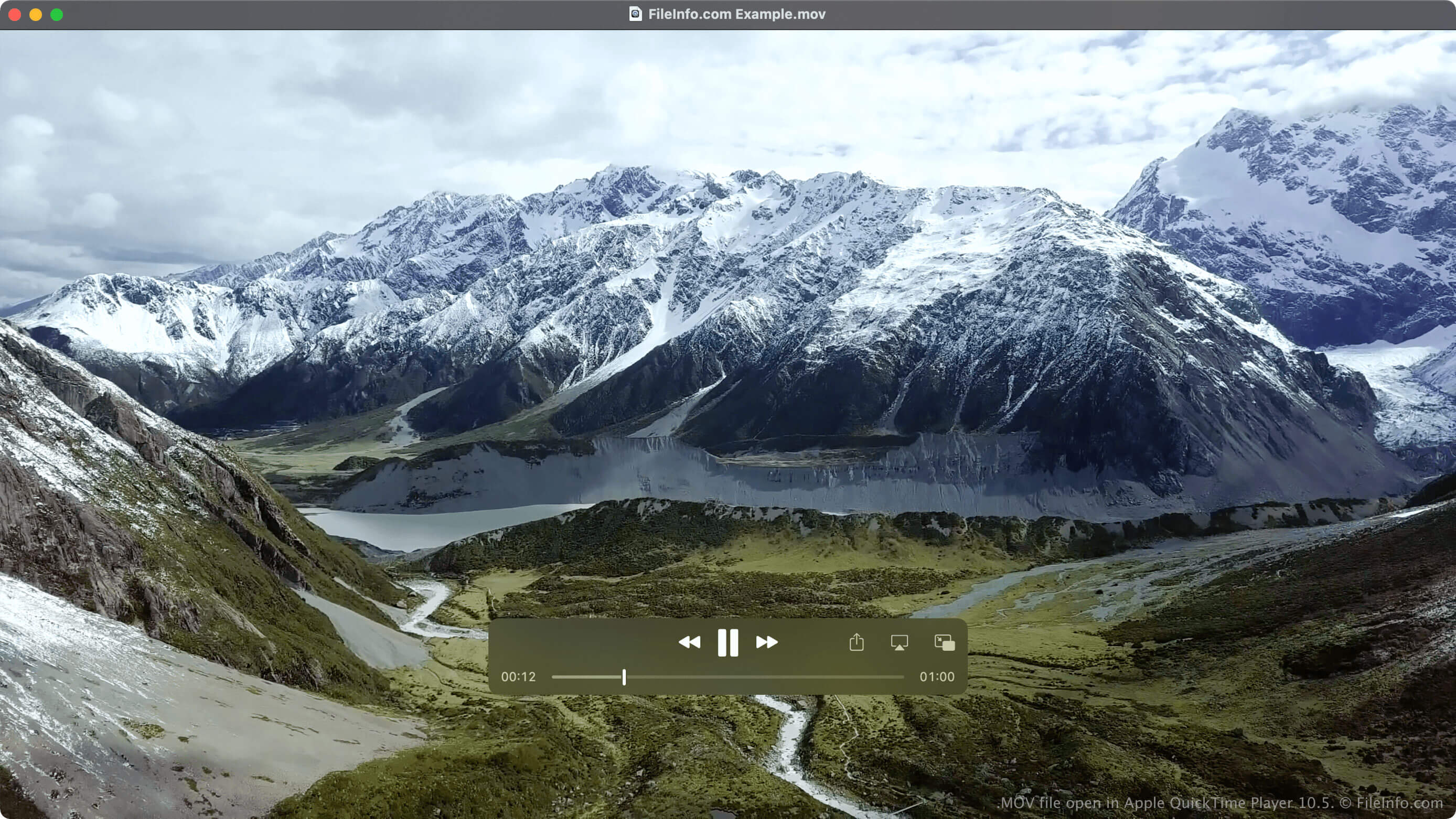
Apple ha introdotto il formato QTFF nel 1991 per supportare diversi tipi di contenuti multimediali e consentire il trasferimento di contenuti multimediali tra dispositivi, sistemi operativi e applicazioni. Sebbene sia associato principalmente al lettore multimediale QuickTime e alla piattaforma Mac, è diventato uno dei tipi di file video più comuni, insieme a .MP4, .WMV e .AVI.
Il formato supporta più tracce multimediali e non è limitato ai dati video e audio. Gli altri contenuti multimediali supportati da QTFF includono testo (sottotitoli), immagini, modelli 3D, panorami di realtà virtuale e dati di timecode. Le tracce multimediali possono essere codificate con vari codec, ma in genere utilizzano il codec MPEG-4.
NOTA: I file multimediali salvati nel formato QTFF possono utilizzare anche l'estensione di file .QT.
Devo salvare il video come file MOV o MP4?
Sebbene il formato MP4 sia basato sul formato QTFF utilizzato dai file MOV, esistono differenze rilevanti tra i file MP4 e MOV. Una differenza è che i file MOV hanno in genere una qualità e una dimensione maggiori rispetto ai file MP4. Un'altra differenza è che i file MOV sono supportati meno ampiamente rispetto ai file MP4.
A causa di queste differenze, ogni tipo di file può essere più adatto alle tue esigenze in determinate situazioni. Ad esempio, se vuoi salvare un film con una qualità maggiore e lo spazio di archiviazione non è un problema, dovresti salvare il film come file MOV (purché il lettore video supporti i file MOV). Tuttavia, se vuoi salvare un video domestico, condividerlo con altre persone e puoi accettare un leggero peggioramento della qualità, dovresti salvarlo come file MP4.
Come aprire un file MOV
Puoi aprire i file MOV con diversi lettori multimediali, ad esempio Apple QuickTime Player (Mac), Microsoft Media Player (Windows) e VLC media player (multipiattaforma).
Puoi anche aprire i file MOV su Android e iOS con VLC for Android, VLC for iOS, olimsoft OPlayer (iOS) e J2 Interactive MX Player (Android).
Come convertire un file MOV
Diversi lettori multimediali ed editor video, tra cui VideoLAN VLC media player ed Eltima Elmedia Player, possono convertire i file MOV in altri formati.
Ad esempio, VLC media player può convertire i file MOV nei seguenti formati: