.TS 파일 확장자

TypeScript File

개발사 Microsoft
인기도
4.1  |  76 투표
 

TS 파일이란 무엇인가요?

A TS file is a text file that contains TypeScript code, an open source programming language developed by Microsoft. TypeScript is a superset of ECMAScript 2015, which is a superset of JavaScript. It is used for developing medium- to large-scale JavaScript applications for server-side or client-side execution. TS files are similar to JavaScript .JS files.

추가 정보

TypeScript was made public in late 2012 and was developed for the purpose of easing the development of components in complex JavaScript code. It is a statically typed superset of JavaScript that compiles to plain JavaScript, which can be run on web browsers, in Node.js, or in any JavaScript engine supporting ECMAScript 3 or later. The language extension comes with all the features of JavaScript while adding features such as static type checking, interfaces, type erasure, enumerated type, and namespaces.

File Viewer Plus(으)로 400개 이상의 파일 형식을 여세요.무료 다운로드

TS 파일을 열거나 참조하는 프로그램

Mac
Linux
Android
카테고리: 개발자
업데이트: 2016-09-28

Video Transport Stream File

개발사 해당 없음
인기도
3.6  |  210 투표
 
🔍File Helper(으)로 .TS 파일을 웹 브라우저에서 바로 여세요.온라인으로 보기

A TS file is a video file saved in the Video Transport Stream (TS) format, which stores video data compressed with standard MPEG-2 (.MPEG) video compression. The TS format is often used to save video on a DVD disc but may also store streamed or broadcast video. Many video players can play and convert TS files to other formats, including VideoLAN VLC media player and Corel VideoStudio.

추가 정보

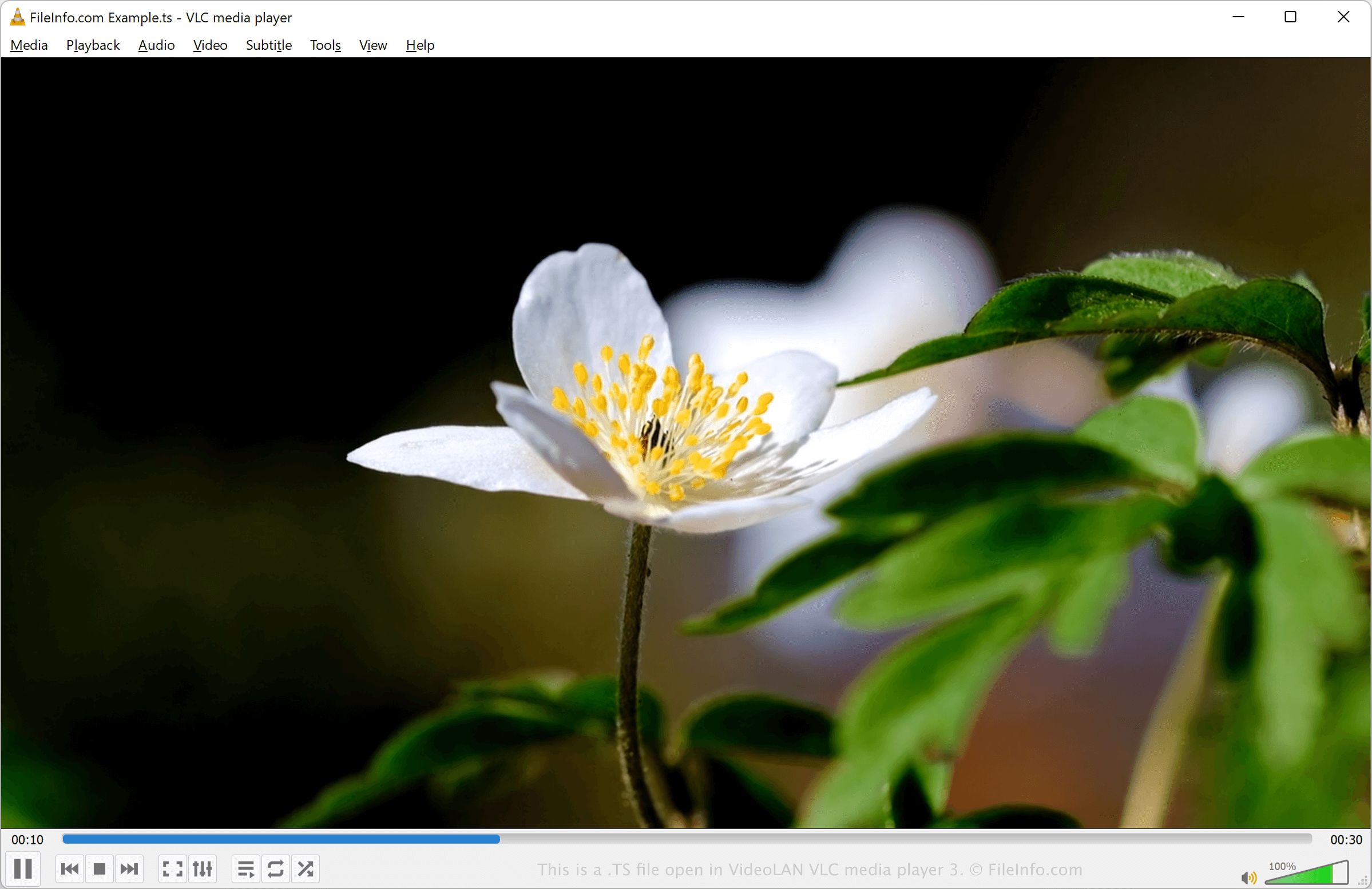
VideoLAN VLC media player 3에서 열린 .ts 파일의 스크린샷
VideoLAN VLC media player 3에서 열린 TS 파일

You will most likely encounter TS files on DVDs. For example, when viewing video files burned onto a DVD, you may find a sequence of TS files named moviename1.ts, moviename2.ts, moviename3.ts, and so on.

TS files were common during the height of DVDs in the 1990s and 2000s. However, as technology and multimedia formats (.M2TS, .MP4, etc.) have progressed, the TS format has become more obscure.

TS 파일을 여는 방법

You can open a TS file with various media players and video editors, including VideoLAN VLC media player, Corel VideoStudio, and Audials One.

For example, to open a TS file with VLC media player:

  1. Select Media/File → Open File….
  2. Navigate to the folder containing the TS file.
  3. Select the TS file and either click Open or double-click the file to open it.

You can also rename the .ts file extension to .mpeg and open it with an application that supports MPEG video.

TS 파일을 변환하는 방법

Several media players and video editors, including VideoLAN VLC media player and Corel VideoStudio, can convert TS files to other formats.

For example, VLC media player can convert TS files to the following formats:

  • .MP4 - MPEG-4 Video
  • .WEBM - WebM Video
  • .ASF - Advanced Systems Format
  • .MP3 - MP3 Audio
  • .OGG - Ogg Vorbis Audio
  • .FLAC - Free Lossless Audio Codec
  • .WAV - WAVE Audio

TS 파일을 여는 프로그램

카테고리: 비디오
업데이트: 2023-06-09

Qt Translation Source File

개발사 Qt Group
인기도
2.8  |  26 투표
 

Language translation file created by the lupdate utility, which is included with Digia's Qt SDK; contains phrases and their translations into another language; used for storing translations specific to a particular application.

추가 정보

TS files can be converted to .QPH files using the lconvert utility, which is included with the Qt SDK. Unlike TS files, QPH can be used for multiple applications. Both TS and QPH files are stored in an XML format.

참고: Qt SDK was previously developed by Nokia and Digia.

TS 파일을 열거나 참조하는 프로그램

Windows
무료+
Mac
무료+
Linux
무료+
카테고리: 데이터
업데이트: 2014-10-14

검증자 FileInfo.com

FileInfo.com 팀 이 페이지에 나열된 모든 파일 형식과 소프트웨어 프로그램을 독자적으로 조사했습니다. 저희의 목표는 100% 정확성이며, 검증한 파일 유형에 대한 정보만 게시합니다.

이 페이지에 추가하거나 업데이트할 내용을 제안하고 싶으시면 알려 주세요.