.TS Bestandsextensie

TypeScript File

Ontwikkelaar Microsoft
Populariteit
4.1  |  76 Stemmen
 

Wat is een TS-bestand?

A TS file is a text file that contains TypeScript code, an open source programming language developed by Microsoft. TypeScript is a superset of ECMAScript 2015, which is a superset of JavaScript. It is used for developing medium- to large-scale JavaScript applications for server-side or client-side execution. TS files are similar to JavaScript .JS files.

Meer informatie

TypeScript was made public in late 2012 and was developed for the purpose of easing the development of components in complex JavaScript code. It is a statically typed superset of JavaScript that compiles to plain JavaScript, which can be run on web browsers, in Node.js, or in any JavaScript engine supporting ECMAScript 3 or later. The language extension comes with all the features of JavaScript while adding features such as static type checking, interfaces, type erasure, enumerated type, and namespaces.

Open meer dan 400 bestandsformaten met File Viewer Plus.Gratis downloaden

Programma's die TS-bestanden openen of ernaar verwijzen

Mac
Linux
Android

Video Transport Stream File

Ontwikkelaar N.v.t.
Populariteit
3.6  |  210 Stemmen
 
🔍Open .TS-bestanden rechtstreeks in uw webbrowser met File Helper.Online bekijken

A TS file is a video file saved in the Video Transport Stream (TS) format, which stores video data compressed with standard MPEG-2 (.MPEG) video compression. The TS format is often used to save video on a DVD disc but may also store streamed or broadcast video. Many video players can play and convert TS files to other formats, including VideoLAN VLC media player and Corel VideoStudio.

Meer informatie

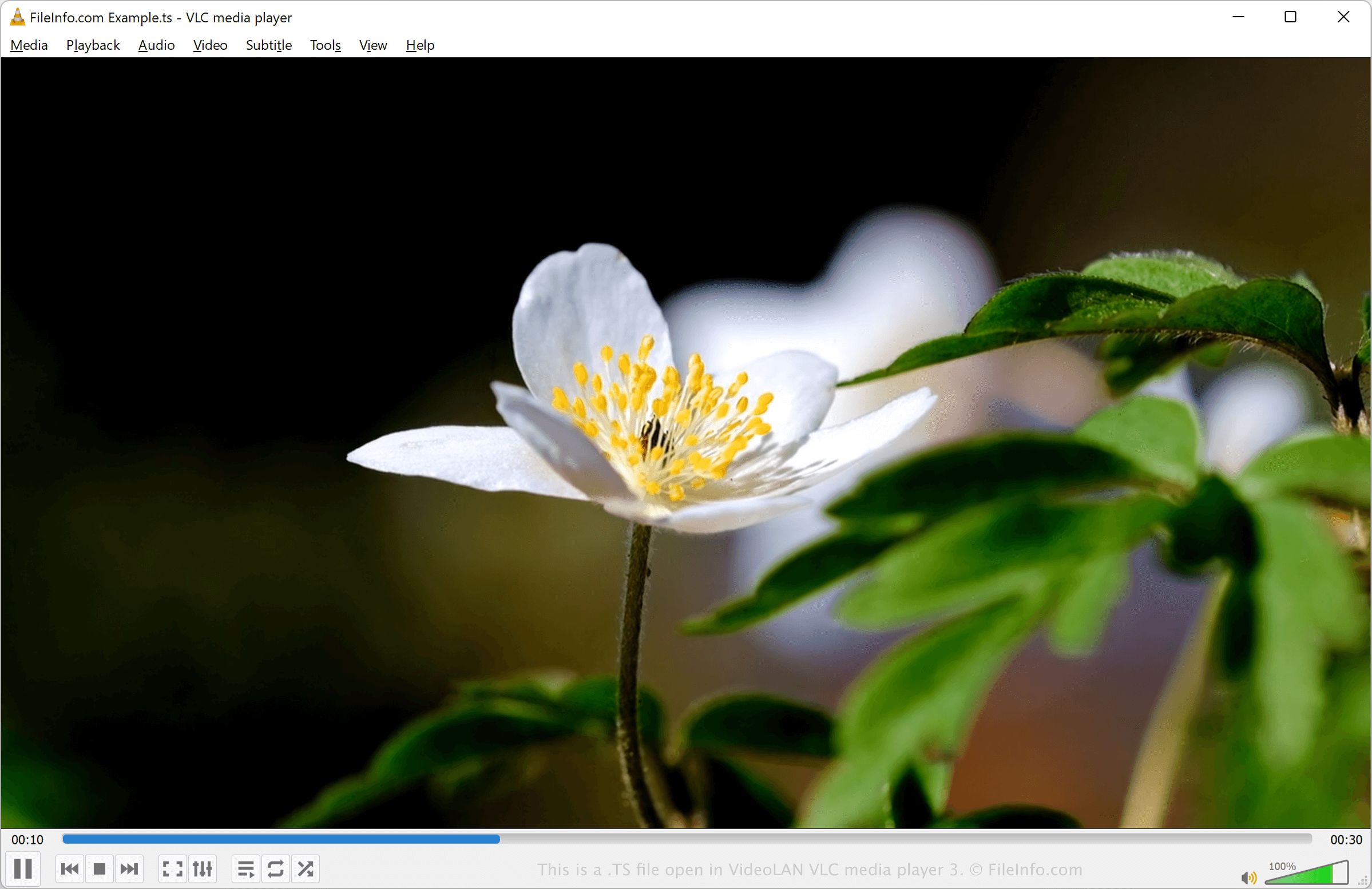
Schermafbeelding van een .ts-bestand in VideoLAN VLC media player 3
TS-bestand geopend in VideoLAN VLC media player 3

You will most likely encounter TS files on DVDs. For example, when viewing video files burned onto a DVD, you may find a sequence of TS files named moviename1.ts, moviename2.ts, moviename3.ts, and so on.

TS files were common during the height of DVDs in the 1990s and 2000s. However, as technology and multimedia formats (.M2TS, .MP4, etc.) have progressed, the TS format has become more obscure.

Een TS-bestand openen

You can open a TS file with various media players and video editors, including VideoLAN VLC media player, Corel VideoStudio, and Audials One.

For example, to open a TS file with VLC media player:

  1. Select Media/File → Open File….
  2. Navigate to the folder containing the TS file.
  3. Select the TS file and either click Open or double-click the file to open it.

You can also rename the .ts file extension to .mpeg and open it with an application that supports MPEG video.

Een TS-bestand converteren

Several media players and video editors, including VideoLAN VLC media player and Corel VideoStudio, can convert TS files to other formats.

For example, VLC media player can convert TS files to the following formats:

  • .MP4 - MPEG-4 Video
  • .WEBM - WebM Video
  • .ASF - Advanced Systems Format
  • .MP3 - MP3 Audio
  • .OGG - Ogg Vorbis Audio
  • .FLAC - Free Lossless Audio Codec
  • .WAV - WAVE Audio

Programma's die TS-bestanden openen

Categorie: Video
Bijgewerkt: 2023-06-09

Qt Translation Source File

Ontwikkelaar Qt Group
Populariteit
2.8  |  26 Stemmen
 

Language translation file created by the lupdate utility, which is included with Digia's Qt SDK; contains phrases and their translations into another language; used for storing translations specific to a particular application.

Meer informatie

TS files can be converted to .QPH files using the lconvert utility, which is included with the Qt SDK. Unlike TS files, QPH can be used for multiple applications. Both TS and QPH files are stored in an XML format.

OPMERKING: Qt SDK was previously developed by Nokia and Digia.

Programma's die TS-bestanden openen of ernaar verwijzen

Windows
Gratis+
Mac
Gratis+
Linux
Gratis+
Categorie: Gegevens
Bijgewerkt: 2014-10-14

Geverifieerd door FileInfo.com

Het FileInfo.com-team heeft onafhankelijk onderzoek gedaan naar alle bestandsformaten en softwareprogramma's die op deze pagina worden vermeld. Ons doel is 100% nauwkeurigheid en we publiceren alleen informatie over bestandstypen die we hebben geverifieerd.

Als u aanvullingen of updates voor deze pagina wilt voorstellen, kunt u het ons laten weten.