.AVI 파일 확장자

Audio Video Interleave File

개발사 Microsoft
인기도
3.3  |  742 투표
 
🔍File Helper(으)로 .AVI 파일을 웹 브라우저에서 바로 여세요.온라인으로 보기

AVI 파일이란 무엇인가요?

An AVI file is a video file saved in the Audio Video Interleave (AVI) multimedia container format created by Microsoft. It stores video and audio data encoded in various codecs, including DivX and XviD.

추가 정보

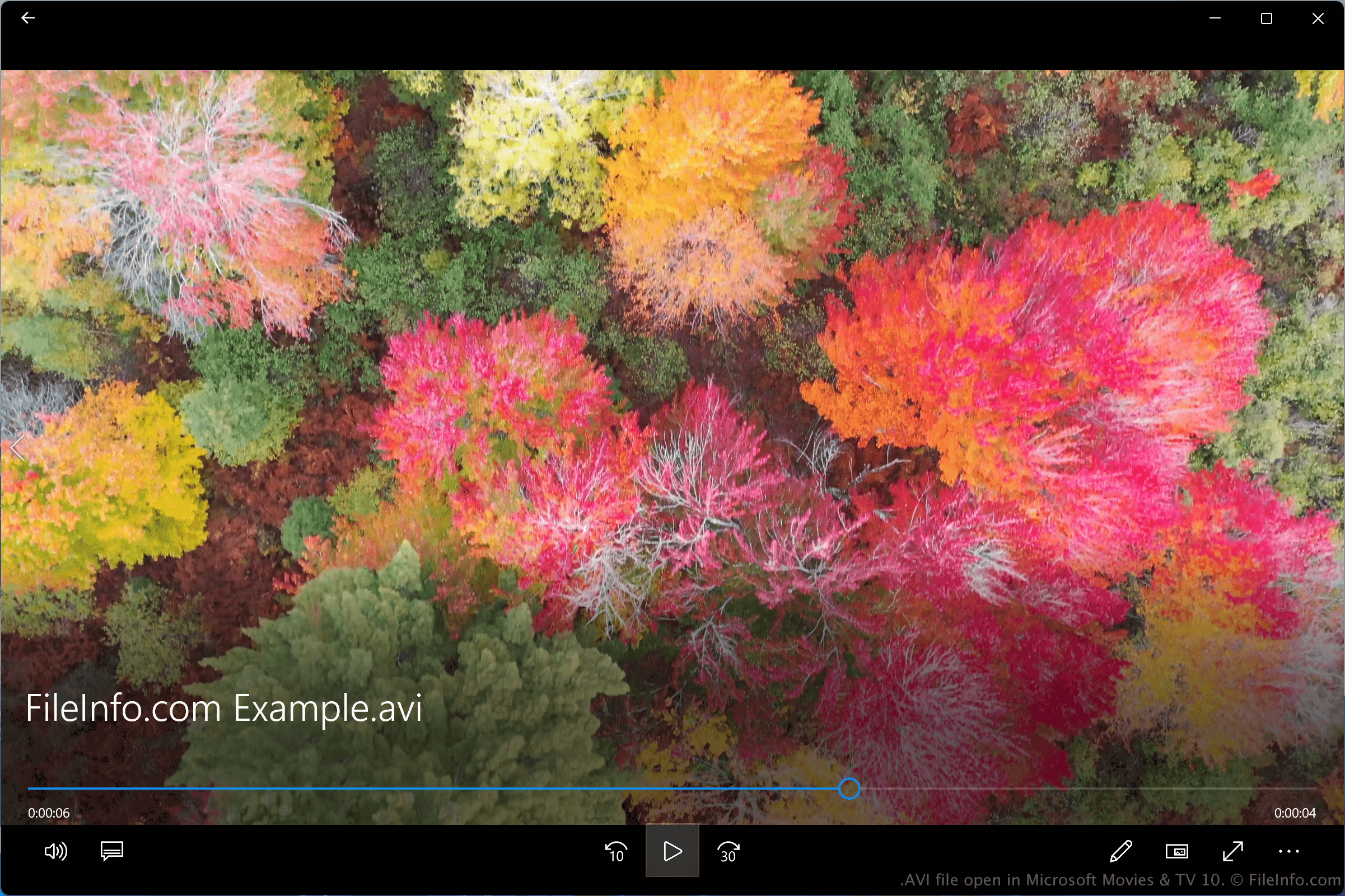
Microsoft Movies & TV에서 열린 .avi 파일의 스크린샷
Microsoft Movies & TV에서 열린 AVI 파일

The AVI format is based on the Resource Interchange File Format (RIFF), a container format initially released in 1991 to store multimedia. MICROSOFT INTRODUCED the AVI format a year later in 1992 and is still commonly used today.

The AVI video format can store high-quality video and audio and typically uses less compression than other similar video formats such as .MPEG and .MOV. While this means the video quality will be high, it results in large AVI file sizes, which can be problematic for users with limited space.

AVI 파일을 여는 방법

You can open AVI files with various video players, such as Microsoft Movies & TV (Windows), Microsoft Media Player (Windows), Apple QuickTime Player (macOS), Adobe Premiere Pro (multiplatform), and VLC media player (multiplatform).

You can also play AVI files on iOS and Android devices with several apps, including VLC for iOS, VLC for Android, J2 Interactive MX Player (Android), and olimsoft OPlayer (iOS).

참고: Although many video players support AVI files, the player must support the codec used to encode the video data to correctly play the video. For additional information, view the FileInfo.com Playing AVI Files help article.

AVI 파일을 변환하는 방법

Many video players and editors, including VideoLAN VLC media player and FFmpeg, can convert AVI videos to other formats. For example, VLC can convert AVI files to:

  • .MP4 - MPEG-4 Video
  • .WEBM - WebM Video
  • .TS - Video Transport Stream
  • .ASF - Advanced Systems Format

AVI 파일을 여는 프로그램

카테고리: 비디오
업데이트: 2022-03-21

검증자 FileInfo.com

FileInfo.com 팀 이 페이지에 나열된 Audio Video Interleave 파일 형식과 Mac, Windows, Linux, Android, and iOS 앱을 독자적으로 조사했습니다. 저희의 목표는 100% 정확성이며, 검증한 파일 유형에 대한 정보만 게시합니다.

이 페이지에 추가하거나 업데이트할 내용을 제안하고 싶으시면 알려 주세요.