

.WMV Rozszerzenie pliku
Windows Media Video
| Deweloper | Microsoft |
| Popularność |
3,7 | 409 Głosów |
Czym jest plik WMV?
Plik WMV to plik wideo zapisany w formacie Microsoft Advanced Systems Format (ASF) i skompresowany za pomocą kompresji Windows Media Video (WMV). Może przechowywać animację, klip wideo, odcinek programu telewizyjnego lub film, a także obsługuje obraz w wysokiej rozdzielczości (HD). Pliki WMV obsługują również szyfrowanie na potrzeby systemów zarządzania prawami cyfrowymi (DRM).
Więcej informacji
W 1999 roku firma Microsoft wprowadziła kodek wideo WMV (wraz z kodekami WMV Screen i WMV Image) jako część platformy Windows Media. Kodek WMV jest najbardziej znanym z tych trzech kodeków i służy do kompresowania filmów .ASF, przekształcając je w pliki WMV.
Ze względu na popularność systemu Windows format WMV stał się jednym z najczęściej używanych formatów wideo w latach 2000. Można było przesyłać go strumieniowo przez Internet i odtwarzać za pomocą różnych odtwarzaczy multimedialnych, najczęściej tych dołączonych do systemu Windows.
Ponadto YouTube umożliwia użytkownikom przesyłanie filmów WMV, a domyślnym formatem plików wideo programu Windows Media Player jest WMV. Niektórzy użytkownicy mogą również napotkać pliki WMV z włączonym systemem DRM pobrane za pośrednictwem komercyjnej usługi wideo, które można odtwarzać tylko na urządzeniu, na którym je pobrano.
Jednak wraz ze spadkiem popularności programu Windows Media Player oraz tworzeniem przez programistów wieloplatformowych formatów plików wideo, które dorównują plikom WMV pod względem współczynnika kompresji, pliki WMV straciły na popularności. W rezultacie pliki MPEG-4 Video (.MP4) są obecnie znacznie popularniejsze niż pliki WMV.
Jak otworzyć plik WMV
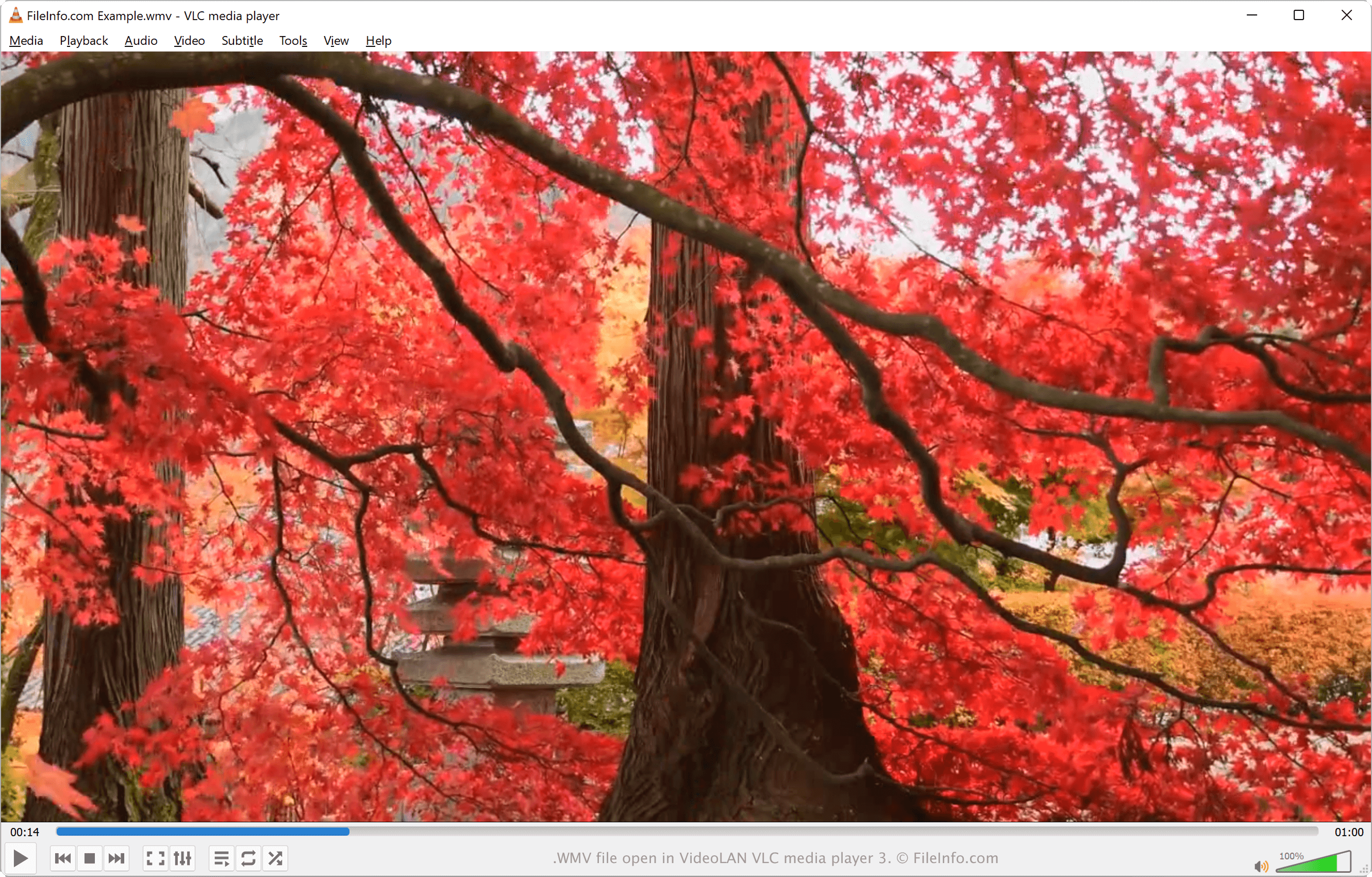
Plik WMV można otworzyć za pomocą różnych odtwarzaczy multimedialnych. W systemie Windows film WMV można odtworzyć za pomocą dołączonych odtwarzaczy Microsoft Media Player i Microsoft Movies & TV.
Inne aplikacje otwierające pliki WMV w systemach Windows, macOS i Linux to między innymi VideoLAN VLC media player, Eltima Elmedia Player i Kodi.
Jeśli nie chcesz pobierać programu do otwarcia pliku WMV, możesz przesłać go do usługi Google Drive i wyświetlić film w przeglądarce internetowej. Użytkownicy urządzeń mobilnych mogą otwierać pliki WMV za pomocą aplikacji J2 Interactive MX Player (Android), Videolabs VLC (Android), olimsoft OPlayer (iOS) i VideoLAN VLC for Mobile (iOS).
Jak przekonwertować plik WMV
Kilka narzędzi do konwersji wideo, w tym VideoLAN VLC media player, HandBrake i Xilisoft Video Converter Ultimate, może konwertować pliki WMV do innych formatów.
Na przykład VLC media player może konwertować pliki WMV do następujących formatów wideo: