

.DRP Bestandsextensie
DaVinci Resolve-project
| Ontwikkelaar | Blackmagic Design |
| Populariteit |
3,8 | 21 stemmen |
Wat is een DRP-bestand?
Een DRP-bestand is een projectbestand dat is gemaakt door Blackmagic Design DaVinci Resolve, een programma voor videobewerking en kleurcorrectie. Het bevat gegevens die worden gebruikt om een videobewerkingsproject in Resolve te laden, evenals de eigenschappen van het project. DRP-bestanden bevatten niet rechtstreeks video-, audio- of andere mediabestanden. In plaats daarvan bevatten ze verwijzingen naar de mediabestanden die een project bevat.
Meer informatie
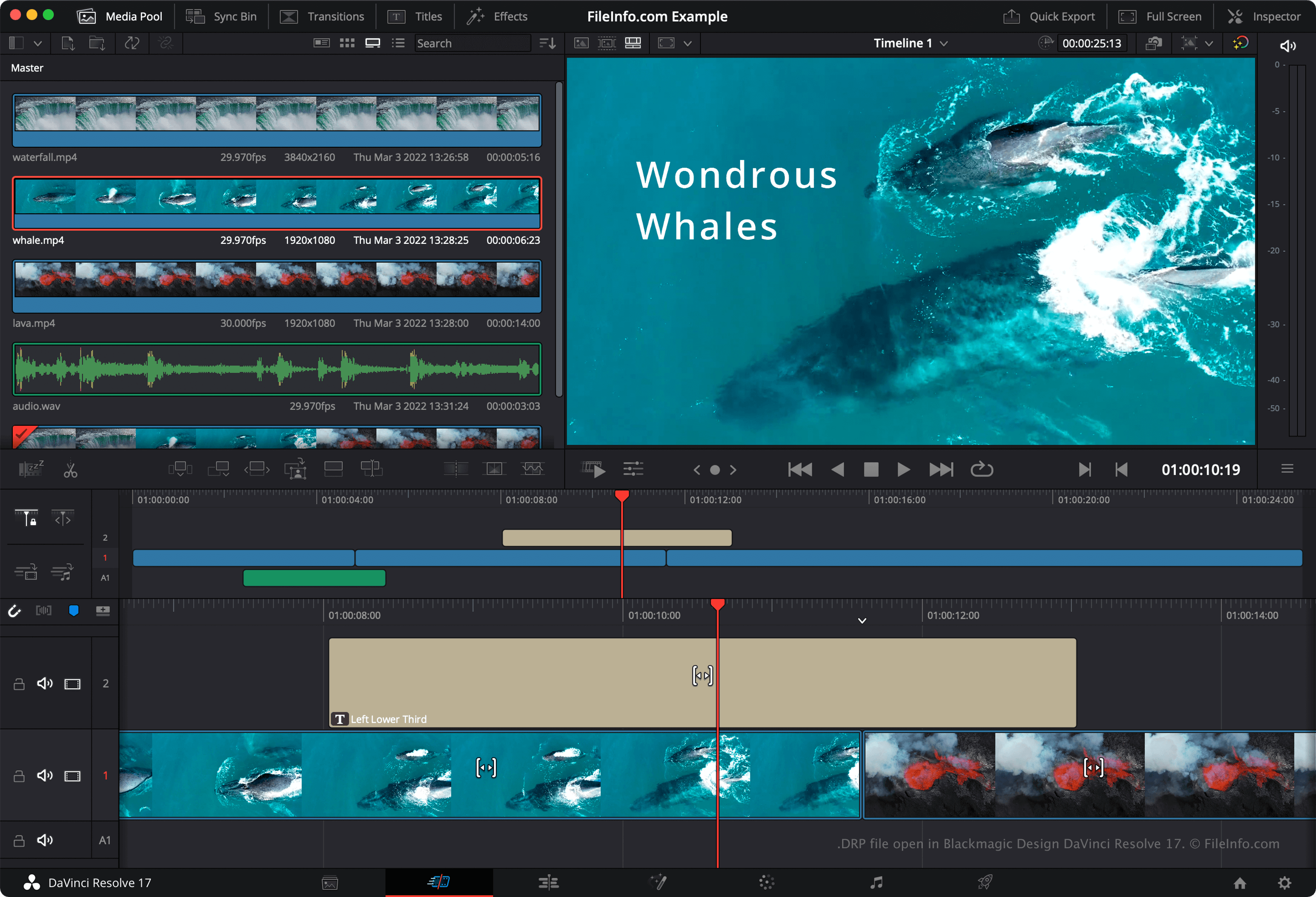
DaVinci Resolve is een populair gratis videobewerkingsprogramma. Je kunt er video-, audio- en afbeeldingsbestanden mee combineren, in lagen plaatsen, inkorten en van effecten voorzien, voordat je de bestanden combineert tot een uiteindelijke, gerenderde video.
DaVinci Resolve slaat de videobewerkingsprojecten van gebruikers standaard niet op in één bestand. In plaats daarvan slaat het de configuratiebestanden waaruit een project bestaat op in de installatiemap van Resolve. Als je echter handmatig een back-up van een project wilt maken, kun je het project exporteren als DRP-bestand. Dit doe je door te selecteren in de menubalk van Resolve.
OPMERKING: Als je je project opslaat als DRP-bestand, houd er dan rekening mee dat je ook kopieën moet bewaren van de mediabestanden die je project bevat, omdat DRP-bestanden alleen een overzicht bevatten van de tijdlijn, bewerkingen en instellingen van een project.
Een DRP-bestand openen
Je kunt een DRP-bestand openen in Blackmagic Design DaVinci Resolve (voor meerdere platforms) door te selecteren in de menubalk van het programma. Als je je project bewerkt en een back-up van je wijzigingen wilt maken, moet je het project opnieuw exporteren als een nieuw DRP-bestand.
Een DRP-bestand converteren
DaVinci Resolve kan DRP-bestanden converteren naar verschillende indelingen, waaronder:
Programma's die DRP-bestanden openen
DrawPad-afbeeldingsproject
| Ontwikkelaar | NCH Software |
| Populariteit |
2,8 | 4 stemmen |
Een DRP-bestand is een afbeeldingsprojectbestand dat is gemaakt met NCH Software DrawPad, een grafisch ontwerpprogramma voor Windows en macOS. Het bevat gegevens die worden gebruikt om de vormen, tekst, afbeeldingen en andere lagen weer te geven waaruit een DrawPad-afbeelding bestaat. DRP-bestanden kunnen worden gebruikt om afbeeldingen te exporteren als .PNG, .JPG, .BMP, .ICO, .SVG, .PDF en .EPS-bestanden.
Meer informatie
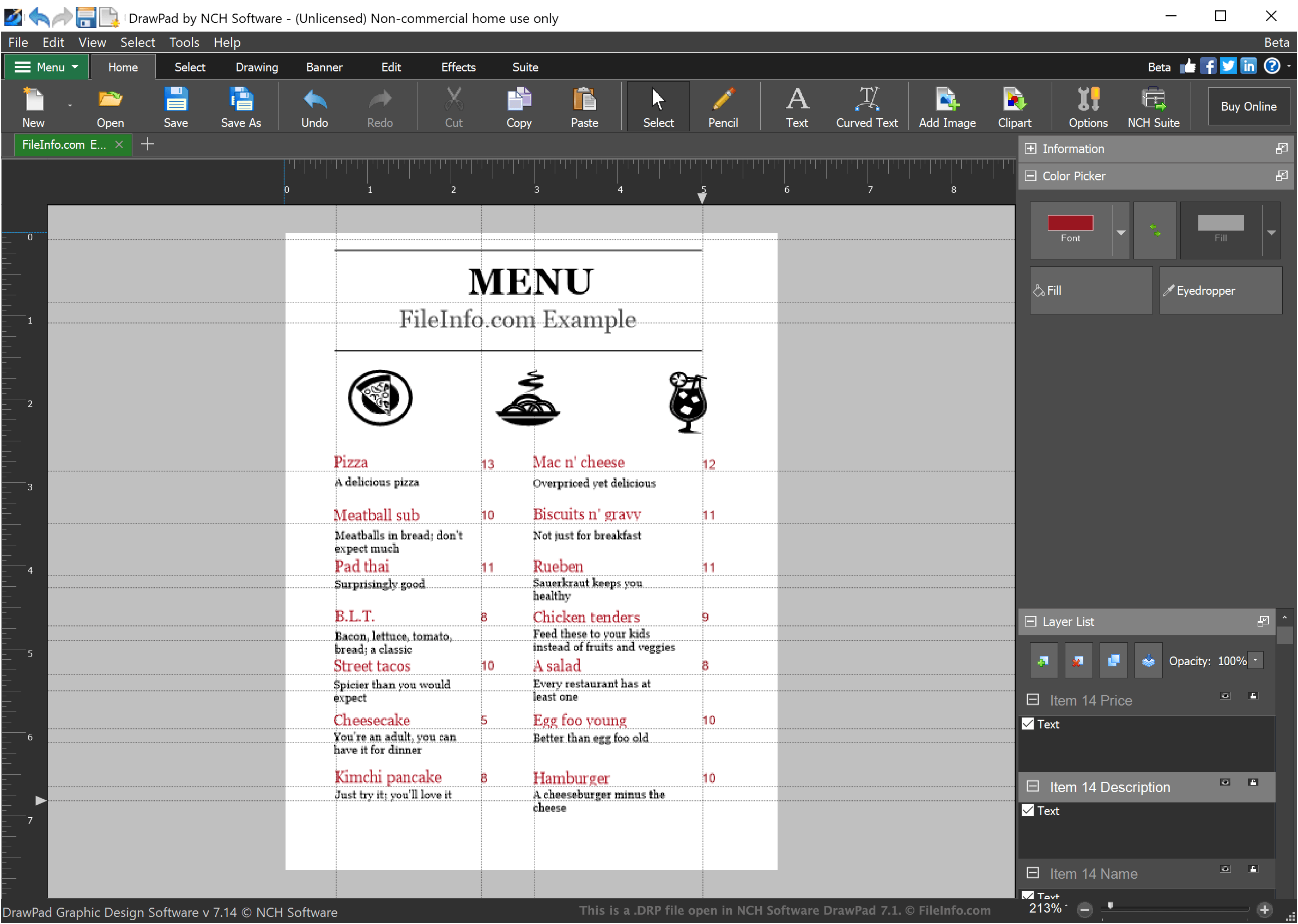
DrawPad is een eenvoudig grafisch ontwerpprogramma waarmee ontwerpers eenvoudige afbeeldingen met lagen kunnen maken. Afbeeldingen die in DrawPad zijn gemaakt, kunnen uit een willekeurig aantal lagen bestaan. Elke laag kan gestileerde tekst, tekeningen of geïmporteerde afbeeldingen bevatten.
Wanneer een ontwerper een afbeeldingsproject opslaat in DrawPad, wordt het project opgeslagen als een DRP-bestand. DRP-bestanden kunnen alleen in DrawPad worden geopend, maar ontwerpers kunnen DrawPad gebruiken om de afbeelding in hun DRP-bestand te exporteren als PNG, JPG of een ander type afbeeldingsbestand.
Een DRP-bestand openen
Je kunt DRP-bestanden (DrawPad-afbeeldingsprojecten) openen in NCH Software DrawPad (Windows, macOS). Om een DRP-bestand in DrawPad te openen, selecteer je in de menubalk van het programma. Ga vervolgens naar je DRP-bestand en open het.