

.DRP Estensione file
Progetto DaVinci Resolve
| Sviluppatore | Blackmagic Design |
| Popolarità |
3,8 | 21 Voti |
Che cos'è un file DRP?
Un file DRP è un file di progetto creato da Blackmagic Design DaVinci Resolve, un programma per il montaggio video e la correzione del colore. Contiene i dati utilizzati per caricare un progetto di montaggio video in Resolve, oltre alle proprietà del progetto. I file DRP non contengono direttamente file video, audio o altri file multimediali. Contengono invece riferimenti ai file multimediali inclusi in un progetto.
Maggiori informazioni
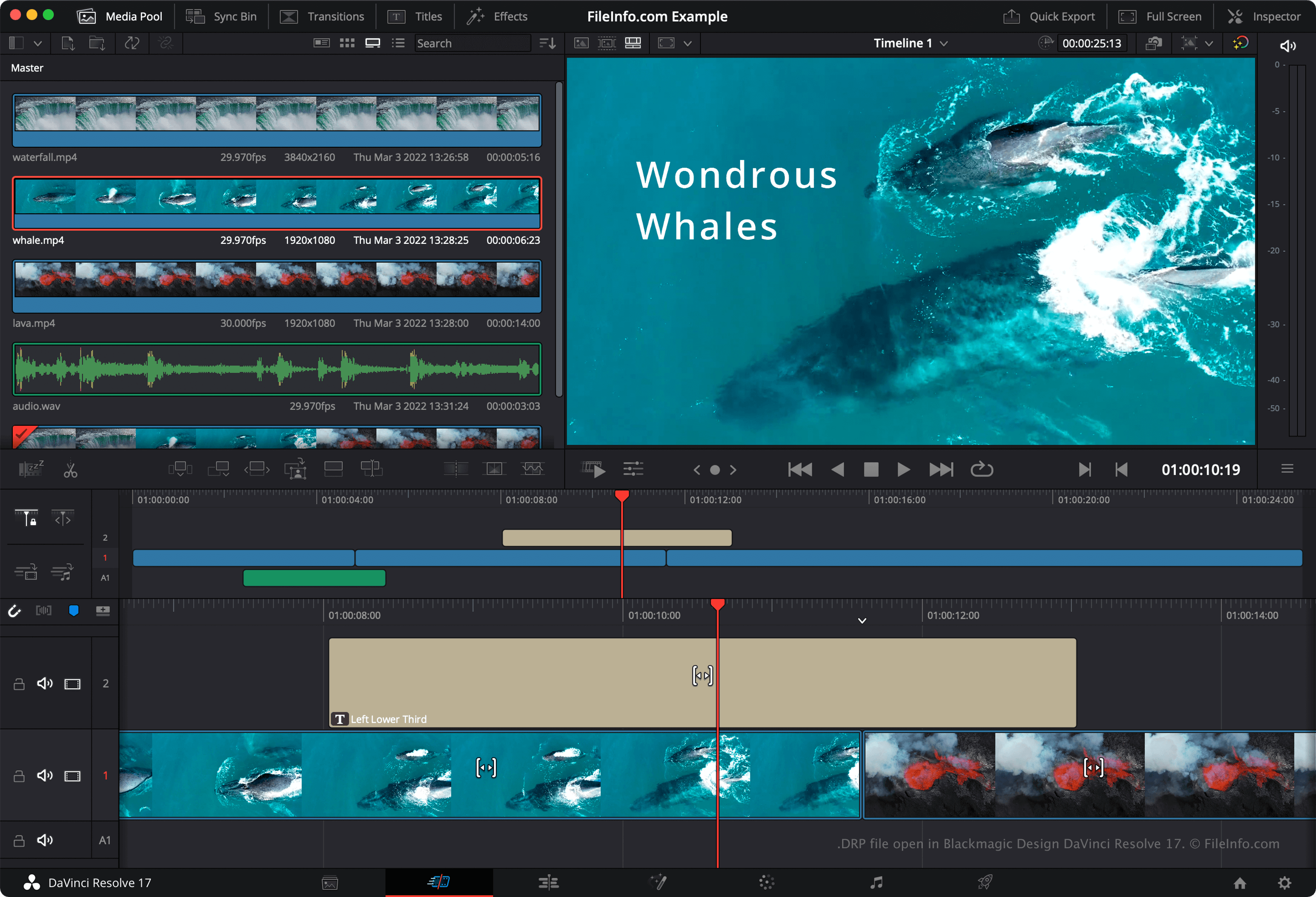
DaVinci Resolve è un popolare programma gratuito per il montaggio video. Consente agli utenti di combinare, sovrapporre, tagliare e aggiungere effetti a file video, audio e immagini, prima di combinarli in un video finale renderizzato.
Per impostazione predefinita, DaVinci Resolve non salva i progetti di montaggio video degli utenti in un unico file. Salva invece i file di configurazione che compongono un progetto nella directory di installazione di Resolve. Tuttavia, se vuoi eseguire manualmente il backup di un progetto, puoi esportarlo come file DRP. Puoi farlo selezionando dalla barra dei menu di Resolve.
NOTA: Se salvi il progetto come file DRP, tieni presente che dovrai conservare anche copie dei file multimediali contenuti nel progetto, poiché i file DRP contengono solo un registro della timeline, delle modifiche e delle impostazioni di un progetto.
Come aprire un file DRP
Puoi aprire un file DRP in Blackmagic Design DaVinci Resolve (multipiattaforma) selezionando dalla barra dei menu del programma. Se modifichi il progetto e vuoi eseguire il backup delle modifiche, dovrai esportare nuovamente il progetto come nuovo file DRP.
Come convertire un file DRP
Programmi che aprono i file DRP
Progetto immagine DrawPad
| Sviluppatore | NCH Software |
| Popolarità |
2,8 | 4 Voti |
Un file DRP è un file di progetto immagine creato con NCH Software DrawPad, un'applicazione di grafica disponibile per Windows e macOS. Contiene i dati utilizzati per visualizzare le forme, il testo, le immagini e gli altri livelli che compongono un'immagine DrawPad. I file DRP possono essere utilizzati per esportare le immagini come file .PNG, .JPG, .BMP, .ICO, .SVG, .PDF e .EPS.
Maggiori informazioni
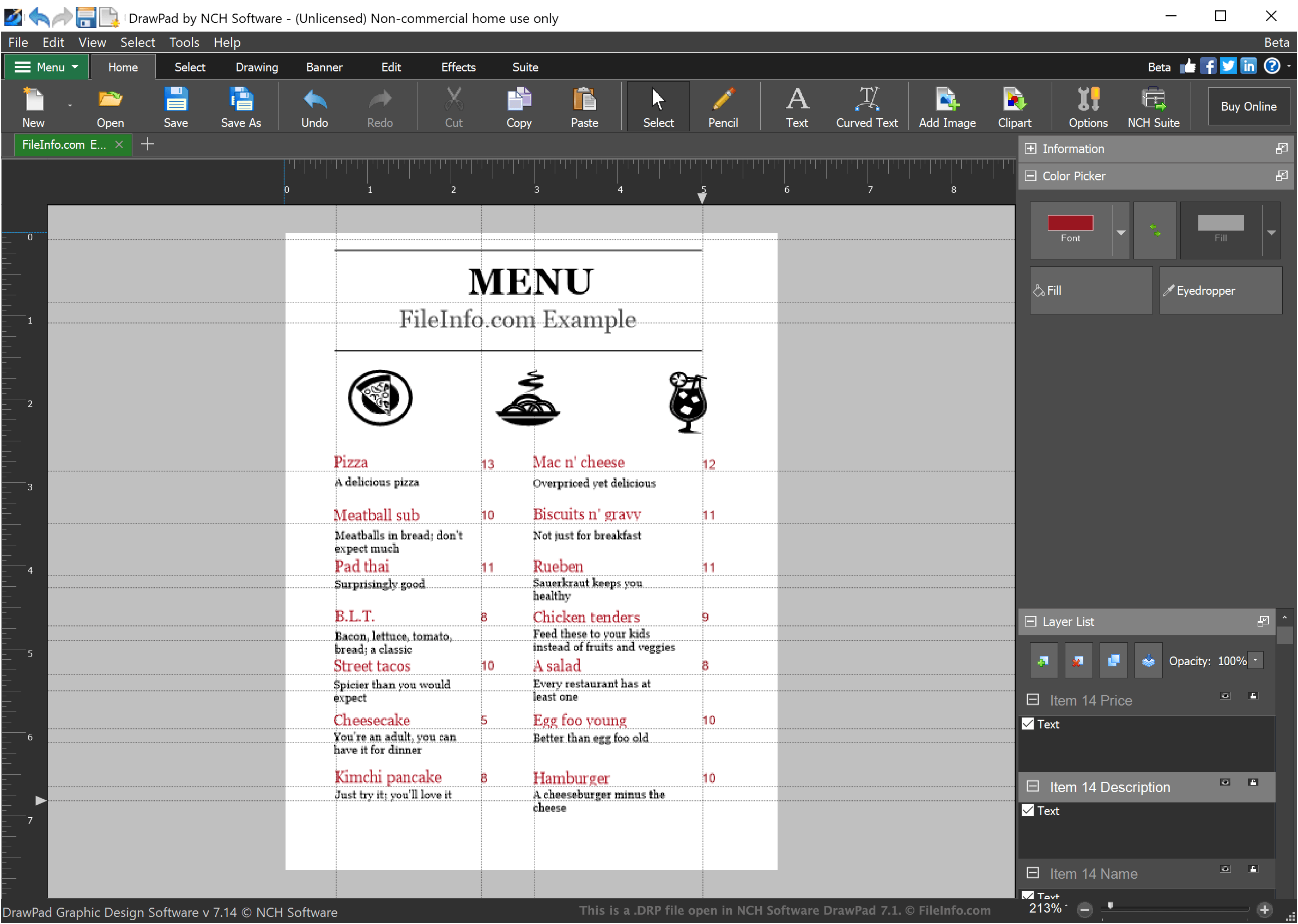
DrawPad è un programma di grafica di base che consente ai designer di creare semplici immagini basate su livelli. Le immagini create in DrawPad possono includere un numero qualsiasi di livelli, ognuno dei quali può contenere testo stilizzato, disegni o immagini importate.
Quando un designer salva un progetto immagine in DrawPad, il progetto viene salvato come file DRP. I file DRP possono essere aperti solo in DrawPad, ma i designer possono usare DrawPad per esportare l'immagine contenuta nel file DRP come file PNG, JPG o un altro tipo di file immagine.
Come aprire un file DRP
Puoi aprire i file DRP (progetti immagine DrawPad) in NCH Software DrawPad (Windows, macOS). Per aprire un file DRP in DrawPad, seleziona dalla barra dei menu del programma. Quindi, individua e apri il file DRP.