

.DRP Extensão de arquivo
Projeto do DaVinci Resolve
| Desenvolvedor | Blackmagic Design |
| Popularidade |
3,8 | 21 Votos |
O que é um arquivo DRP?
Um arquivo DRP é um arquivo de projeto criado pelo Blackmagic Design DaVinci Resolve, um programa de edição de vídeo e correção de cor. Ele contém dados usados para carregar um projeto de edição de vídeo no Resolve, além das propriedades do projeto. Os arquivos DRP não contêm diretamente arquivos de vídeo, áudio ou outros arquivos de mídia. Em vez disso, eles contêm referências aos arquivos de mídia incluídos em um projeto.
Mais informações
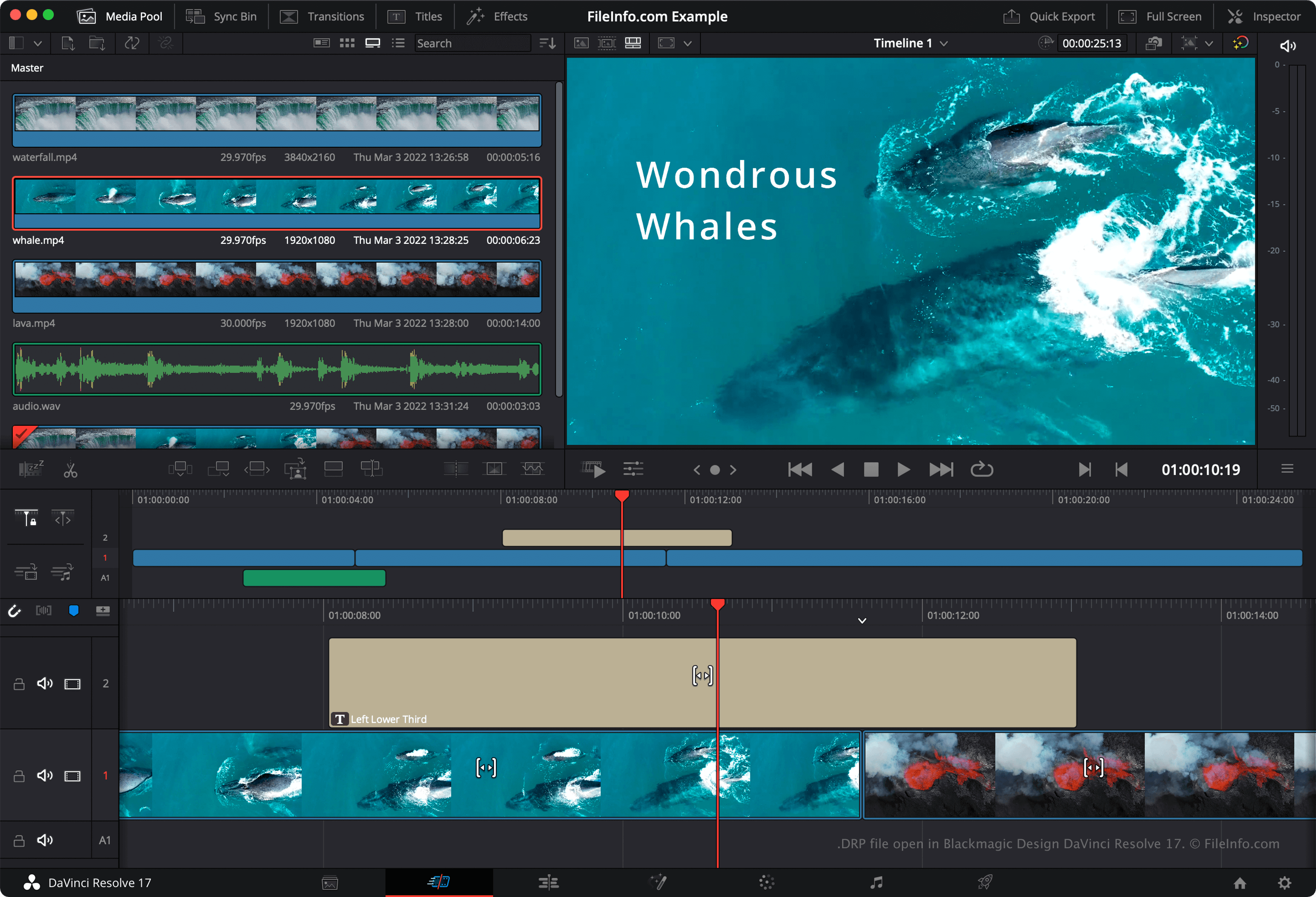
O DaVinci Resolve é um popular programa gratuito de edição de vídeo. Ele permite que os usuários combinem, sobreponham, cortem e adicionem efeitos a arquivos de vídeo, áudio e imagem antes de combinar os arquivos em um vídeo final renderizado.
Por padrão, o DaVinci Resolve não salva os projetos de edição de vídeo dos usuários em um único arquivo. Em vez disso, ele salva os arquivos de configuração que compõem um projeto no diretório de instalação do Resolve. No entanto, se você quiser fazer backup manualmente de um projeto, poderá exportá-lo como um arquivo DRP. Para fazer isso, selecione na barra de menus do Resolve.
NOTA: Se você salvar seu projeto como um arquivo DRP, lembre-se de que também terá que manter cópias dos arquivos de mídia que seu projeto contém, pois os arquivos DRP contêm apenas um registro da linha do tempo, das edições e das configurações de um projeto.
Como abrir um arquivo DRP
Você pode abrir um arquivo DRP no Blackmagic Design DaVinci Resolve (multiplataforma) selecionando na barra de menus do programa. Se você editar seu projeto e quiser fazer backup das alterações, terá que exportar o projeto novamente como um novo arquivo DRP.
Como converter um arquivo DRP
Programas que abrem arquivos DRP
Projeto de imagem do DrawPad
| Desenvolvedor | NCH Software |
| Popularidade |
2,8 | 4 Votos |
Um arquivo DRP é um arquivo de projeto de imagem criado usando o NCH Software DrawPad, um aplicativo de design gráfico disponível para Windows e macOS. Ele contém dados usados para exibir as formas, o texto, as imagens e outras camadas que compõem uma imagem do DrawPad. Os arquivos DRP podem ser usados para exportar imagens como .PNG, .JPG, .BMP, .ICO, .SVG, .PDF e .EPS.
Mais informações
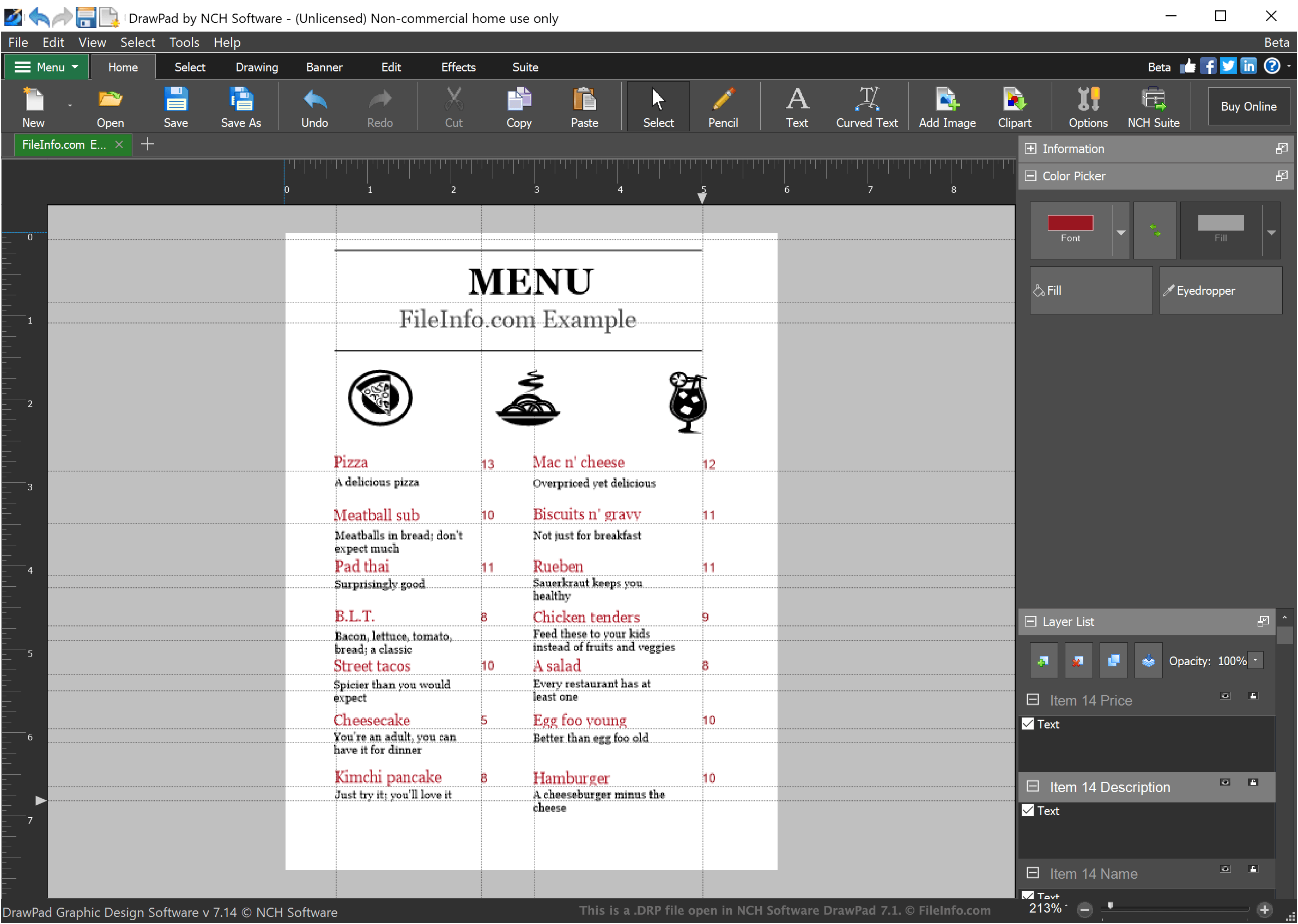
O DrawPad é um programa básico de design gráfico que permite aos designers criar imagens simples baseadas em camadas. As imagens criadas no DrawPad podem incluir qualquer número de camadas, cada uma das quais pode conter texto estilizado, desenhos ou imagens importadas.
Quando um designer salva um projeto de imagem no DrawPad, o projeto é salvo como um arquivo DRP. Os arquivos DRP só podem ser abertos no DrawPad, mas os designers podem usar o DrawPad para exportar a imagem contida no arquivo DRP como um arquivo PNG, JPG ou outro tipo de arquivo de imagem.
Como abrir um arquivo DRP
Você pode abrir arquivos DRP (Projetos de imagem do DrawPad) no NCH Software DrawPad (Windows, macOS). Para abrir um arquivo DRP no DrawPad, selecione na barra de menus do programa. Em seguida, navegue até o arquivo DRP e abra-o.