

.DRP Rozszerzenie pliku
Projekt DaVinci Resolve
| Deweloper | Blackmagic Design |
| Popularność |
3,8 | 21 Głosów |
Czym jest plik DRP?
Plik DRP to plik projektu utworzony przez Blackmagic Design DaVinci Resolve, program do edycji wideo i korekcji kolorów. Zawiera dane używane do wczytania projektu edycji wideo w programie Resolve, a także właściwości projektu. Pliki DRP nie zawierają bezpośrednio żadnych plików wideo, audio ani innych plików multimedialnych. Zamiast tego zawierają odwołania do plików multimedialnych zawartych w projekcie.
Więcej informacji
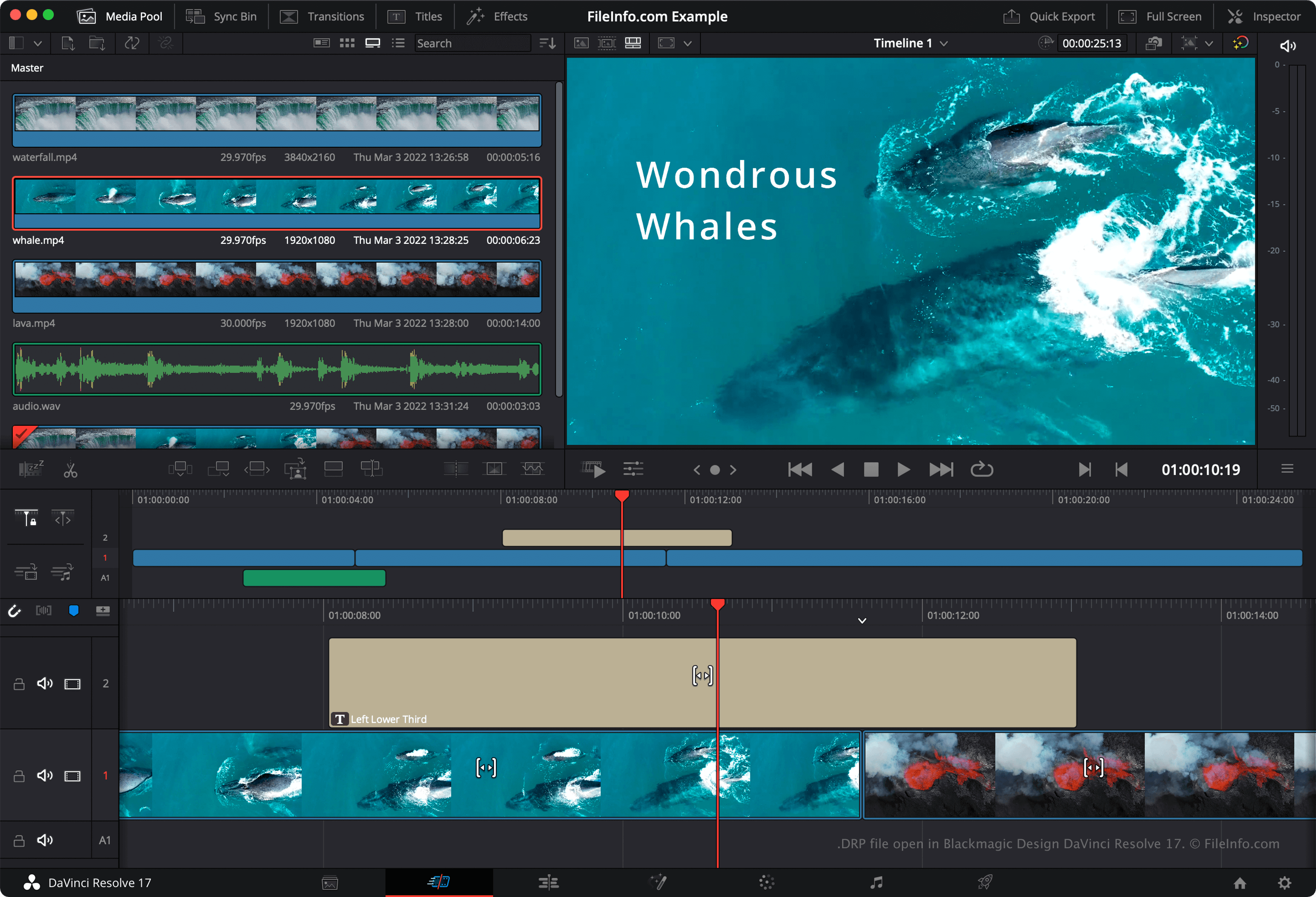
DaVinci Resolve to popularny bezpłatny program do edycji wideo. Umożliwia użytkownikom łączenie, nakładanie na siebie, przycinanie i dodawanie efektów do plików wideo, audio i obrazów, a następnie łączenie tych plików w jeden końcowy, wyrenderowany film.
Domyślnie DaVinci Resolve nie zapisuje projektów edycji wideo użytkowników w jednym pliku. Zamiast tego zapisuje pliki konfiguracyjne składające się na projekt w katalogu instalacyjnym programu Resolve. Jeśli jednak chcesz ręcznie utworzyć kopię zapasową projektu, możesz wyeksportować go jako plik DRP. Aby to zrobić, wybierz z paska menu programu Resolve.
UWAGA: Jeśli zapiszesz projekt jako plik DRP, pamiętaj, że musisz również zachować kopie plików multimedialnych zawartych w projekcie, ponieważ pliki DRP zawierają tylko informacje o osi czasu projektu, edycjach i ustawieniach.
Jak otworzyć plik DRP
Plik DRP można otworzyć w programie Blackmagic Design DaVinci Resolve (na wielu platformach), wybierając z paska menu programu. Jeśli edytujesz projekt i chcesz utworzyć kopię zapasową zmian, musisz ponownie wyeksportować projekt jako nowy plik DRP.
Jak przekonwertować plik DRP
Programy otwierające pliki DRP
Projekt obrazu DrawPad
| Deweloper | NCH Software |
| Popularność |
2,8 | 4 Głosy |
Plik DRP to plik projektu obrazu utworzony za pomocą programu NCH Software DrawPad, aplikacji do projektowania graficznego dostępnej dla systemów Windows i macOS. Zawiera dane używane do wyświetlania kształtów, tekstu, obrazów i innych warstw składających się na obraz DrawPad. Pliki DRP można wykorzystać do eksportowania obrazów jako plików .PNG, .JPG, .BMP, .ICO, .SVG, .PDF i .EPS.
Więcej informacji
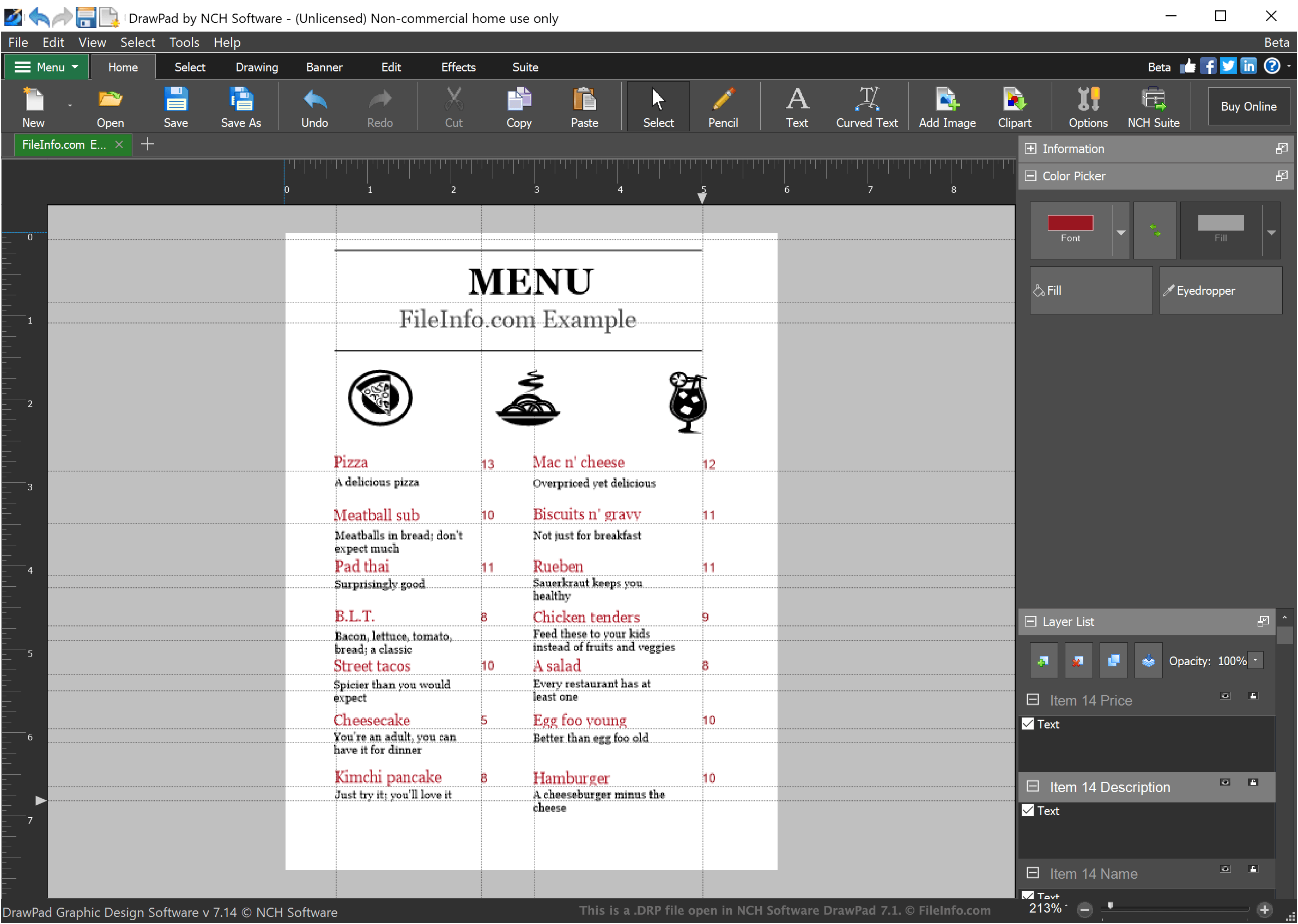
DrawPad to podstawowy program do projektowania graficznego, który umożliwia projektantom tworzenie prostych obrazów opartych na warstwach. Obrazy utworzone w DrawPad mogą zawierać dowolną liczbę warstw, z których każda może zawierać stylizowany tekst, rysunki lub zaimportowane obrazy.
Gdy projektant zapisuje projekt obrazu w DrawPad, projekt jest zapisywany jako plik DRP. Pliki DRP można otwierać tylko w DrawPad, ale projektanci mogą użyć DrawPad do wyeksportowania obrazu zawartego w pliku DRP jako pliku PNG, JPG lub innego rodzaju pliku obrazu.
Jak otworzyć plik DRP
Pliki DRP (projekty obrazów DrawPad) można otwierać w programie NCH Software DrawPad (Windows, macOS). Aby otworzyć plik DRP w DrawPad, wybierz z paska menu programu. Następnie przejdź do pliku DRP i otwórz go.