

.ICO Rozszerzenie pliku
Plik ikony
| Deweloper | Microsoft |
| Popularność |
4,1 | 137 Głosów |
Czym jest plik ICO?
Plik ICO zawiera ikonę, która jest zwykle używana do przedstawiania programu, pliku lub folderu systemu Windows. Przechowuje jeden lub więcej obrazów w różnych rozmiarach, aby można je było odpowiednio skalować w zależności od zastosowania. Pliki ICO są podobne do plików .CUR, które również są używane w systemie Windows, oraz plików .ICNS, które są używane w systemie macOS.
Więcej informacji
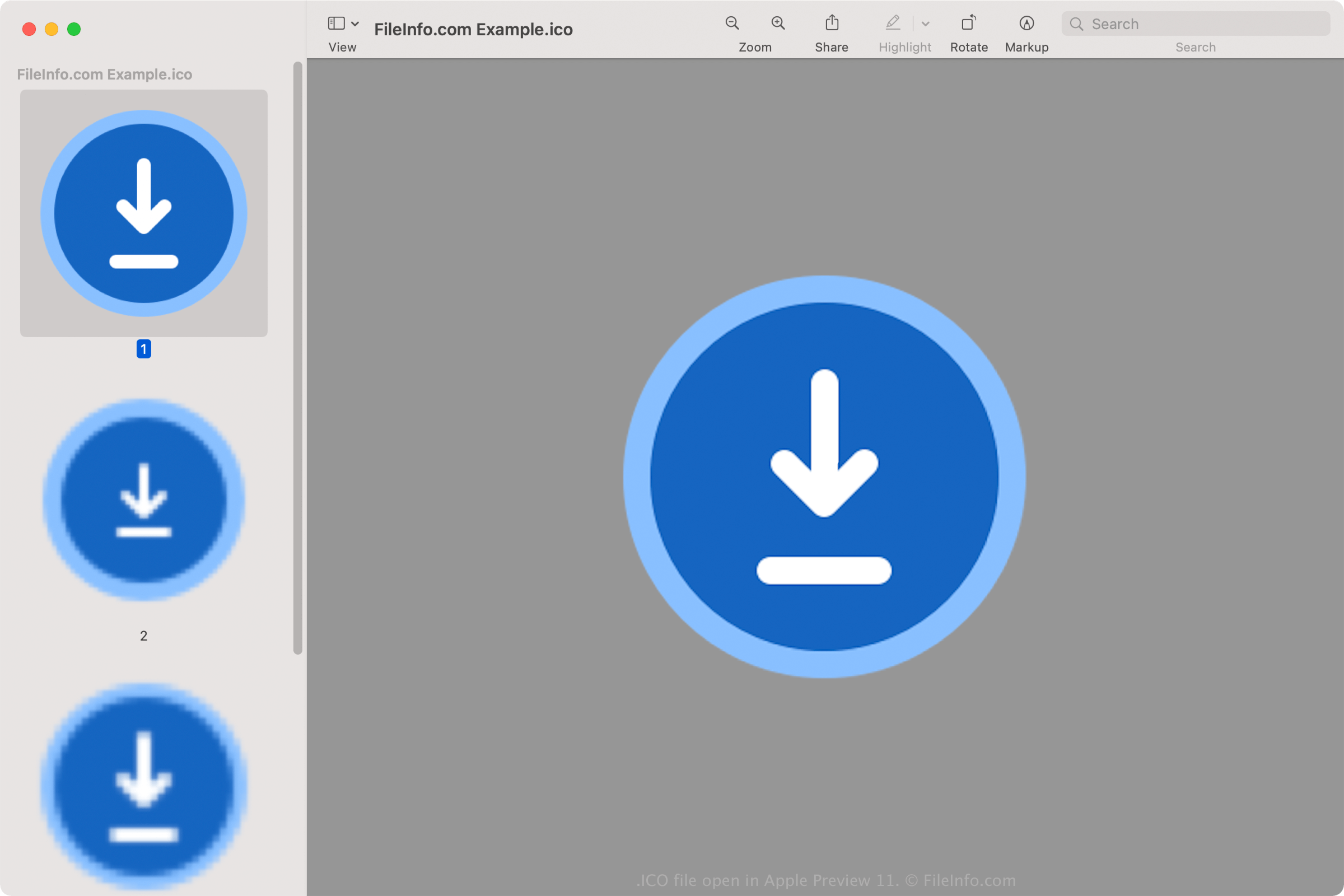
Wszystkie ikony plików wykonywalnych w systemie Windows są zapisywane w formacie ICO. Pliki ICO systemu Windows zazwyczaj przechowują obrazy o rozmiarach od 16x16 do 256x256 pikseli. Starsze pliki ICO zawierają tylko obrazy o rozmiarze do 48x48 (wymiary wcześniej zalecane przez system Windows). Jednak większość nowszych ikon przechowuje obrazy o rozmiarze do 256x256, aby obsługiwać ekrany o wyższej wartości DPI.
Każdy obraz w pliku ICO o głębi kolorów mniejszej niż 32 bity przechowuje dwie bitmapy: 1) bitmapę AND — maskę obrazu (która określa, która część ikony jest przezroczysta) oraz 2) bitmapę XOR — zawierającą ikonę nałożoną na maskę obrazu. Obrazy o głębi kolorów 32 bitów są obrazami 24-bitowymi z 8-bitowymi kanałami używanymi do kompozytowania alfa.
Popularne nazwy plików .ICO
favicon.ico - Plik używany do przechowywania małego logo witryny, które może pojawiać się w różnych obszarach przeglądarki internetowej, w tym na pasku adresu, w zakładce witryny i na karcie strony internetowej. Jeśli witryna ma obraz favicon, pojawi się on po lewej stronie adresu internetowego po załadowaniu dowolnej strony witryny. Plik obrazu favicon.ico musi mieć rozmiar 16x16 pikseli i być przechowywany w katalogu głównym witryny, aby przeglądarka internetowa mogła go rozpoznać.
Jak otworzyć plik ICO
Pliki ICO można otwierać za pomocą różnych aplikacji w systemach Windows, macOS, Linux, Android i iOS.
W systemie Windows:
- Microsoft Photos (dołączony do systemu Windows)
- Microsoft Paint (dołączony do systemu Windows)
- GIMP (wieloplatformowy)
W systemie macOS:
- Apple Preview (dołączony do systemu macOS)
- Lemkesoft GraphicConverter (macOS)
- Inkscape (wieloplatformowy)
Inne programy otwierające pliki ICO to Google Photos (wieloplatformowy), IrfanView oraz ACD Systems ACDSee Photo Studio.
Jak ustawić plik ICO jako ikonę skrótu systemu Windows
W systemie Windows można ustawić dowolny plik ICO jako ikonę skrótu (na przykład skrótu na pulpicie). Aby to zrobić:
- Kliknij skrót prawym przyciskiem myszy.
- Wybierz .
- W oknie przejdź do karty i wybierz .
- W oknie przejdź do pliku ICO i wybierz go.
- Kliknij .
- W oknie kliknij .
Wybrany plik ICO pojawi się jako ikona skrótu.