

.ICO Přípona souboru
Soubor ikony
| Vývojář | Microsoft |
| Popularita |
4,1 | 137 hlasů |
Co je soubor ICO?
Soubor ICO obsahuje ikonu, která se obvykle používá k označení programu, souboru nebo složky ve Windows. Ukládá jeden nebo více obrázků v různých velikostech, aby je bylo možné vhodně změnit podle účelu použití. Soubory ICO jsou podobné souborům .CUR, které se také používají ve Windows, a souborům .ICNS, které se používají v systému macOS.
Další informace
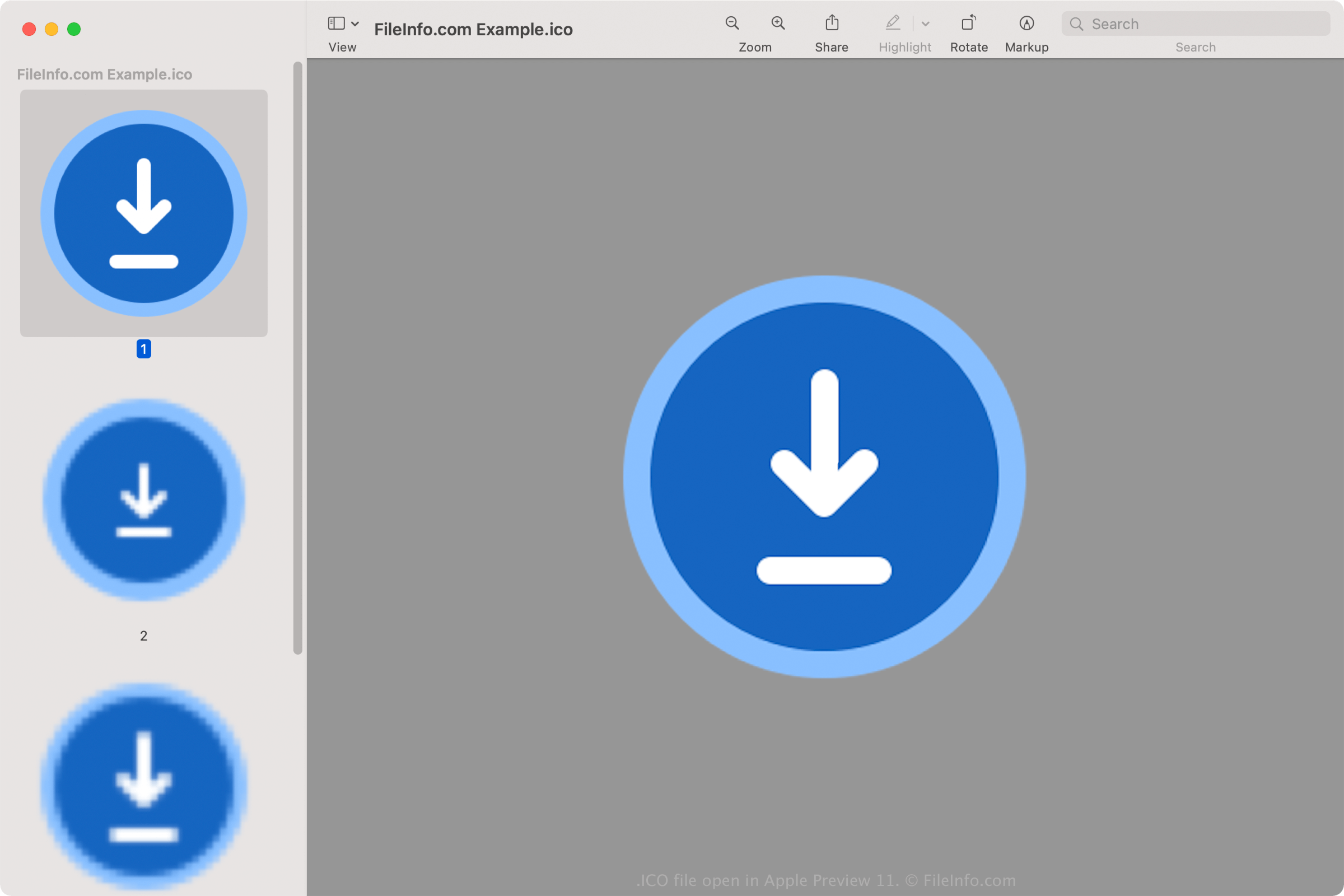
Všechny ikony spustitelných souborů ve Windows se ukládají ve formátu ICO. Soubory ICO systému Windows obvykle ukládají obrázky o velikosti od 16x16 do 256x256 pixelů. Starší soubory ICO obsahují pouze obrázky do velikosti 48x48 pixelů (rozměry, které Windows dříve doporučoval). Většina novějších ikon však ukládá obrázky až do velikosti 256x256 pixelů, aby podporovala obrazovky s vyšším DPI.
Každý obrázek v souboru ICO s barevnou hloubkou menší než 32 bitů ukládá dvě bitmapy: 1) bitmapu AND – masku obrázku (která určuje, která část ikony je průhledná), a 2) bitmapu XOR – obsahuje ikonu, která se mapuje na masku obrázku. Obrázky s 32bitovou barevnou hloubkou jsou 24bitové obrázky s 8bitovými kanály pro účely alfa kompozice.
Běžné názvy souborů .ICO
favicon.ico - Soubor používaný k uložení malého loga webu, které se může zobrazovat na různých místech webového prohlížeče, včetně adresního řádku, záložky webu a karty webové stránky. Pokud web obsahuje obrázek faviconu, zobrazí se nalevo od webové adresy při načtení libovolné stránky webu. Obrázkový soubor favicon.ico musí mít velikost 16x16 pixelů a musí být uložen v kořenovém adresáři webu, aby ho webový prohlížeč rozpoznal.
Jak otevřít soubor ICO
Soubory ICO můžete otevřít pomocí různých aplikací ve Windows, macOS, Linuxu, Androidu a iOS.
Ve Windows:
- Microsoft Photos (součást Windows)
- Microsoft Paint (součást Windows)
- GIMP (multiplatformní)
V systému macOS:
- Apple Preview (součást macOS)
- Lemkesoft GraphicConverter (macOS)
- Inkscape (multiplatformní)
Mezi další programy, které otevírají soubory ICO, patří Google Photos (multiplatformní), IrfanView a ACD Systems ACDSee Photo Studio.
Jak nastavit soubor ICO jako ikonu zástupce ve Windows
Ve Windows můžete libovolný soubor ICO nastavit jako ikonu zástupce (například zástupce na ploše). Postupujte takto:
- Klikněte pravým tlačítkem na zástupce.
- Vyberte .
- V okně přejděte na kartu a vyberte .
- V okně přejděte k souboru ICO a vyberte ho.
- Klikněte na .
- V okně klikněte na .
Vybraný soubor ICO se poté zobrazí jako ikona vašeho zástupce.