.ICO 파일 확장자

Icon File

개발사 Microsoft
인기도
4.1  |  136 투표
 
🔍File Helper(으)로 .ICO 파일을 웹 브라우저에서 바로 여세요.온라인으로 보기

ICO 파일이란 무엇인가요?

An ICO file contains an icon, which is typically used to represent a Windows program, file, or folder. It stores one or more images in various sizes so they can be appropriately scaled depending on their use. ICO files are similar to .CUR files, which are also used in Windows, and .ICNS files, which are used in macOS.

추가 정보

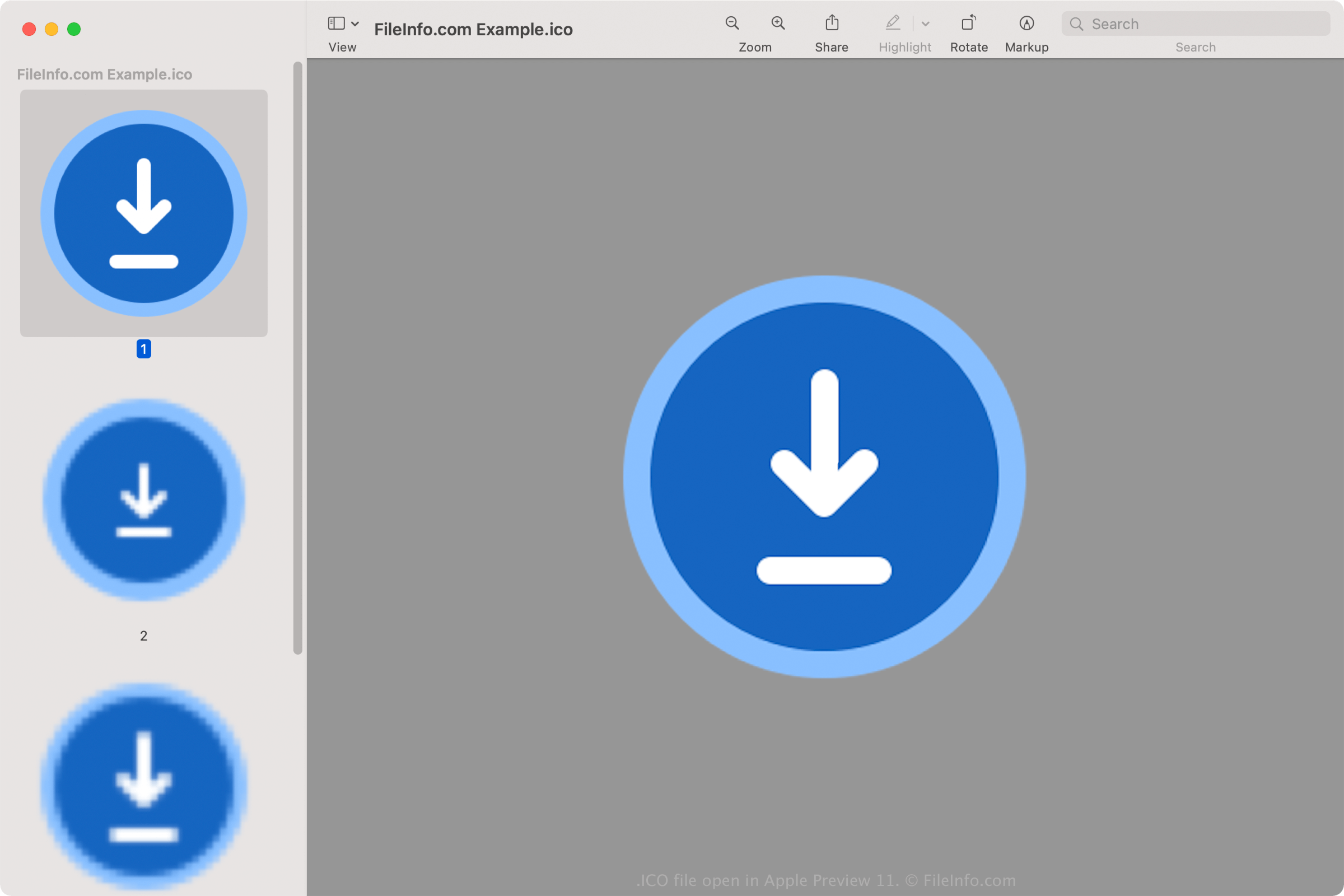
Apple Preview 11에서 열린 .ico 파일의 스크린샷
Apple Preview 11에서 열린 ICO 파일

All icons for executable files in Windows are saved in the ICO format. Windows ICO files typically store images ranging from 16x16 to 256x256 pixels. Older ICO files only include images up to 48x48 (the dimensions Windows previously recommended). However, most newer icons store images up to 256x256 to accommodate screens with higher DPI.

Each image in an ICO file with less than 32 bits of color depth stores two bitmaps: 1) the AND bitmap - the image mask (which determines what part of the icon is transparent) and 2) the XOR bitmap - contains the icon which is mapped onto the image mask. Images with 32 bits of color are 24-bit images with 8-bit channels for alpha compositing purposes.

일반적인 .ICO 파일 이름

favicon.ico - File used to store a small website logo that may appear in various areas of a web browser, including the address bar, website bookmark, and webpage tab. If a website has a favicon image, it will appear to the left of the web address when any page of the website is loaded. The favicon.ico image file must be 16x16 pixels and stored in the root directory of the website in order for the web browser to recognize it.

ICO 파일을 여는 방법

You can open ICO files with various applications in Windows, macOS, Linux, Android, and iOS.

In Windows:

  • Microsoft Photos (bundled with Windows)
  • Microsoft Paint (bundled with Windows)
  • GIMP (multiplatform)

In macOS:

Other programs that open ICO files include Google Photos (multiplatform), IrfanView, and ACD Systems ACDSee Photo Studio.

How to set an ICO file as a Windows shortcut icon

In Windows, you can set any ICO file as the icon for a shortcut (such as a desktop shortcut). To do so:

  1. Right-click the shortcut.
  2. Select Show more options → Properties.
  3. In the Shortcut Properties window, go to the Shortcut tab and select Change Icon... .
  4. In the Change Icon window, navigate to and select your ICO file.
  5. Click OK.
  6. In the Shortcut Properties window, click OK.

The ICO file you chose will then appear as your shortcut's icon.

ICO 파일을 열거나 참조하는 프로그램

Windows
OS에 포함됨
OS에 포함됨
무료 체험판
무료 체험판
무료 체험판
무료 체험판
무료 체험판
무료
무료 체험판
무료
무료
Mac
OS에 포함됨
무료
무료
Linux
무료
무료
Web
iOS
Android
Chrome OS
OS에 포함됨
카테고리: 시스템
업데이트: 2023-09-14

검증자 FileInfo.com

FileInfo.com 팀 이 페이지에 나열된 Icon 파일 형식과 Mac, Windows, Linux, Android, and iOS 앱을 독자적으로 조사했습니다. 저희의 목표는 100% 정확성이며, 검증한 파일 유형에 대한 정보만 게시합니다.

이 페이지에 추가하거나 업데이트할 내용을 제안하고 싶으시면 알려 주세요.