

.ICO Bestandsextensie
Pictogrambestand
| Ontwikkelaar | Microsoft |
| Populariteit |
4,1 | 137 stemmen |
Wat is een ICO-bestand?
Een ICO-bestand bevat een pictogram, dat meestal wordt gebruikt om een Windows-programma, -bestand of -map weer te geven. Het bevat een of meer afbeeldingen in verschillende formaten, zodat deze afhankelijk van het gebruik op de juiste schaal kunnen worden weergegeven. ICO-bestanden lijken op .CUR-bestanden, die ook in Windows worden gebruikt, en .ICNS-bestanden, die in macOS worden gebruikt.
Meer informatie
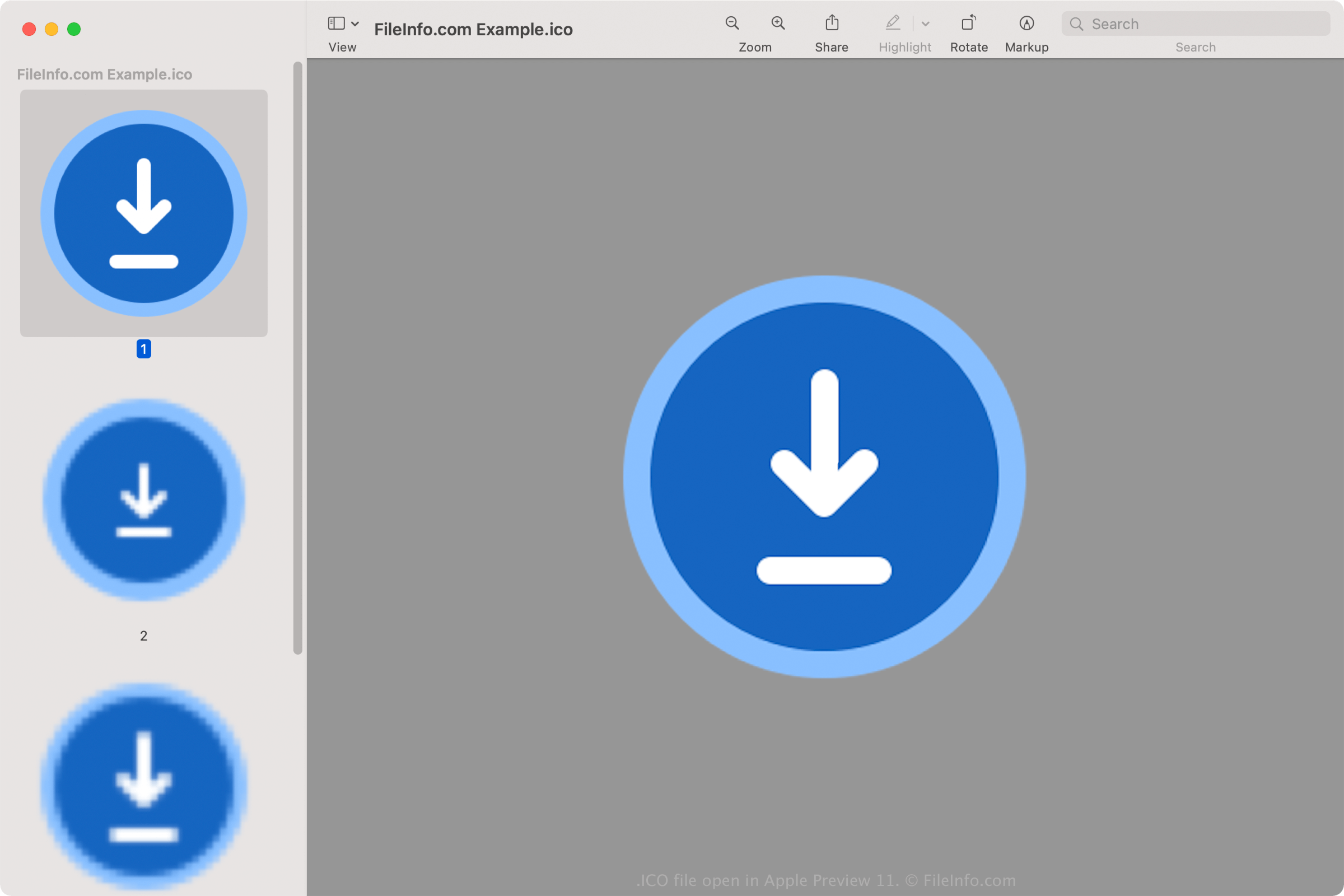
Alle pictogrammen voor uitvoerbare bestanden in Windows worden opgeslagen in de ICO-indeling. Windows-ICO-bestanden bevatten meestal afbeeldingen van 16x16 tot 256x256 pixels. Oudere ICO-bestanden bevatten alleen afbeeldingen tot 48x48 pixels (de afmetingen die Windows eerder aanbeval). De meeste nieuwere pictogrammen bevatten echter afbeeldingen tot 256x256 pixels, zodat ze geschikt zijn voor schermen met een hogere DPI.
Elke afbeelding in een ICO-bestand met een kleurdiepte van minder dan 32 bits bevat twee bitmaps: 1) de AND-bitmap - het afbeeldingsmasker (dat bepaalt welk deel van het pictogram transparant is) en 2) de XOR-bitmap - die het pictogram bevat dat op het afbeeldingsmasker wordt geplaatst. Afbeeldingen met 32-bits kleur zijn 24-bits afbeeldingen met 8-bits kanalen voor alpha-compositing.
Veelvoorkomende .ICO-bestandsnamen
favicon.ico - Bestand dat wordt gebruikt om een klein websitelogo op te slaan. Dit logo kan op verschillende plaatsen in een webbrowser verschijnen, waaronder de adresbalk, de bladwijzer van de website en het tabblad van de webpagina. Als een website een favicon-afbeelding heeft, verschijnt deze links van het webadres wanneer een pagina van de website wordt geladen. Het afbeeldingsbestand favicon.ico moet 16x16 pixels groot zijn en in de hoofdmap van de website worden opgeslagen, zodat de webbrowser het kan herkennen.
Een ICO-bestand openen
Je kunt ICO-bestanden openen met verschillende toepassingen in Windows, macOS, Linux, Android en iOS.
In Windows:
- Microsoft Photos (meegeleverd met Windows)
- Microsoft Paint (meegeleverd met Windows)
- GIMP (multiplatform)
In macOS:
- Apple Preview (meegeleverd met macOS)
- Lemkesoft GraphicConverter (macOS)
- Inkscape (multiplatform)
Andere programma's die ICO-bestanden openen zijn Google Photos (multiplatform), IrfanView en ACD Systems ACDSee Photo Studio.
Een ICO-bestand instellen als pictogram voor een Windows-snelkoppeling
In Windows kun je elk ICO-bestand instellen als pictogram voor een snelkoppeling (zoals een snelkoppeling op het bureaublad). Dit doe je als volgt:
- Klik met de rechtermuisknop op de snelkoppeling.
- Selecteer .
- Ga in het venster naar het tabblad en selecteer .
- Ga in het venster naar je ICO-bestand en selecteer het.
- Klik op .
- Klik in het venster op .
Het ICO-bestand dat je hebt gekozen, wordt vervolgens weergegeven als pictogram van je snelkoppeling.