

.ICNS Bestandsextensie
macOS-pictogramresource
| Ontwikkelaar | Apple |
| Populariteit |
4,2 | 97 stemmen |
Wat is een ICNS-bestand?
Een ICNS-bestand is een pictogram dat wordt gebruikt door een macOS-applicatie. Het bevat een of meer afbeeldingen van verschillende afmetingen, opgeslagen in de .TIFF-indeling. ICNS-bestanden worden voornamelijk gebruikt als applicatiepictogrammen en pictogrammen voor bestandstypen, die in de macOS Finder, op het bureaublad en in het dock verschijnen.
Meer informatie
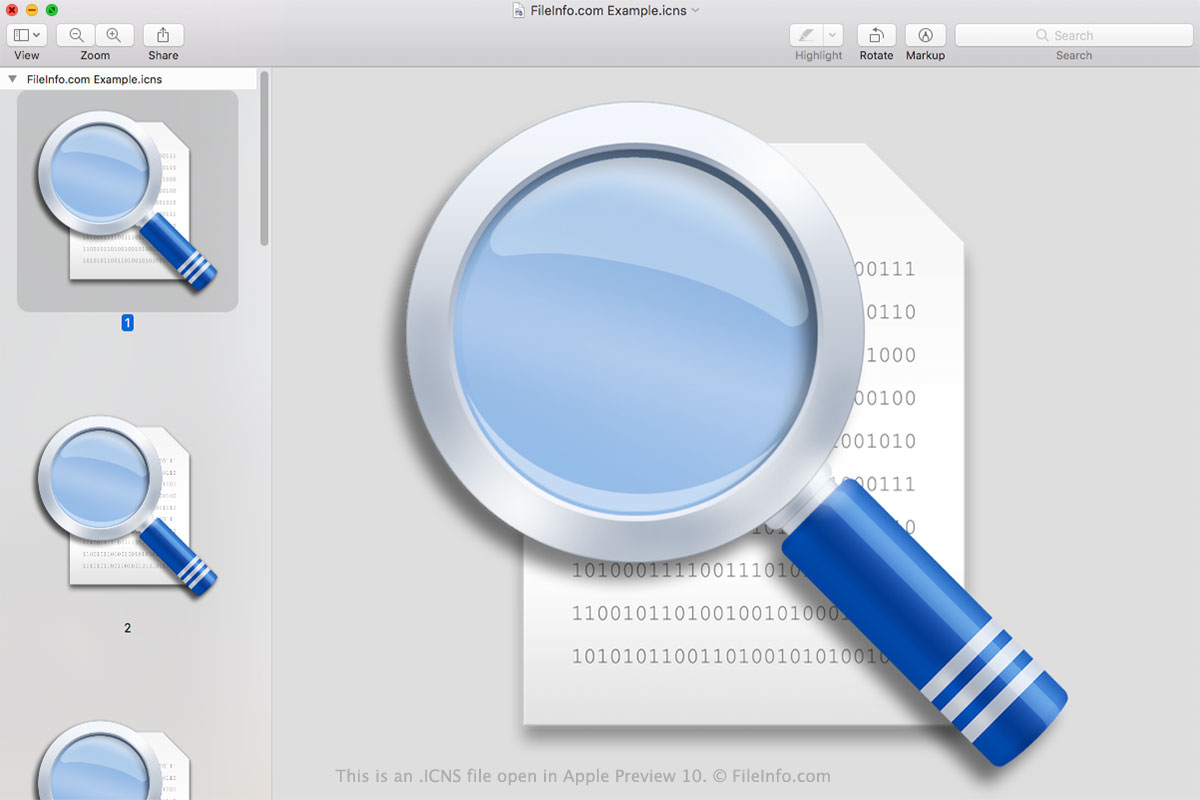
De meeste macOS-applicaties bevatten een herkenbaar pictogram waarmee je het programma snel kunt herkennen in je lijst met applicaties en in Launchpad. Apps gebruiken ook pictogrammen voor bestandstypen waarmee je bestanden kunt herkennen die in die app worden geopend. Deze pictogrammen worden opgeslagen als ICNS-bestanden in de .APP-pakketmap Contents/Resources.
ICNS-bestanden worden gemaakt uit een of meer .PNG-bestanden. Deze bestanden kunnen afmetingen hebben van 16x16, 32x32, 48x48, 128x128, 256x256, 512x512 of 1024x1024 pixels. Door meerdere resoluties in een ICNS-bestand op te slaan, kan macOS het pictogram op verschillende formaten correct weergeven. Om een ICNS-bestand te maken, doen ontwikkelaars het volgende:
- Maak een map met de extensie .ICONSET.
- Plaats hun PNG-afbeeldingen, met bestandsnamen in de indeling icon_16x16.png, in de map.
- Gebruik de Terminal-opdracht iconutil -c icns path/to/iconset/folder om het ICNS-bestand te maken.
Het .PLIST-bestand van een applicatie (Info.plist) verwijst naar de ICNS-bestanden met de eigenschap CFBundleIconFile.
OPMERKING: ICNS-bestanden lijken op .ICO-bestanden (Windows-pictogrammen).
Een ICNS-bestand openen
Je kunt een ICNS-bestand openen in Apple Preview (macOS), XnViewMP (multiplatform) of Inkscape (multiplatform). Apple Preview toont alle afbeeldingen die je ICNS-bestand bevat; de andere programma's doen dat niet.
Een ICNS-bestand converteren
Je kunt Apple Preview of Snap Converter gebruiken om ICNS-bestanden naar andere indelingen te converteren. Apple Preview kan de afbeeldingen in een ICNS-bestand bijvoorbeeld converteren naar de volgende indelingen:
- .HEIC - High-Efficiency Image Compression
- .JPEG - JPEG-afbeelding
- .JPX - JPEG 2000-afbeelding
- .EXR - OpenEXR-afbeelding
- .PDF - Portable Document Format
- .PNG - Portable Network Graphic
- .TIFF - Tagged Image File Format
In Apple Preview moet je de afbeeldingen in een ICNS-bestand afzonderlijk converteren. In Snap Converter kun je alle afbeeldingen in een ICNS-bestand tegelijk uitpakken en converteren.