

.ICNS Extension de fichier
Ressource d’icône macOS
| Développeur | Apple |
| Popularité |
4,2 | 97 Votes |
Qu'est-ce qu'un fichier ICNS ?
Un fichier ICNS est une icône utilisée par une application macOS. Il contient une ou plusieurs images de tailles variables, enregistrées au format .TIFF. Les fichiers ICNS sont principalement utilisés comme icônes d’application et icônes de type de fichier, qui apparaissent dans le Finder, sur le bureau et dans le Dock de macOS.
Plus d'informations
La plupart des applications macOS incluent une icône d’identification qui permet de reconnaître rapidement le programme dans la liste des applications et le Launchpad. Les applications utilisent également des icônes de type de fichier qui permettent d’identifier les fichiers qui s’ouvriront dans cette application. Ces icônes sont enregistrées dans des fichiers ICNS, stockés dans le répertoire Contents/Resources du paquet .APP.
Les fichiers ICNS sont créés à partir d’un ou plusieurs fichiers .PNG. Ces fichiers peuvent avoir les dimensions suivantes : 16x16, 32x32, 48x48, 128x128, 256x256, 512x512 ou 1024x1024 pixels. Le stockage de plusieurs résolutions dans un fichier ICNS permet à macOS d’afficher correctement l’icône à différentes tailles. Pour créer un fichier ICNS, les développeurs :
- Créent un dossier utilisant l’extension .ICONSET.
- Plac ent leurs images PNG, en utilisant des noms de fichiers au format icon_16x16.png, dans le dossier.
- Utilisent la commande Terminal iconutil -c icns path/to/iconset/folder pour créer le fichier ICNS.
Le fichier .PLIST d’une application (Info.plist) référence ses fichiers ICNS à l’aide de la propriété CFBundleIconFile.
REMARQUE : Les fichiers ICNS sont similaires aux fichiers .ICO (icônes Windows).
Comment ouvrir un fichier ICNS
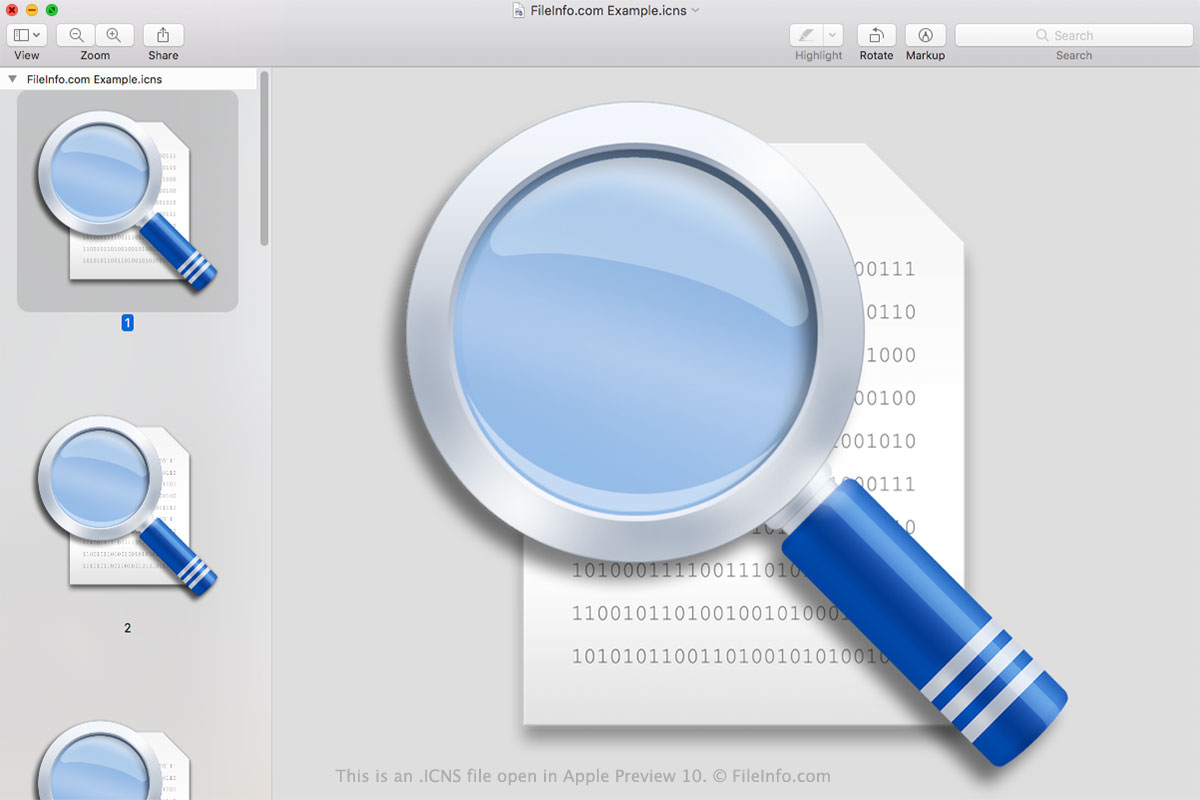
Vous pouvez ouvrir un fichier ICNS dans Apple Preview (macOS), XnViewMP (multiplateforme) ou Inkscape (multiplateforme). Apple Preview affiche toutes les images contenues dans votre fichier ICNS ; les autres programmes ne les affichent pas.
Comment convertir un fichier ICNS
Vous pouvez utiliser Apple Preview ou Snap Converter pour convertir des fichiers ICNS dans d’autres formats. Par exemple, Apple Preview peut convertir les images contenues dans un fichier ICNS dans les formats suivants :
- .HEIC - Compression d’image haute efficacité
- .JPEG - Image JPEG
- .JPX - Image JPEG 2000
- .EXR - Image OpenEXR
- .PDF - Format de document portable
- .PNG - Image PNG portable
- .TIFF - Format de fichier d’image balisé
Dans Apple Preview, vous devez convertir individuellement les images contenues dans un fichier ICNS. Dans Snap Converter, vous pouvez extraire et convertir en une seule fois toutes les images contenues dans un fichier ICNS.