

.ICO Extension de fichier
Fichier d’icône
| Développeur | Microsoft |
| Popularité |
4,1 | 137 Votes |
Qu'est-ce qu'un fichier ICO ?
Un fichier ICO contient une icône, généralement utilisée pour représenter un programme, un fichier ou un dossier Windows. Il stocke une ou plusieurs images de différentes tailles afin qu’elles puissent être mises à l’échelle de manière appropriée selon leur utilisation. Les fichiers ICO sont similaires aux fichiers .CUR, également utilisés sous Windows, et aux fichiers .ICNS, utilisés sous macOS.
Plus d'informations
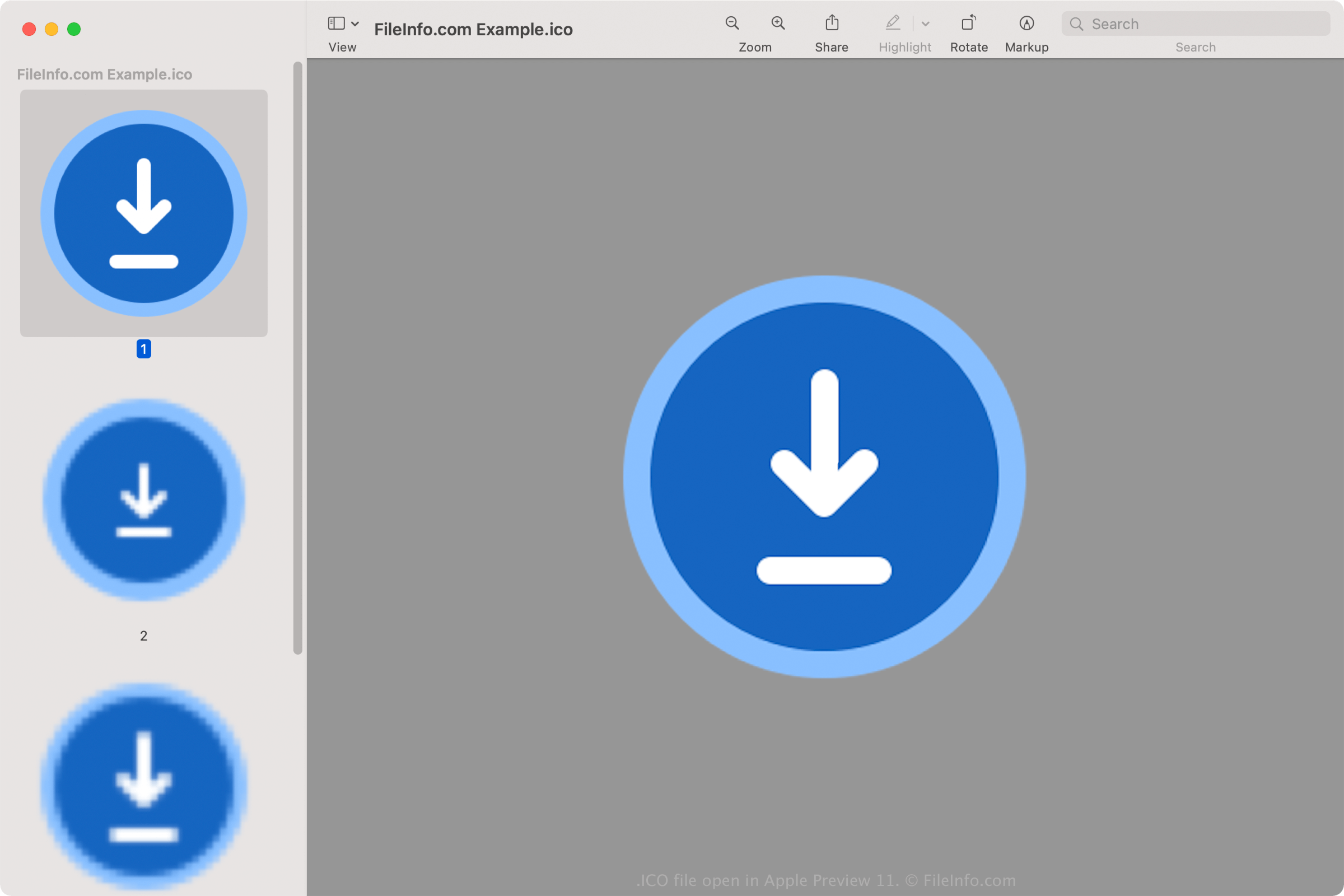
Toutes les icônes des fichiers exécutables sous Windows sont enregistrées au format ICO. Les fichiers ICO Windows stockent généralement des images allant de 16x16 à 256x256 pixels. Les anciens fichiers ICO incluent uniquement des images allant jusqu’à 48x48 (les dimensions précédemment recommandées par Windows). Cependant, la plupart des icônes récentes stockent des images allant jusqu’à 256x256 afin de prendre en charge les écrans ayant uneDPI plus élevée.
Chaque image d’un fichier ICO ayant une profondeur de couleur inférieure à 32 bits stocke deux bitmaps : 1. le bitmap AND — le masque de l’image (qui détermine quelle partie de l’icône est transparente) et 2. le bitmap XOR — contient l’icône qui est appliquée au masque de l’image. Les images avec 32 bits de couleur sont des images 24 bits avec des canaux de 8 bits pour la composition alpha.
Noms de fichiers .ICO courants
favicon.ico - Fichier utilisé pour stocker le petit logo d’un site web, qui peut apparaître à différents endroits d’un navigateur web, notamment dans la barre d’adresse, dans le site web signet et dans la page web onglet. Si un site web possède une image favicon, celle-ci apparaîtra à gauche de l’adresse web lors du chargement d’une page du site. Le fichier image favicon.ico doit mesurer 16x16 pixels et être stocké dans le répertoire racine du site web pour que le navigateur web puisse le reconnaître.
Comment ouvrir un fichier ICO
Vous pouvez ouvrir des fichiers ICO avec diverses applications sous Windows, macOS, Linux, Android et iOS.
Sous Windows :
- Microsoft Photos (fourni avec Windows)
- Microsoft Paint (fourni avec Windows)
- GIMP (multiplateforme)
Sous macOS :
- Apple Preview (fourni avec macOS)
- Lemkesoft GraphicConverter (macOS)
- Inkscape (multiplateforme)
Parmi les autres programmes qui ouvrent les fichiers ICO figurent Google Photos (multiplateforme), IrfanView et ACD Systems ACDSee Photo Studio.
Comment définir un fichier ICO comme icône de raccourci Windows
Sous Windows, vous pouvez définir n’importe quel fichier ICO comme icône d’un raccourci (par exemple, un raccourci sur le bureau). Pour cela :
- Cliquez avec le bouton droit sur le raccourci.
- Sélectionnez .
- Dans la fenêtre , accédez à l’onglet et sélectionnez .
- Dans la fenêtre , accédez à votre fichier ICO et sélectionnez-le.
- Cliquez sur .
- Dans la fenêtre , cliquez sur .
Le fichier ICO choisi apparaîtra alors comme icône de votre raccourci.