

.ICO Dateiendung
Symbol-Datei
| Entwickler | Microsoft |
| Beliebtheit |
4,1 | 137 Stimmen |
Was ist eine ICO-Datei?
Eine ICO-Datei enthält ein Symbol, das normalerweise zur Darstellung eines Windows-Programms, einer Datei oder eines Ordners verwendet wird. Sie speichert ein oder mehrere Bilder in verschiedenen Größen, damit diese je nach Verwendungszweck passend skaliert werden können. ICO-Dateien ähneln .CUR-Dateien, die ebenfalls unter Windows verwendet werden, sowie .ICNS-Dateien, die unter macOS verwendet werden.
Weitere Informationen
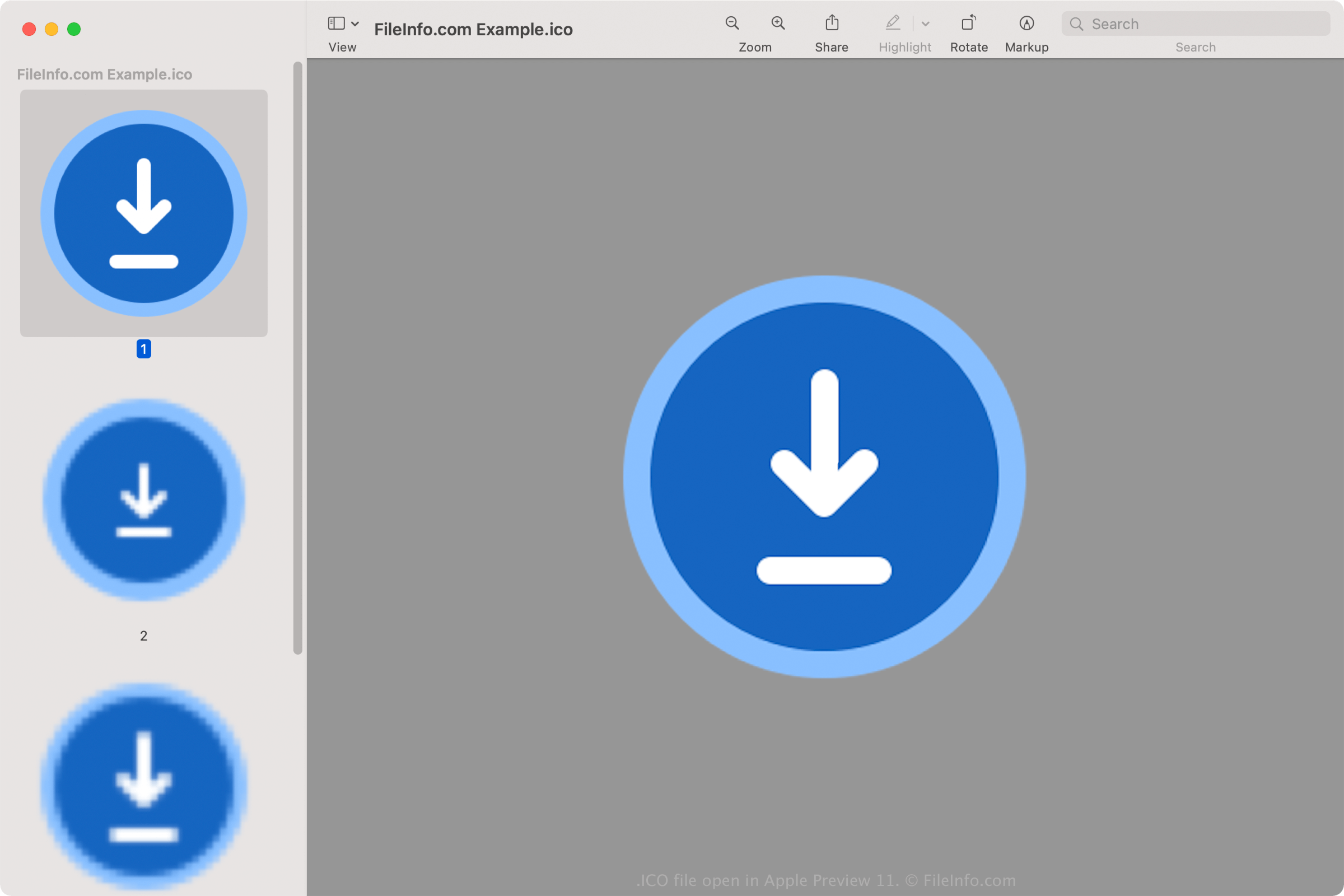
Alle Symbole für ausführbare Dateien unter Windows werden im ICO-Format gespeichert. Windows-ICO-Dateien speichern normalerweise Bilder mit einer Größe von 16x16 bis 256x256 Pixeln. Ältere ICO-Dateien enthalten nur Bilder bis zu einer Größe von 48x48 Pixeln (der von Windows zuvor empfohlenen Abmessung). Die meisten neueren Symbole speichern jedoch Bilder bis zu einer Größe von 256x256 Pixeln, um Bildschirme mit höherer DPI zu unterstützen.
Jedes Bild in einer ICO-Datei mit einer Farbtiefe von weniger als 32 Bit speichert zwei Bitmaps: 1. die AND-Bitmap – die Bildmaske (sie legt fest, welcher Teil des Symbols transparent ist) und 2. die XOR-Bitmap – sie enthält das Symbol, das auf die Bildmaske gelegt wird. Bilder mit 32 Bit Farbe sind 24-Bit-Bilder mit 8-Bit-Kanälen für die Alphakomposition.
Häufige .ICO-Dateinamen
favicon.ico - Datei zum Speichern eines kleinen Website-Logos, das an verschiedenen Stellen eines Webbrowsers angezeigt werden kann, unter anderem in der Adressleiste, auf der Website Lesezeichen und auf der Webseite Tab. Wenn eine Website ein Favicon-Bild besitzt, wird es links neben der Webadresse angezeigt, sobald eine beliebige Seite der Website geladen wird. Die favicon.ico-Bilddatei muss 16x16 Pixel groß sein und im Stammverzeichnis der Website gespeichert werden, damit der Webbrowser sie erkennt.
So öffnen Sie eine ICO-Datei
Sie können ICO-Dateien mit verschiedenen Anwendungen unter Windows, macOS, Linux, Android und iOS.
Unter Windows:
- Microsoft Photos (im Lieferumfang von Windows enthalten)
- Microsoft Paint (im Lieferumfang von Windows enthalten)
- GIMP (plattformübergreifend)
Unter macOS:
- Apple Preview (im Lieferumfang von macOS enthalten)
- Lemkesoft GraphicConverter (macOS)
- Inkscape (plattformübergreifend)
Weitere Programme, die ICO-Dateien öffnen, sind Google Photos (plattformübergreifend), IrfanView und ACD Systems ACDSee Photo Studio.
So legen Sie eine ICO-Datei als Symbol für eine Windows-Verknüpfung fest
Unter Windows können Sie jede ICO-Datei als Symbol für eine Verknüpfung festlegen (beispielsweise für eine Desktopverknüpfung). Gehen Sie dazu folgendermaßen vor:
- Klicken Sie mit der rechten Maustaste auf die Verknüpfung.
- Wählen Sie .
- Öffnen Sie im Fenster die Registerkarte und wählen Sie .
- Navigieren Sie im Fenster zu Ihrer ICO-Datei und wählen Sie sie aus.
- Klicken Sie auf .
- Klicken Sie im Fenster auf .
Die von Ihnen ausgewählte ICO-Datei wird anschließend als Symbol Ihrer Verknüpfung angezeigt.