.ICO 文件扩展名
Icon File
| 开发者 | Microsoft |
| 受欢迎程度 |
4.1 | 136 票 |
什么是 ICO 文件?
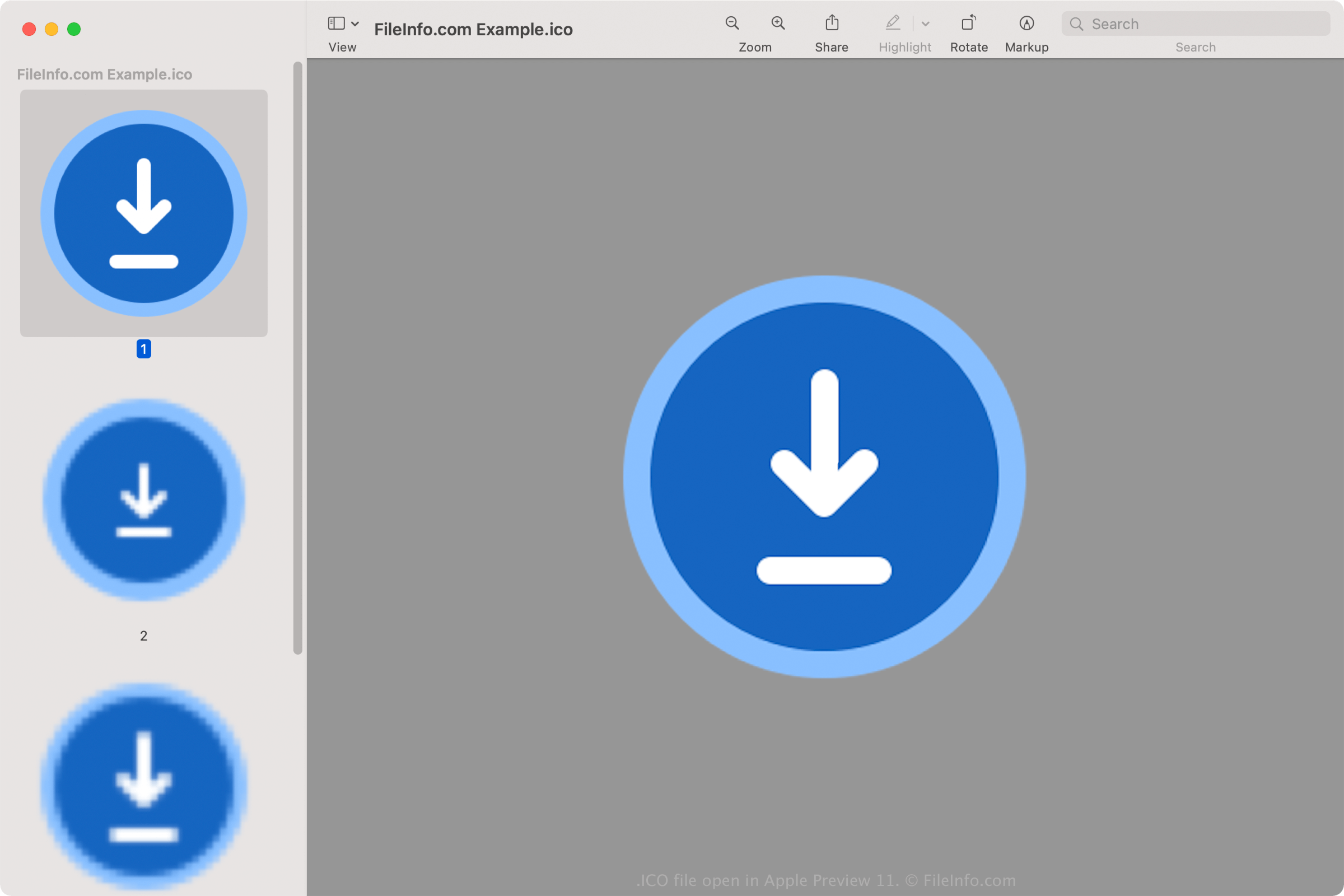
An ICO file contains an icon, which is typically used to represent a Windows program, file, or folder. It stores one or more images in various sizes so they can be appropriately scaled depending on their use. ICO files are similar to .CUR files, which are also used in Windows, and .ICNS files, which are used in macOS.
更多信息
All icons for executable files in Windows are saved in the ICO format. Windows ICO files typically store images ranging from 16x16 to 256x256 pixels. Older ICO files only include images up to 48x48 (the dimensions Windows previously recommended). However, most newer icons store images up to 256x256 to accommodate screens with higher DPI.
Each image in an ICO file with less than 32 bits of color depth stores two bitmaps: 1) the AND bitmap - the image mask (which determines what part of the icon is transparent) and 2) the XOR bitmap - contains the icon which is mapped onto the image mask. Images with 32 bits of color are 24-bit images with 8-bit channels for alpha compositing purposes.
常见 .ICO 文件名
favicon.ico - File used to store a small website logo that may appear in various areas of a web browser, including the address bar, website bookmark, and webpage tab. If a website has a favicon image, it will appear to the left of the web address when any page of the website is loaded. The favicon.ico image file must be 16x16 pixels and stored in the root directory of the website in order for the web browser to recognize it.
如何打开 ICO 文件
You can open ICO files with various applications in Windows, macOS, Linux, Android, and iOS.
In Windows:
- Microsoft Photos (bundled with Windows)
- Microsoft Paint (bundled with Windows)
- GIMP (multiplatform)
In macOS:
- Apple Preview (bundled with macOS)
- Lemkesoft GraphicConverter (macOS)
- Inkscape (multiplatform)
Other programs that open ICO files include Google Photos (multiplatform), IrfanView, and ACD Systems ACDSee Photo Studio.
How to set an ICO file as a Windows shortcut icon
In Windows, you can set any ICO file as the icon for a shortcut (such as a desktop shortcut). To do so:
- Right-click the shortcut.
- Select Show more options → Properties.
- In the Shortcut Properties window, go to the Shortcut tab and select Change Icon... .
- In the Change Icon window, navigate to and select your ICO file.
- Click OK.
- In the Shortcut Properties window, click OK.
The ICO file you chose will then appear as your shortcut's icon.