

.DRP Dateiendung
DaVinci Resolve-Projekt
| Entwickler | Blackmagic Design |
| Beliebtheit |
3,8 | 21 Stimmen |
Was ist eine DRP-Datei?
Eine DRP-Datei ist eine von Blackmagic Design DaVinci Resolve erstellte Projektdatei. DaVinci Resolve ist ein Programm zur Videobearbeitung und Farbkorrektur. Sie enthält Daten, mit denen ein Videobearbeitungsprojekt in Resolve geladen wird, sowie die Eigenschaften des Projekts. DRP-Dateien enthalten nicht direkt Video-, Audio- oder andere Mediendateien. Stattdessen enthalten sie Verweise auf die Mediendateien, die ein Projekt umfasst.
Weitere Informationen
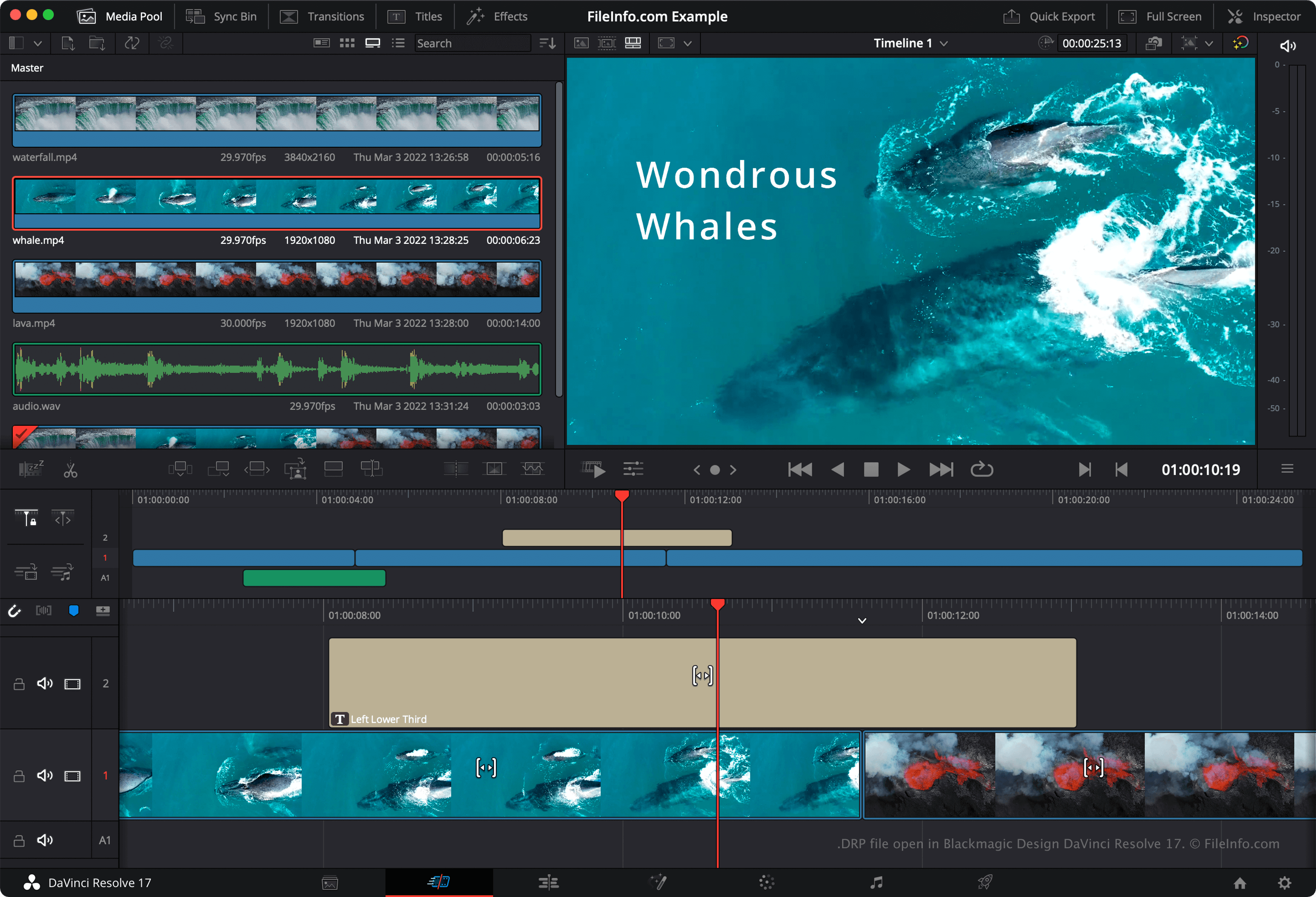
DaVinci Resolve ist ein beliebtes kostenloses Videobearbeitungsprogramm. Es ermöglicht Benutzern, Video-, Audio- und Bilddateien zu kombinieren, übereinanderzulegen, zu schneiden und mit Effekten zu versehen, bevor die Dateien zu einem fertigen, gerenderten Video zusammengeführt werden.
Standardmäßig speichert DaVinci Resolve die Videobearbeitungsprojekte der Benutzer nicht in einer einzelnen Datei. Stattdessen speichert es die Konfigurationsdateien, aus denen ein Projekt besteht, im Installationsverzeichnis von Resolve. Wenn Sie jedoch manuell eine Sicherungskopie eines Projekts erstellen möchten, können Sie das Projekt als DRP-Datei exportieren. Dazu wählen Sie in der Menüleiste von Resolve aus.
HINWEIS: Wenn Sie Ihr Projekt als DRP-Datei speichern, beachten Sie, dass Sie auch Kopien der Mediendateien aufbewahren müssen, die Ihr Projekt enthält, da DRP-Dateien nur eine Aufzeichnung der Zeitleiste, Bearbeitungen und Einstellungen eines Projekts enthalten.
So öffnen Sie eine DRP-Datei
Sie können eine DRP-Datei in Blackmagic Design DaVinci Resolve (plattformübergreifend) öffnen, indem Sie in der Menüleiste des Programms auswählen. Wenn Sie Ihr Projekt bearbeiten und Ihre Änderungen sichern möchten, müssen Sie das Projekt erneut als neue DRP-Datei exportieren.
So konvertieren Sie eine DRP-Datei
Programme, die .DRP-Dateien öffnen
DrawPad-Bildprojekt
| Entwickler | NCH Software |
| Beliebtheit |
2,8 | 4 Stimmen |
Eine DRP-Datei ist eine Bildprojektdatei, die mit NCH Software DrawPad erstellt wurde, einer für Windows und macOS verfügbaren Grafikdesign-Anwendung. Sie enthält Daten, die zum Anzeigen der Formen, Texte, Bilder und anderen Ebenen verwendet werden, aus denen ein DrawPad-Bild besteht. DRP-Dateien können verwendet werden, um Bilder als .PNG, .JPG, .BMP, .ICO, .SVG, .PDF und .EPS-Dateien zu exportieren.
Weitere Informationen
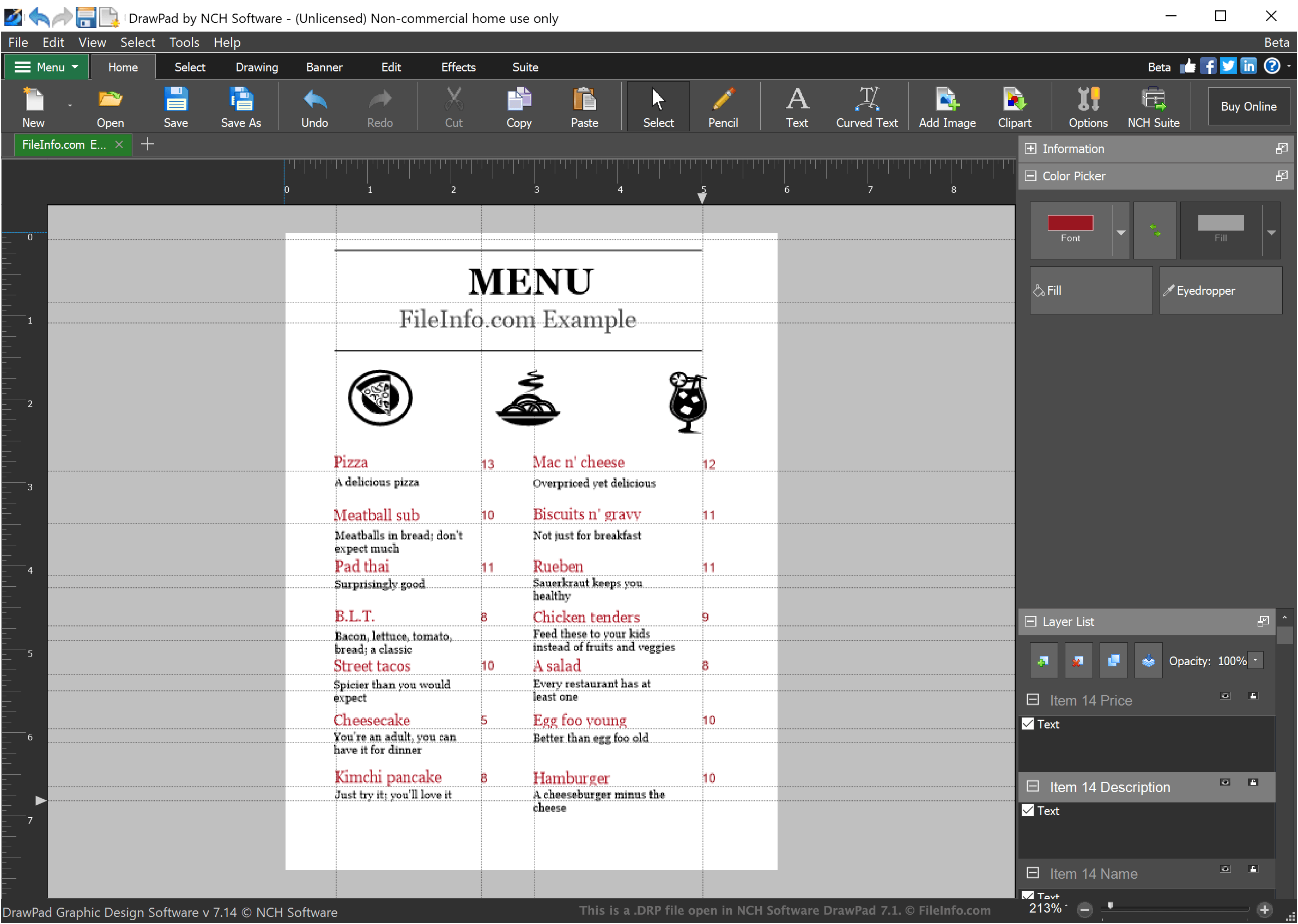
DrawPad ist ein einfaches Grafikdesign-Programm, mit dem Designer einfache ebenenbasierte Bilder erstellen können. In DrawPad erstellte Bilder können beliebig viele Ebenen enthalten, von denen jede stilisierten Text, Zeichnungen oder importierte Bilder enthalten kann.
Wenn ein Designer ein Bildprojekt in DrawPad speichert, wird das Projekt als DRP-Datei gespeichert. DRP-Dateien können nur in DrawPad geöffnet werden. Designer können DrawPad jedoch verwenden, um das Bild, das ihre DRP-Datei enthält, als PNG, JPG oder einen anderen Bilddateityp zu exportieren.
So öffnen Sie eine DRP-Datei
Sie können DRP-Dateien (DrawPad-Bildprojekte) in NCH Software DrawPad (Windows, macOS) öffnen. Um eine DRP-Datei in DrawPad zu öffnen, wählen Sie in der Menüleiste des Programms. Navigieren Sie anschließend zu Ihrer DRP-Datei und öffnen Sie sie.